- Get Started
- Video Tutorials
- Knowledge Base
- FAQs & Troubleshooting
If the Order "Out of Stock", how to turn to "To-Ship" Status?
Updated on 27 Jan,2026Copy Link
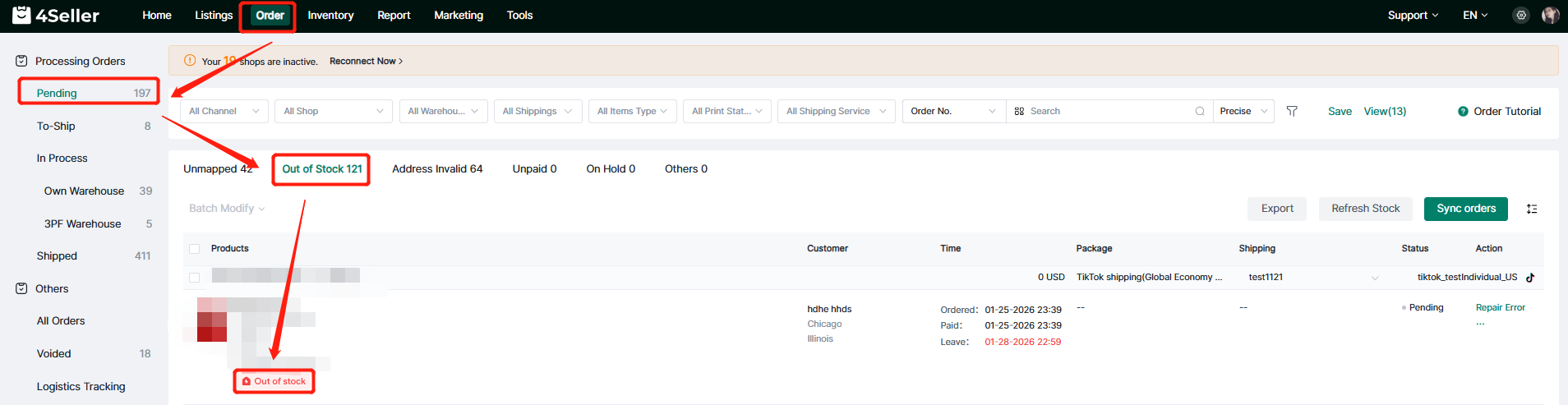
In 4Seller, if the orders are "Out of Stock", you can refer below 2 methods turn to "To-Ship"Status.

Method One: Click "Out of Stock"


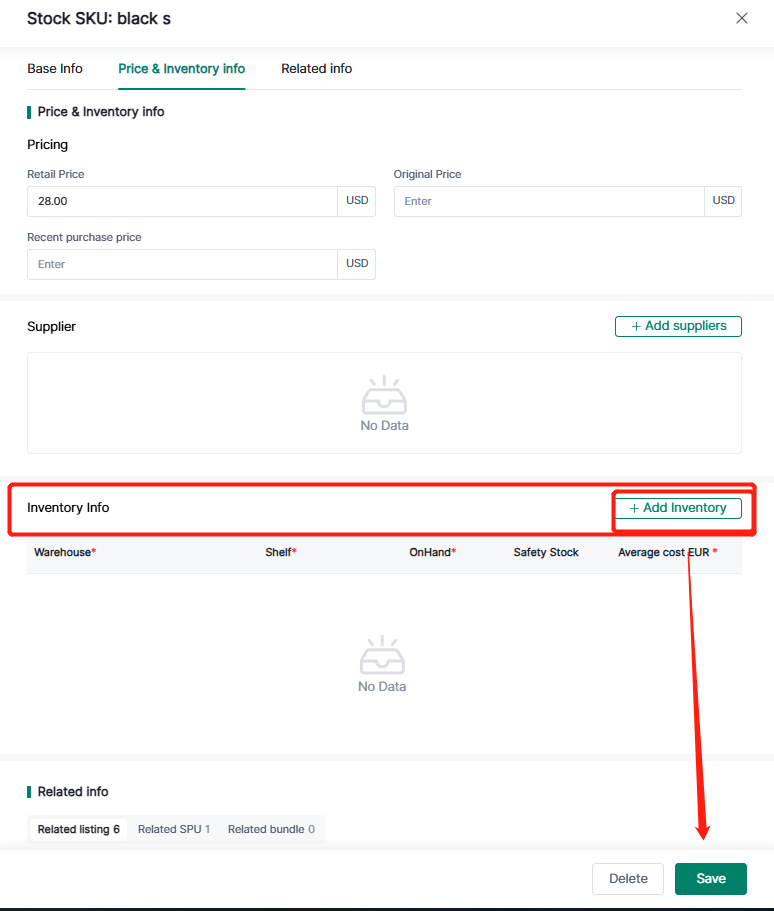
If it's a proprietary warehouse, you'll be redirected to the inventory addition page to add inventory, click "Save".


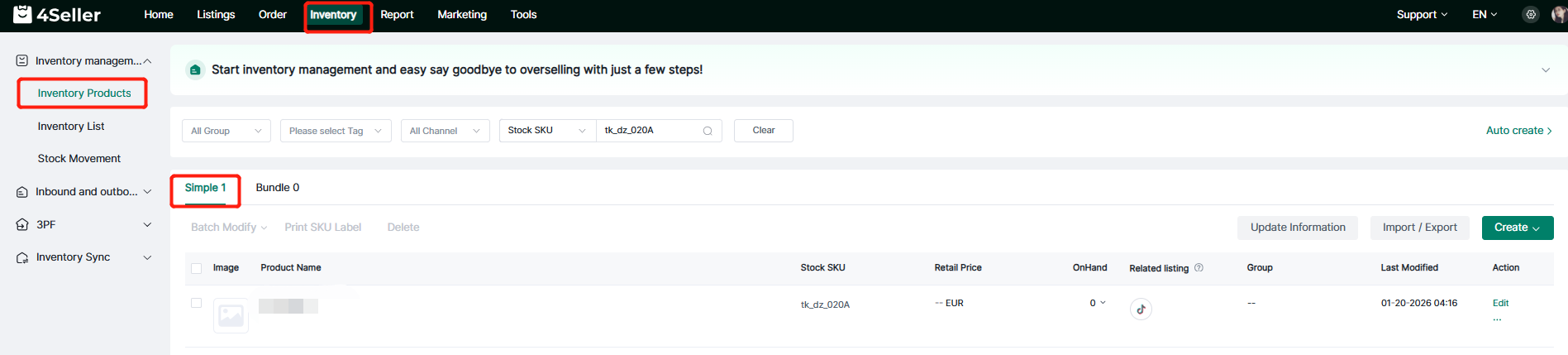
If it's a third-party warehouse, you'll be redirected to the SImple product page to view inventory, adding inventory requires manually adding it from the third-party warehouse.


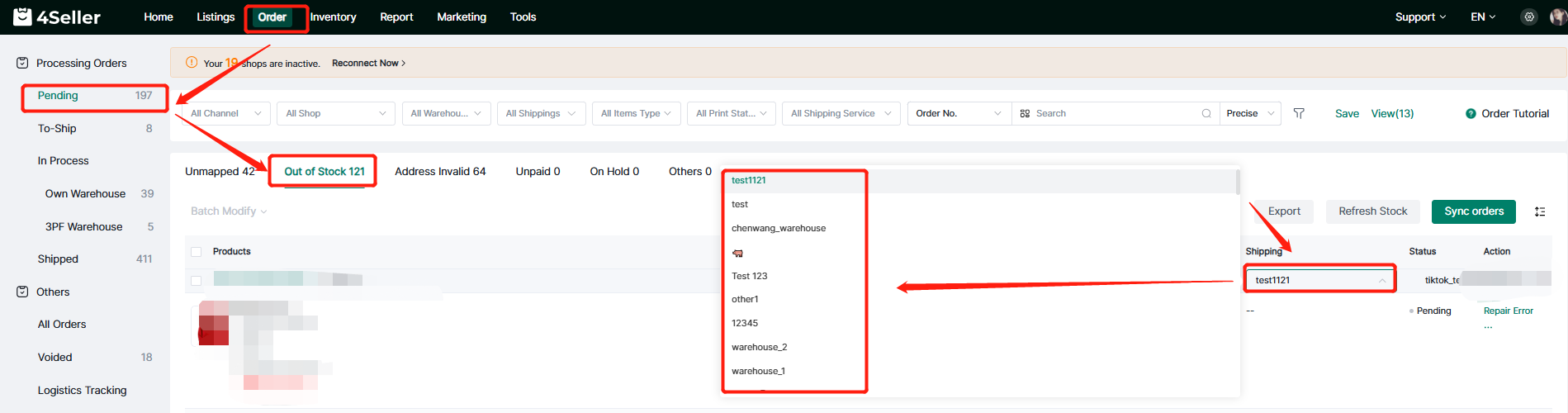
Method two: Change Warehouse

If the stock sku not just in one warehouse, you can switch to a warehouse with inventory.


Back to top