-
Many sellers expanding from Amazon FBA to TikTok Shop, Shopify, and Temu eventually hit the same "invisible wall": front-end sales are skyrocketing, but the back-end fulfillment process is a total mess.
Just processing orders across different platforms, syncing inventory, and calculating profit margins can drain an operations team's energy every single day. At this stage, leveraging Amazon MCF (Multi-Channel Fulfillment) to unify shipping becomes the default choice for almost everyone. However, after learning the hard way, many sellers realize that what truly determines whether this model runs smoothly or holds you back isn't MCF itself—it's the tool you use to "drive" it.
Addressing this core pain point, Pipe17 and 4Seller offer solutions from two entirely different dimensions. This isn't just a simple feature comparison; it's a fundamental difference in underlying business logic.
1. Multi-System Switching Slows Down MCF Fulfillment
Pipe17 is fundamentally positioned as a connector. What it excels at is routing orders from one system to another and bringing the results back. You can think of it as a highly efficient pipeline that connects Shopify, Amazon MCF, WMS, accounting software, listing tools, return management systems, and even more complex enterprise-grade components.
This architecture is incredibly valuable for large organizations because it allows different systems to focus on what they do best, stitched together by Pipe17. But precisely because of this, your business operations are inherently fragmented across multiple platforms. Product management, inventory tracking, fulfillment execution, and profit analysis are often scattered across different tools. Completing a single workflow requires bouncing back and forth between multiple dashboards.
Let's look at a very real scenario: One day, a SKU starts blowing up on TikTok Shop, but you realize the profit margin is too thin and want to adjust the price immediately. You have to go to your listing system (like Feedonomics) to change the price ➔ confirm if it synced ➔ check Pipe17 to ensure orders are still flowing ➔ go to your inventory system to verify stock levels ➔ and finally log into your 3PL (Amazon MCF) to ensure no orders were mis-shipped.
There’s nothing technically "wrong" with this process, but it is completed in disjointed stages. Each system does its part perfectly, but there is no single place to get a "big picture" view. While Pipe17 has incredibly strong connective capabilities suitable for multi-system synergy, this constant "context switching" constantly disrupts your operational rhythm in day-to-day management.
4Seller's logic is the exact opposite. Instead of trying to be a connector, it consolidates these capabilities into a single, unified system. Products, inventory, orders, fulfillment, and even profit data all operate within the same ecosystem. This brings a critical shift: when making MCF fulfillment decisions, you are no longer relying on pieced-together data from various sources, but on a real-time, unified data view. This all-in-one structure fundamentally shortens the path from decision to execution.
2. Overly Complex Rules Can Easily Jam Peak Season Orders
When using MCF, Pipe17’s setup feels more like it was built for engineers. You have to build a rigorous set of rules yourself: what conditions trigger MCF, which warehouse to route from, and how to split shipments. In day-to-day operations, this absolute flexibility often turns into a disaster. Once peak season hits with a massive surge of concurrent orders, or if two of your custom rules conflict, orders get stuck in limbo. Troubleshooting this is incredibly time-consuming; you have to dig through system logs and check API statuses, all while front-end customers are already demanding their tracking numbers.
In contrast, a seller's true pain point isn't "the inability to customize rules," but rather "system instability and proneness to errors." 4Seller hits the nail on the head here by hardwiring numerous complex edge cases into default "best practices." You only need to complete the simplest authorization and SKU matching, then flip the switch for auto-fulfillment. From there, the system automatically closes the loop in the background—pushing orders to MCF, syncing tracking numbers, and updating order statuses. Sellers don't need to be IT experts; they just need a stable system that won't throw errors and quietly gets the job done.
3. Slow Amazon MCF AFTN Sync: Order Delays Can Ruin Store Ratings
For sales channels like TikTok Shop, the speed of tracking sync is practically a lifeline. Whether an order uploads its tracking information on time directly impacts your store performance metrics.
Pipe17 can definitely get the job done here. After an order is pushed to Amazon MCF, the tracking info is routed back to the original platform via Pipe17. The entire process is connected, but it is fundamentally an asynchronous, cross-system workflow. This means data has to flow through multiple nodes, and every additional node introduces another layer of potential latency and uncertainty.
4Seller’s approach is much closer to a closed-loop system. Order fetching, MCF pushing, and tracking syncing all happen within the same platform without extra intermediary jumps. This structure isn't just "faster"; more importantly, it minimizes the discrepancies that can occur when data is translated between different systems.
Especially when dealing with Amazon's unique AFTN (Amazon Fulfillment Tracking Number) format, this closed-loop path effectively mitigates the risks associated with formatting mismatches or sync delays.
4. Lagging Inventory Sync Leads to Instant Overselling During Sales Spikes
For sellers truly running multi-channel operations, inventory is never just a "number to glance at"—it's the core variable that dictates whether an order can be successfully shipped.
When using Pipe17, inventory is often scattered across multiple systems: Amazon FBA holds one set of data, your local warehouse/WMS holds another, and your ERP might hold a third. During daily operations, you have to bounce between these systems to confirm if inventory matches, if there's sufficient stock left, or if you need to switch fulfillment methods.
The problem is that this "fragmented management" might barely hold up during normal, low-volume periods, but it spirals out of control the moment you experience a sales spike.
A classic scenario: A SKU suddenly takes off on TikTok, and orders flood in over a short period. However, your inventory sync is still stuck in the previous cycle. You think you have stock, and the system keeps accepting orders, but FBA is actually on the verge of stockout. Your local warehouse fails to step in on time, and just like that, you've oversold.
Under a multi-system architecture like Pipe17's, this issue is incredibly hard to catch in real time. Inventory changes must first sync across various systems, after which rules must evaluate whether to reroute fulfillment. Every step in this chain has latency. Once the data pipeline gets even slightly extended, the risk of overselling is magnified.
4Seller handles this completely differently. It consolidates inventory from Amazon, TikTok, Shopify, Temu, and other channels into a single system, achieving second-level synchronization. Inventory is no longer just a passive data display; it becomes a dynamic trigger that directly drives fulfillment actions.
For instance, when your local warehouse stock drops to a set threshold, the system can automatically switch to Amazon MCF. When FBA inventory is replenished, it can automatically revert to the original fulfillment path. The entire process requires zero manual intervention and no cross-system validation.
The fundamental shift here is that you no longer need to "babysit your inventory"—you let the inventory drive the decision-making itself. When multiple platforms blow up simultaneously, this capability is often the key to avoiding stockouts and ensuring seamless fulfillment.
5. Enterprise-Grade Tools Give Lean Teams a Headache
Pipe17 is more like a cure for "large enterprise syndrome." It is perfectly suited for massive, traditional companies burdened with legacy tech debt and highly complex ERP and WMS setups, who simply need a tool to stitch it all together.
But for sellers currently fighting on the front lines of TikTok, Shopify, and Temu, the team's core focus must remain on product selection and driving traffic. You need an out-of-the-box weapon that quickly maximizes the leverage of FBA—not a massive, fragile IT project that takes months to deploy. 4Seller is tailor-made for these agile operation teams that need to "travel light and deliver results fast."
6. How Much Time and Trial-and-Error Have You Wasted Trying to Figure Out MCF?
Finally, we have to talk about the elephant in the room that many reviews avoid: pricing and customer support.
If you go to Pipe17's website, you won't find transparent pricing. You have to fill out forms, book meetings, sit through sales demos, and only after a systematic evaluation of your order volume will they give you a quote. This "mystery box" pricing is extremely unfriendly to sellers. Imagine spending two or three weeks aligning requirements with a sales team, only to discover the base monthly fee is outrageously high, or the tiered pricing based on API calls is incredibly harsh. For teams urgently needing to validate their profit models, this isn't just a financial bottomless pit; it's a fatal waste of time.
Looking at 4Seller, it not only achieves radical simplicity in its software but also offers a level of service that simply outclasses the competition. Multi-language support breaks down communication barriers, and more importantly, they provide free, 24/5 one-on-one dedicated customer service. They will even jump on remote screen-share calls to walk you through roadblocks step-by-step. When you hit an order sync error in the middle of the night, would you rather submit a support ticket and wait indefinitely for a generic email reply, or have a knowledgeable, multi-lingual expert troubleshoot with you live online? The answer is obvious.
Conclusion
If we had to summarize the difference in one sentence, it would be this: Pipe17 solves "how to connect systems," while 4Seller solves "how to execute business faster." The former makes complex architectures manageable, while the latter shortens the path of execution.
While Pipe17 remains incredibly powerful in terms of enterprise-level capabilities and system scalability, for the vast majority of sellers looking to fulfill multi-channel orders via Amazon MCF, 4Seller Easy MCF is the better fit. Through its all-in-one structure and automated closed-loop system, it compresses actions that normally require cross-system hopping into a single, intuitive dashboard.
In an increasingly fast-paced e-commerce environment, this "shorter pipeline" is often the true key to determining whether you can sustainably scale your order volume.
Free multilingual 24/5 remote 1-on-1 meeting booking [Link]
For reference: [Easy MCF user guide] 【4Seller X Amazon MCF Introduction】
Contact us: [WhatsApp] / [LinkedIn] / [Instagram] / [Facebook] / [E-mail: support@4seller.com]
Joline - 30 Mar,2026
Many new sellers moving from Amazon to TikTok Shop, or trying to use FBA inventory to fulfill TikTok orders, are running into the exact same problem lately: traffic is coming in, orders are picking up fast, but fulfillment is where things start to break down. One wrong step can lead to policy violations, account health issues, penalty points, or even store suspension.
That is exactly why MCF has become almost a standard solution. But the real question is not whether you should use MCF. The real question is which tool you should use.
At first glance, both legacy systems like Goflow and newer fast-growing platforms like 4Seller seem capable of connecting with Amazon MCF fulfillment. But once you get into real operations, the difference becomes obvious very quickly. This is not just about whether a tool can fulfill orders. It is about whether you can run fulfillment in a stable, scalable, and low-risk way.
1. Plug-and-play vs. deep configuration
Goflow’s underlying logic is very typical of an engineering-driven system. You need to define warehouse priorities, segment regions, and set fallback rules so the system knows which warehouse to use and which route to follow under different conditions.
That kind of architecture is undoubtedly powerful and flexible. In theory, it can support very complex business models. But that flexibility comes at a cost. For most operators, this feels less like using a tool and more like building a system. If the configuration sequence is wrong, or if one warehouse runs into an inventory issue, orders can get stuck. And troubleshooting itself becomes a time-consuming and expensive task.
4Seller takes the opposite approach. Its logic is essentially: you should not have to reinvent common fulfillment workflows from scratch.
In an MCF workflow, it breaks the entire process into a few very simple steps. From store authorization and SKU mapping to enabling auto-fulfillment and inventory sync, most of it is handled through simple switch-style actions. You do not need to understand complex routing logic, and you do not need to design warehouse strategies yourself. The system has already built in a default setup that is “good enough” for most sellers.
While its customization may not be as deep as Goflow’s for extremely complex fulfillment scenarios, for the vast majority of sellers using TikTok + FBA, the ability to get up and running immediately is often far more valuable.
2. Real-time visibility vs. black-box operations
On the execution side, Goflow tends to operate more in the background. Order pushes, API calls, and exception handling often happen silently within the system. The advantage is a high level of automation, but the downside is very real: if something goes wrong in the middle of the process, sellers often do not know right away.
By the time customers start asking where their orders are, or the platform begins applying penalties, sellers may only then realize that the order was already stuck somewhere earlier in the workflow.
This is where 4Seller does something important: it makes automation visible.
Every step of an order in the MCF workflow can be clearly tracked. You can immediately see which orders were pushed successfully, which were blocked due to inventory issues, and which have address-related exceptions. At a glance, you know what is happening.
In essence, 4Seller does not reduce automation. It simply gives sellers a sense of control. And on a fast-moving platform like TikTok Shop, that kind of visibility is often more valuable than having a few extra layers of advanced configuration.
3. A dedicated high-volume fulfillment engine vs. a general-purpose tool
Goflow feels more like a traditional ecommerce middleware system. Its strengths lie in distribution, multichannel order consolidation, and complex inventory management. MCF is just one fulfillment option within that larger framework.
Although it does support Amazon FBA multichannel fulfillment, the overall product is not specifically optimized around the use case of “using FBA to handle surging TikTok Shop orders.” As a result, it is better suited for businesses with large B2B supply relationships or dropshipping-heavy models, where granular control matters more than execution speed.
4Seller Easy MCF, on the other hand, is much more aligned with today’s MCF fulfillment environment, especially for fast-evolving platforms like TikTok Shop and Temu.
Its MCF workflow feels more like a dedicated execution engine built specifically for FBA-based multichannel fulfillment. You can treat Amazon warehouses as your backend fulfillment center, connect orders from multiple sales channels, and automate allocation and fulfillment from one place.
It also includes targeted optimizations in key operational details, such as shipping information handling, logistics tracking control, and proof-of-delivery synchronization. These may seem like small features on the surface, but they are exactly the kind of details that new sellers most often trip over.
4. Free and fast to launch vs. high upfront cost
Goflow’s pricing is clearly designed with larger businesses in mind. Even its entry-level Launch plan costs $499 per month and only supports 750 orders. The Scale plan jumps to $1,449 per month and supports 10,000 orders plus 100 wholesale/EDI orders. Higher-tier Enterprise plans require custom pricing through sales, and the cost can be substantial depending on the complexity of your operation.
To be fair, Goflow’s higher price point comes with broad functionality and deep customization. But for startups or fast-growing sellers, that cost is a serious burden.
4Seller, by comparison, is completely free to get started with. There is virtually no barrier to entry and no hidden fees. You can connect TikTok Shop, Amazon FBA, and other stores directly, and start running your MCF workflow almost immediately.
It may not offer the same level of extreme customization as Goflow, but for most sellers chasing new market opportunities and trying to scale quickly with maximum efficiency, that low-cost, ready-to-use advantage translates much more directly into growth and profit.
Put another way, if Goflow is a fully equipped but expensive commercial aircraft, then 4Seller is a fast, flexible sports car with automatic transmission. You do not need a massive budget or a specialized operations team to maintain it. You can simply use your FBA inventory to start processing TikTok Shop orders quickly and scale across multiple channels.
5. So how should you choose?
If you are a large brand with a complex channel structure, significant offline supply relationships, and extremely high requirements for inventory precision—and you also have the budget and team needed to maintain a sophisticated system—then a heavyweight platform like Goflow may be a better fit for your business. It is not that Goflow is a bad product. It is just solving a different kind of problem.
But if you are a seller operating on emerging ecommerce platforms like TikTok Shop, Amazon, or Temu, with a lean team but fast growth, and you need to frequently adjust listings, sync inventory, and expand fulfillment capacity, then a lightweight, direct, highly automated, and free tool like 4Seller will likely fit your pace much better.
Its feature updates can happen as often as once a week, with iteration driven by real seller needs and real operational pain points.
In other words, Goflow is more like a system that requires precision handling, while 4Seller is more like a lightweight, practical solution designed to get the job done quickly.
Conclusion
In today’s ecommerce environment, success is not just about who understands systems better. It is about who can convert traffic into stable fulfillment capacity faster.
Choose the wrong tool, and you will spend all your time fixing the system. Choose the right one, and you can spend your time scaling growth.
For sellers trying to capture the TikTok traffic wave, maximize cost efficiency, and operate with a small team of just three to five people, 4Seller Easy MCF is essentially an automatic-transmission “order growth accelerator.”
It is not just easy to use. With one-click product listing, unlimited SKU mapping, and bundle selling support, it helps you scale faster with less friction. More importantly, it backs your operation with powerful, practical features like blank box shipping, TBA carrier masking, and proof-of-delivery photo sync, helping you build a fulfillment workflow that is automated, reliable, and verifiable.
Start using 4Seller Easy MCF for free today and get your Amazon MCF auto-fulfillment workflow up and running in as little as 30 minutes.
Free multilingual 24/5 remote 1-on-1 meeting booking [Link]
For reference: [Easy MCF user guide] 【4Seller X Amazon MCF Introduction】
Contact us: [WhatsApp] / [LinkedIn] / [Instagram] / [Facebook] / [E-mail: support@4seller.com]
Joline - 19 Mar,2026
Table of Content
1. Pricing Models
2. Operational Friction
3. Crisis Management
4. Fulfillment Logic
5. Support & Stability
6. Scaling Infrastructure
7. Platform Compliance
8. Summary
As more and more Amazon FBA sellers view TikTok Shop as their second growth curve, using Amazon MCF (Multi-Channel Fulfillment) to process TikTok orders has become an industry standard. In building this "automated fulfillment hub," sellers inevitably encounter two names when choosing their tools: the veteran app ByteStand and the rising star 4Seller Easy MCF.
As efficiency tools, both can handle basic order routing. But if we stretch the timeline and look from the perspectives of capital efficiency, team learning costs, and multi-channel expansion, there are significant differences in their target audiences and capability boundaries. Below is an in-depth review based on real-world seller scenarios.
Pricing Models: Are your "dormant SKUs" secretly eating away at your TikTok Shop margins?
When investing in SaaS tools, mature sellers care not only about the current monthly fee but also the "incremental cost" as their business scales.
As an early player in the market, ByteStand uses a tiered pricing model based on SKU count. This model is relatively friendly to sellers with single blockbuster products, but in actual operations, many sellers hit a pain point: the system counts products in "Draft" and "Archived" statuses towards the total.
Case Study: A fast-fashion seller has about 500 active SKUs, but a massive 2,000 archived SKUs from past seasons. When using ByteStand, they are forced to pay a higher-tier subscription fee for these 2,000 units of "dormant data" that generate zero sales, invisibly inflating their per-order fulfillment costs. Just as several users have stated verbatim: "Pricing feels unfair as it includes draft and archived products," and "The pricing structure is not transparent."
In contrast, 4Seller takes a completely different approach to breaking this bottleneck—implementing a transparent, free strategy across the core MCF workflow (inventory sync, order fulfillment, SKU mapping). For sellers who are in their TikTok Shop exploration phase and need to frequently test new products (listing a massive amount of SKUs), this means the cost of trial and error is virtually zero. Sellers can take the saved software subscription budget and reinvest it directly into TikTok influencer outreach or Ads.
Operational Friction: Is your team losing an hour every day wrestling with an outdated interface?
Tools are meant to be used. If an automation tool requires operators to spend hours maintaining it every day, it defeats the purpose.
Many users have indicated that ByteStand's configuration process is highly unintuitive; without customer service holding their hand via video calls, they simply cannot figure out the complex shipping settings. ByteStand's underlying architecture is quite traditional. While functionally complete, its interface and operational logic feel a bit heavy for users accustomed to modern SaaS interactions. Some sellers report getting easily lost in the complex settings menus during their initial multi-store and multi-warehouse mapping without support guidance.
4Seller, on the other hand, adopts a modern interface benchmarked against Shopify Polaris design guidelines. Whether it's initial account setup, product migration, MCF fulfillment, or inventory synchronization, there is clear, "step-by-step" guidance. The system also automatically detects SKU match rates, dramatically reducing reliance on manual customer service. For small to medium-sized sellers, an out-of-the-box, hands-off solution that requires no training to get running is a massive efficiency boost in itself.
Crisis Management: When an order stalls during a traffic spike, does your system leave you flying blind?
During major promotional periods (like BFCM or TikTok mega-sales), orders spike instantly. The scariest part isn't an error occurring, but being left "completely in the dark" after it happens.
ByteStand users frequently report a lack of a global overview dashboard ("No real dashboard overview or SKU table"). Once a glitch occurs, merchants are left flying blind and have no choice but to track down customer support. Across different time zones, the communication turnaround time can easily jeopardize TikTok Shop's stringent fulfillment SLAs.
4Seller provides a powerful visual data dashboard and Sync Logs. Whether it's product syncing, listing, inventory flow, or order fulfillment, the status is clear at a glance. If an order fails to fulfill, the system doesn't just highlight the specific reason in red (e.g., "Invalid Zip Code Format," "SKU Out of Stock at FBA," "Fulfillment Warehouse Not Specified"); it also provides a direct "Fix Now" operational button right next to it. This "self-healing" error mechanism allows even junior operators with no technical background to resolve anomalies in seconds, drastically cutting down customer service communication costs.
Fulfillment Logic: Are rigid, one-way shipping rules forcing you to bleed profits on cross-region delivery?
As a business matures, relying solely on single FBA fulfillment can no longer satisfy a seller's margin requirements. A hybrid FBA + 3PL (Third-Party Logistics) model is the ultimate endgame.
Basic One-Way Push
If your supply chain is extremely straightforward and all your goods are in Amazon warehouses, ByteStand is perfectly capable. But when your operations involve multiple overseas warehouses, its rule configuration falls short.
Smart Routing Engine
This is where 4Seller widens the gap in product depth. It allows sellers to build advanced automation rules based on If/Then logic:
Rule A: If the order's shipping address is in the US West (CA, WA), automatically route the fulfillment to a US West 3PL warehouse (saving cross-zone shipping fees).
Rule B: If the order is in the US East and the 3PL is out of stock, automatically fallback to Amazon MCF for fulfillment.
Rule C: If a buyer purchases a "Bundle," the system automatically splits it into base SKUs and deducts the corresponding inventory for each. This granular logistics dispatching not only prevents single-point stockouts but also pinches out considerable shipping cost differentials across tens of thousands of annual orders.
Support & Stability: Can your store afford to wait out a 12-hour timezone gap when an urgent glitch strikes?
E-commerce never sleeps. System stability (SLA) and customer service response speeds directly impact store performance.
ByteStand occasionally suffers from glitches like mismatched shipping countries. For users outside US time zones (like Australia, the UK, or the APAC region), seeking technical support often means enduring painful time lags, leaving urgent issues unresolved in real-time.
4Seller boasts exceptional system stability and is equipped with a 24/7 human customer service team across multiple regions. If you encounter a tricky issue, they support 1-on-1 Zoom remote troubleshooting. Additionally, the system features a comprehensive, multi-language (English/German/French/Spanish/Italian) self-service knowledge base and video library, ensuring global sellers can find solutions at any time.
Scaling Infrastructure: Will manual mapping bottlenecks drag down your operations when your daily orders 10x?
During phases of rapid business expansion, a seller's biggest fear isn't order growth, but their system failing to keep up. When processing massive amounts of SKUs, a lack of automated support means manual operations easily lead to human errors or missed mappings.
4Seller's Core Advantages:
Unlimited SKU Mapping: Link an arbitrary number of TikTok product URLs to Amazon FBA SKUs. No spreadsheets, zero human errors, and absolutely no mapping caps.
One-Click Product Listing: Migrate and list your existing Amazon products directly to your target platform stores with a single click, boosting time-to-market efficiency.
Support for Bundle Sales: Sell product bundles on TikTok to increase Average Order Value (AOV); the system will automatically and accurately deduct the corresponding quantities from your Amazon single-item inventory.
Platform Compliance: Is your fulfillment tool actually protecting your store from TikTok's strict "De-Amazonification" penalties?
Platforms like TikTok have strict "De-Amazonification" requirements for logistics providers and packaging. When dealing with "Blank Box" shipping, excluding Amazon Logistics (TBA), and acquiring Proof of Delivery (POD), lacking a compliant solution easily leads to store penalties.
In this dimension, 4Seller's underlying logic has clearly undergone deeper customization for TikTok's rules:
Block TBA Last-Mile Delivery: The system supports forcibly intercepting Amazon Logistics (TBA), prioritizing carriers like UPS, USPS, or FedEx that are officially recognized and trackable by TikTok.
Blank Box Support: Enable unbranded packaging fulfillment with one click, avoiding platform customer complaints caused by buyers receiving packages with massive Amazon logos.
POD (Proof of Delivery) Sync: Automatically capture and sync successful delivery receipts. This is a powerful weapon to protect seller funds when handling "Item Not Received" disputes (Chargebacks).
Summary
Objectively speaking, there is no absolutely perfect tool, only the best choice for your current business stage.
If you are a very early-stage solo seller who only needs the most basic Shopify/Amazon one-way sync and are accustomed to traditional interfaces, ByteStand's ability to reliably run basic workflows as a veteran tool is unquestionable.
However, if your business is on the rise and you want a "logistics brain" with zero hidden fees, lightweight operations, and the ability to support complex hybrid fulfillment logic as you expand to TikTok Shop, independent sites, and other multi-channel avenues, then 4Seller Easy MCF undoubtedly demonstrates stronger product capability and long-term investment value. It is more than just a shipping plugin; it acts as an automated operational assistant that understands compliance and cost optimization.
Helping article pls refer:
1. Amazon MCF Integration with 4Seller ERP
2. How to Fulfill Orders via Amazon MCF Automatically Within MCF Tools?
Joline - 12 Mar,2026
“If you missed the Amazon boom in 2020, don't let history repeat itself in 2026.”
As an industry observer supporting over 60,000 sellers through 4Seller, I’ve seen the market shift from skepticism to an all-out gold rush. The most common question hitting my inbox this month? "How to sell on Temu in 2026?" The reality is more aggressive than most realize: Temu is no longer just a marketplace for "cheap gadgets." It has officially rewritten the DNA of global e-commerce. While some brands still view it as a punchline, elite local sellers in the US and Europe are quietly transforming it into their highest-converting channel. If you have inventory sitting in a local warehouse right now, you are holding a massive, untapped revenue stream.
In this guide, we’ll dive into the hard data of the local-to-local market and show you exactly how to integrate this powerhouse into your existing operations without the operational headache.
1. Let the Data Speak: Temu’s Dominant Growth
Many assume Temu’s explosive popularity is just a flash in the pan. The full-year data from 2025 shatters that bias entirely.
According to the 2025 global e-commerce app download rankings, the top ten platforms were: Temu, SHEIN, Amazon, Meesho, Shopee, Alibaba.com, Flipkart, AliExpress, Mercado Libre, and Myntra.
Temu secured the #1 spot for the second consecutive year, beating out both Amazon and SHEIN. Its global cross-border market share has skyrocketed to 24%, catching up to Amazon in just three short years to create a true duopoly. By the end of 2025, Temu surpassed 1.2 billion cumulative global downloads, with monthly active users (MAU) exceeding 530 million.
These aren't just vanity metrics; they represent 1.2 billion potential orders and a massive traffic pool spanning over 90 markets worldwide. To put it simply: 1 out of every 4 cross-border parcels ordered globally is purchased on Temu.
2. Real Seller Case Study: From Amazon Veteran to Temu Top Seller
To give you an authentic look at the business impact, I interviewed Mark, a US-based local seller and heavy 4Seller user.
For the past five years, Mark has run a Home & Garden business based in Los Angeles. Previously, he focused exclusively on Amazon and his standalone site, feeling that his products were "too premium" for Temu. But late last year, he noticed a shift: a winning product he sold for £19.90 on Amazon had a functional equivalent on Temu selling for just £7.00, with free shipping. The result? His Amazon order volume was cut in half.
Simultaneously, since the start of 2025, Mark felt the crush of rising traffic costs (ACOS) on Amazon, which were rapidly eating into his margins. With a mindset of simply "clearing out dead stock," he decided to test Temu’s Local Seller Program.
Boosted by Temu’s algorithmic recommendations, his first batch of products received their first order by day three. Within just 18 days, his entire test batch of 500 units sold out. He used to constantly worry about inventory turnover; now, his turnover rate on Temu is triple what it used to be.
“I used to think Temu was stealing my business. Now I realize Temu is helping me clear inventory and roll my cash flow,” Mark shared. “On Amazon, I have to spend 20% of my revenue on ads. But on Temu, because the algorithm distributes traffic based on winning products, the platform actively funnels traffic to me as long as my product quality is good and the price is fair. My profit margin is actually 8% higher now than when I was just relying on Amazon.”
3. Why 2026 is the Best Time to Join Temu?
For local sellers, Temu is rolling out the red carpet. The platform offers exclusive benefits and unwavering support for merchants fulfilling locally:
Greater Reach: Instantly reach hundreds of millions of active users across 90+ markets. Relying on Temu’s global customer base helps you drive consistent traffic and generate orders much faster than waiting for SEO to kick in on an independent site.
Cost-Efficient Model: Streamline your operations with a low-cost system. You benefit from immense cost-efficiency in store setup, selling, daily operations, and marketing—freeing you from cash-burning ad bidding wars.
Fast Turnover & Rapid Payouts: Move inventory quickly on a speed-driven platform. The algorithm heavily favors local fulfillment models. Based on historical data, about 50% of new sellers get their first sale within 20 days.
Quick and Easy Start: Complete the sign-up process in as little as 10 minutes. Most onboarding applications are reviewed within just one business day.
Dedicated Local Service: Enjoy exclusive support from Temu’s local teams. From onboarding guidance to campaign strategy, a professional team is there to protect your business with zero language barriers.
4. How to sell on Temu in 2026?
Step 1: Create a Temu seller account
Sellers can sign up via the Temu Seller Center after checking they meet the Temu US seller requirements.
Step 2: Submit the required documents
Once your seller account is set up, the next step is to provide Temu with details about your business.
You'll be asked to submit:
Business verification documents. This could be a business license, tax ID, or other proof that you're a legitimate operation.
Bank account information. Temu needs this to send you payouts. Make sure the account you link is active and matches the name on your business documentation.
Contact details. This includes your name, phone number, email, and a customer service contact if you have one.
Product details or samples. Depending on your category, Temu may also want a preview of what you plan to sell.
Step 3: Set up your seller profile
When your account has been approved, you'll be able to set up your profile in the Temu app. Enter your online store name, and add a profile photo. Shoppers will be able to view and follow your profile once it's live.
Step 4: Add product listings
With your account up and running, tap the Add Products button. Input your product descriptions and pricing, and upload product photos. When you're done, submit your product listings for approval. Temu will review your products before making the listings accessible to the public.
Step 5: Set up fulfillment and shipping
As you start selling on Temu from the US, you'll need a fulfillment system in place to package and ship customer orders.
4Seller + Temu Official Integration: Automate Your Sales
Before jumping in, many sellers share Mark’s initial hesitation: "I’m already running Amazon, Shopify, and TikTok Shop. If I add Temu, my inventory is going to be a disaster. I don’t have the bandwidth for this."
This is exactly why the deep integration of 4Seller exists.
You do not need to hire an extra team or learn a completely new backend operating system. As an officially certified partner, 4Seller has custom-built a "fully automated solution" for Temu sellers:
One-Click Listing Sync: Clone your existing product listings from Shopify, Amazon, TikTok, eBay, Etsy, WooCommerce, or SHEIN and push them to Temu in bulk. Zero manual data entry required.
Real-Time Inventory Sync: 4Seller syncs your inventory across TikTok, Temu, Shopify, Amazon, eBay, WooCommerce, Walmart, SHEIN, OTTO, and Kaufland in real time. If an item sells out on Temu, the inventory is instantly deducted across all other active channels. Say goodbye to manual inventory adjustments and overselling risks.
Optimized Order Processing: 4Seller integrates deeply with Temu’s official logistics channels to automatically pull tracking numbers and print shipping labels. You just focus on packing the box; automation handles the rest.
Globalize Your Local Operations: Seamlessly expand your local operating model to reach international consumers without changing your core fulfillment strategy.
Help tutorials pls refer:
How to Sync Listings from Shopify 、Amazon、TikTok、eBay、Etsy、WooCommerce、Shein store to Temu Store?
How to Enable Inventory Sync (Inventory Linkage)?
How to Set the Logistics Rules?
In Conclusion
The e-commerce battlefield of 2026 is governed by a simple law: Follow the attention. With Temu evolving from a disruptor into a dominant global leader, you have a choice. You can stay anchored to increasingly expensive, saturated platforms, or you can leverage professional tools like 4Seller to claim your share of the fastest-growing traffic pool in the world.
Learning how to sell on Temu in 2026 is only half the battle—the winners will be those who automate the process and scale while their competitors are still manually uploading spreadsheets. Don’t wait for the market to become white-hot. Your 10-minute head start begins today.
[Click here to connect your store to Temu via 4Seller and instantly capture the #1 e-commerce app’s traffic today.]
Joline - 10 Mar,2026
Many Amazon FBA sellers view TikTok Shop as a new growth engine and a window for explosive sales, making the use of MCF (Multi-Channel Fulfillment) to process TikTok orders the new normal. In this model, the automated MCF fulfillment tool essentially acts as the "central nervous system" of the entire shipping framework.
Among the numerous solutions available, WebBee MCF and 4Seller Easy MCF are two of the most frequently compared tools in the current market. Many sellers struggle when making a choice: Which one is more stable? Which one offers more peace of mind? Below, starting from real-world operational pain points, we will conduct a comparative analysis tailored to practical, everyday scenarios.
1. Inventory Synchronization: 15-Minute Delay vs. Real-Time Sync
In MCF fulfillment, a few minutes of delay in inventory synchronization can result in an overselling disaster.
Many WebBee users report that inventory syncs approximately every 15–30 minutes. If inventory fluctuates rapidly—such as a sudden surge in TikTok orders—it is very easy to encounter a situation where the item continues selling on TikTok, but Amazon FBA is already out of stock. The result is forced refunds, explanations, and apologies, which directly impacts the shop's customer experience metrics.
Take a typical scenario: A TikTok seller has a trending product with only 8 units left in FBA. A short video suddenly goes viral, bringing in 12 orders within 10 minutes. If there is a delay in the inventory sync, TikTok continues to sell, meaning the last 4 orders must be canceled. This experience of "sold but unable to ship" severely damages a TikTok shop's rating.
4Seller, on the other hand, utilizes second-level, real-time inventory synchronization and allows sellers to set safety stock thresholds. For instance, if Amazon inventory drops below 5 units, TikTok will automatically display the item as sold out, preventing overselling at the source. It also supports maximum and minimum inventory sync strategies, allowing different channels to display varying inventory logic. In high-frequency order and multi-channel sales scenarios, the granularity of your inventory sync strategy directly determines your fulfillment risk level. In this regard, 4Seller is clearly designed with a much stronger focus on operational safety.
2. System Usability: High Learning Curve vs. Native, Lightweight Experience
Many sellers overlook a crucial question when choosing a tool: Can I figure out this system on my own, or do I have to schedule a remote meeting to have customer service teach me step-by-step?
Some WebBee user reviews point out cluttered interfaces, unclear button names (using technical jargon like "re-submit"), and complex configuration processes. Without customer support assistance, it is difficult to complete the setup independently. For small and medium-sized sellers, time is money. If adding a new store, mapping SKUs, or adjusting rules requires contacting customer support every single time, it becomes a hidden operational burden in the long run.
4Seller's interface design is much closer to the native logic of the TikTok seller center. The operation paths are clean, and the onboarding process features explicit step-by-step guidance and real-time error prompts. Simply put: you can successfully navigate the entire workflow without any training. For sellers planning to expand their teams, 4Seller is much more suitable for multi-store or team-based operations.
3. Out-of-Stock & Pre-order Handling: Passive Stuck Orders vs. Proactive Alerts
Out-of-stock situations are inevitable in the MCF model. The key is not "whether you will run out of stock," but rather "how the system handles it when you do."
Users have reported that WebBee is prone to getting orders stuck when dealing with out-of-stock items or special products (like pre-orders or digital goods), sometimes resulting in orders sitting in limbo completely unnoticed. For example: If a store processes hundreds of orders a day, and 5 of them fail to push through due to stock shortages without any system alerts, they might only be discovered days later—well after buyers have already filed complaints.
4Seller's approach leans heavily towards "operational safeguards." When an order cannot be automatically fulfilled due to inventory issues or specific rules, the system proactively notifies the seller via email to intervene, rather than letting the order sit quietly stuck. With proactive alerts and a visual dashboard for anomalies, risks like the one mentioned above can essentially be intercepted in advance.
4. Pricing & Transparency: Package Price Hikes vs. Completely Free & Stable
Some long-term WebBee users have noted that its free quotas or features have undergone adjustments in the past, with certain capabilities migrated to higher-priced tiers without adequate notification pacing. This leads to unexpected changes in user expectations and cost structures.
4Seller has maintained a long-term free strategy for its MCF-related capabilities. The feature boundaries are crystal clear, with no hidden fees, sudden package changes, or tiered restrictions. This stable pricing structure makes it far easier for sellers to conduct long-term cost planning as they scale their channels and order volumes. For sellers relying on MCF as their core fulfillment path, pricing stability is fundamentally a part of supply chain risk management.
5. Troubleshooting: Difficult Diagnosis vs. Actionable Error Logs
When an order fails to push to Amazon successfully, the scariest part isn't the error itself, but not knowing why it happened.
WebBee users report that the reasons for order errors are often opaque, making it difficult to determine whether it's an address issue, an SKU mapping error, or an Amazon API anomaly.
In scenarios of fulfillment failure, 4Seller provides clear error logs and email notifications containing the exact order number, the reason for failure, and actionable suggestions. For instance, it provides prompts like "Address is too long and needs shortening," "SKU unmapped," or "Insufficient inventory, please replenish promptly," rather than simply returning a cryptic technical error code. For non-technical sellers, this readable log design empowers merchants to quickly locate and resolve issues independently, significantly reducing the time spent coordinating with customer service.
6. Scalability: Single Mapping vs. Full-Funnel Growth Support
During a period of rapid business expansion, a seller's biggest worry isn't order growth, but rather the software system failing to keep up. WebBee users frequently report that the logic becomes highly complex when handling massive amounts of SKUs. Specifically, there is a lack of automation support for multi-channel listings and bundle management, resulting in a high proportion of manual operations. This easily leads to human errors or missed mappings during peak traffic periods.
4Seller's Scaling Advantages:
Unlimited SKU Mapping: Easily achieve scale. Map an unlimited number of TikTok product links to Amazon FBA SKUs. No spreadsheets required, zero human errors, and absolutely no mapping caps.
Product Listing: Boost listing efficiency. Push your existing Amazon listings directly to your target platform stores with one click.
Support for Bundle Sales: Increase Average Order Value (AOV). Sell product bundles on TikTok, and the system will automatically deduct the corresponding quantities from your individual item inventory inside Amazon.
7. Logistics Flexibility & Compliance: Homogenized Fulfillment vs. Deep Customization
Compliance in cross-platform sales is the lifeline of any seller. Platforms like TikTok have strict "de-Amazonification" requirements for logistics providers and packaging. Rigid logistics settings often only allow for basic order pushing. When faced with necessities like "blank box" shipping, blocking Amazon Logistics (TBA), or obtaining Proof of Delivery (POD), a lack of deep compliance solutions tailored to platform policies can easily lead to store penalties.
4Seller's Compliance Advantages:
Set Shipping Speeds: Elevate customer satisfaction. Apply Amazon's shipping speed tiers to your TikTok orders, enhancing the buyer experience and strengthening trust.
Block Amazon Packaging and Logistics: Support unbranded "blank box" shipping to perfectly align with the compliance requirements of external e-commerce platforms. Exclude Amazon's proprietary carrier (TBA) and prioritize third-party logistics like UPS or FedEx for delivery.
Proof of Delivery (POD) Photos: Automatically sync delivery photos to visually confirm successful delivery status, effectively reducing buyer disputes.
In the context of TikTok tightening its MCF compliance verifications, 4Seller Easy MCF not only helps you achieve a genuine, automated, and verifiable MCF shipping workflow, but also makes multi-platform sales and inventory management effortlessly secure.
In Conclusion
WebBee can successfully connect TikTok with Amazon MCF, but it essentially stops at the "usable" level. When it comes to the critical capabilities that actually determine fulfillment quality—such as multi-channel stability, inventory risk control, and automated anomaly handling—4Seller Easy MCF, officially verified by TikTok and Amazon, is clearly more mature and functions as a true automated order fulfillment suite.
For sellers managing TikTok and Amazon FBA inventory simultaneously, an MCF tool is not just about blindly pushing orders over. It determines:
Whether you will oversell due to inventory sync delays.
Whether you will miss fulfilling orders due to unhandled anomalies.
Whether your store performance will take a hit because tracking didn't sync correctly.
If your goals are low manual intervention, scalable expansion, and seamless multi-store management, then 4Seller Easy MCF is undoubtedly the better fit as a long-term solution.
Helping article pls refer:
1. Amazon MCF Integration with 4Seller ERP
2. How to Fulfill Orders via Amazon MCF Automatically Within MCF Tools?
Joline - 09 Mar,2026
This official update means that previous market rumors about “TikTok canceling the Amazon MCF shipping model” have been completely clarified. Amazon FBA inventory can still be used to fulfill TikTok orders, and MCF remains one of the most important shipping methods for TikTok sellers.
For sellers operating both Amazon and TikTok Shop simultaneously, this policy update sends a key signal: TikTok supports MCF, but requires stricter logistics compliance and tracking verification.
Under the new regulatory environment, by leveraging the 4Seller Easy MCF tool, sellers can achieve seamless integration between TikTok orders and Amazon MCF, automatically sync inventory, generate tracking numbers, and ensure logistics compliance and data accuracy, becoming one of the mainstream solutions in the current market for automated TikTok Amazon MCF fulfillment.
TikTok Officially Confirms Support for Amazon MCF: MCF Remains One of the Important Order Fulfillment Models
TikTok’s latest officially released MCF guidelines have clearly sent a key signal: Amazon MCF remains an important fulfillment model recognized and supported by TikTok. The platform has not restricted the use of MCF; instead, it has standardized and tightened MCF shipping rules, making the fulfillment path more controllable and verifiable.
According to the latest principles for using Amazon Multi-Channel Fulfillment (MCF):
Sellers shipping through Amazon Multi-Channel Fulfillment (MCF) can continue to use Seller Fulfilled Shipping Service without creating an Amazon MCF warehouse. Currently, no workflow changes are required.
For sellers who cannot use Seller Fulfilled Shipping Service, if they wish to use MCF to fulfill orders, they must set up an MCF warehouse.
Each store can designate up to three MCF warehouses. TikTok Shop will verify whether tracking numbers originate from MCF, but to address occasional warehouse configuration errors, up to five non-MCF tracking numbers are allowed. If five or more incorrect (non-official MCF) tracking numbers are uploaded for orders shipped from an MCF warehouse, the warehouse will be automatically deactivated, and its inventory will not be able to process new orders. If an order is split, violation counts will be calculated per package.
TikTok official article pls refer: https://seller-us.tiktok.com/university/essay?knowledge_id=8485209294784270
The core focus of this adjustment by TikTok lies in strengthening authenticity verification of MCF Tracking. The platform will identify Amazon’s official MCF logistics path through AFTN rules and verify tracking number sources. If sellers use non-MCF tracking numbers, manually enter incorrect Tracking information, or generate “MCF-looking” tracking numbers through order forwarding, the system recognition pass rate will be extremely low, and logistics fault tolerance space is almost compressed.
For TikTok sellers, Amazon FBA inventory can still be directly used to fulfill TikTok orders, but the premise must satisfy three conditions: real MCF shipping behavior, real MCF AFTN tracking number upload, and a logistics path that the platform system can verify.
In such a regulatory environment, TikTok MCF automation tools capable of automatically creating Amazon MCF orders and synchronizing real compliant AFTN Tracking have evolved from “efficiency tools” into “compliance necessities.” They are not only related to shipping efficiency but directly impact logistics validity, fulfillment metrics, and store security.
When Sellers Use Amazon MCF to Ship on TikTok Shop, How Should They Handle Order Fulfillment and Tracking?
Select Amazon Shipping + Amazon MCF as the logistics provider in the TikTok backend and manually upload MCF Tracking.
Through API or official integration app – 4Seller Easy MCF, continue using Amazon as the carrier provider ID, and directly allow the system to automatically synchronize Amazon shipment and Tracking information.
Why Must You Use 4Seller Easy MCF – TikTok Amazon MCF Automated Fulfillment Tool?
Many sellers still face a series of practical challenges in actual TikTok backend operations, such as: how TikTok orders can be automatically converted into Amazon MCF orders, how MCF Tracking can automatically return to TikTok, how multiple TikTok stores can share the same FBA inventory, and how the TikTok system identifies real MCF logistics paths. The core of these issues essentially points to the same requirement — MCF fulfillment automation.
TikTok more strongly encourages direct connection to the official integration app – 4Seller Easy MCF to achieve automated fulfillment orders, rather than the “post-upload” method of manually uploading Tracking. Traditional manual MCF processes usually require sellers to first download TikTok orders, manually import them into Amazon to create MCF orders, wait for shipment, copy Tracking, and finally fill it back into the TikTok backend. As order volume increases, this multi-step manual process is highly prone to tracking number errors, shipping delays, and fulfillment abnormalities, ultimately leading to declining store performance and rising operational risks.
In contrast, by using API or official integration tool – 4Seller Easy MCF to automatically synchronize Amazon shipment and Tracking information, Tracking sources and fulfillment records are naturally consistent, comply with TikTok platform verification standards, significantly reduce fulfillment abnormal risks, improve order processing efficiency and store performance. This automation model is precisely the best practice for solving the above problems and is exactly the standard MCF operation method recommended in TikTok’s official documentation.
4Seller Easy MCF is precisely a TikTok Amazon MCF automatic fulfillment solution designed based on this official compliant path. After a TikTok order is generated, the system automatically completes order synchronization, MCF order creation, Amazon FBA shipment, and automatically returns Amazon-generated real MCF AFTN Tracking to TikTok, while updating order logistics status and store inventory.
The entire TikTok Amazon MCF fulfillment process requires no manual intervention, achieving real-time linkage between TikTok and Amazon inventory and automatic shipment. For sellers operating TikTok and Amazon inventory simultaneously, 4Seller Easy MCF is essentially an automated fulfillment tool for TikTok and Amazon FBA inventory sharing, ensuring MCF compliance while significantly reducing manual operation costs and fulfillment risks, thereby achieving more stable and scalable TikTok order fulfillment capability.
What Are the Core Advantages for TikTok Sellers Using 4Seller Easy MCF?
With the implementation of TikTok’s latest MCF policy, the platform’s requirements for logistics compliance are becoming increasingly strict: Tracking must be real and verifiable, the system must automatically recognize Amazon’s official fulfillment path (AFTN), and non-official tracking numbers or manually entered tracking numbers may be judged as abnormal, bringing fulfillment risks and affecting store performance.
This is exactly where the unique value of 4Seller Easy MCF lies:
1. Official TikTok Amazon Partner, Fully Compliant Tracking Acquisition and Shipment Marking Process
4Seller Easy MCF is an official TikTok and Amazon MCF fulfillment partner, directly connected to Amazon’s official MCF interface. It automatically synchronizes TikTok orders to be genuinely created within the Amazon system, generates official AFTN Tracking, and automatically synchronizes it back to the TikTok backend. The entire process is 100% sourced from Amazon official systems, stably recognized by the TikTok system with no abnormal risks, avoiding store performance decline caused by virtual tracking numbers or non-MCF logistics, allowing sellers to operate with confidence.
2. Amazon Preferential Fulfillment Policy Support
When sellers trigger MCF outbound fulfillment through official API integrated systems such as 4Seller ERP, related orders will automatically be included in Amazon’s preferential system. Multi-channel fulfillment shipping fees can directly enjoy a 15% discount, and each successfully delivered multi-channel order can also receive a $1 Amazon logistics rebate, with a cumulative cap of up to $50,000.
3. Full-Process Automated Fulfillment Capability (True Unmanned Operation)
One-Time Automation Setup
Automate your entire fulfillment process. TikTok order synchronization, automatic MCF order creation, Amazon FBA automatic shipment, MCF AFTN Tracking automatic return to TikTok, automatic update of TikTok order logistics status, and second-level linkage between MCF (FBA) inventory and TikTok available inventory. The entire process requires no manual intervention. You will have more time to invest in content creation and brand strategy instead of logistics trivialities.
Real-Time Synchronization of Orders, Inventory, and Tracking Numbers
Protect your store rating. Automatically synchronize tracking information and inventory levels to ensure compliance with TikTok’s strict fulfillment timeliness requirements, without hands-on management.
Automatic Tracking Replacement and Order Splitting
Automatically split multi-item orders for shipment and automatically obtain and replace the latest tracking numbers, optimize delivery speed, and ensure precise inventory deduction. Ensure platform tracking information is real-time and accurate.
Exception Email Notifications
Push fulfillment exception emails in real time, helping you respond and resolve issues before customers notice.
4. Inventory Linkage and Risk Control Capability (Avoid Overselling and Stockouts)
Second-Level Linkage Between MCF (FBA) Inventory and TikTok Available Inventory
Use Amazon FBA inventory to simultaneously support Amazon and TikTok sales, easily achieve multi-channel inventory sharing, and synchronize inventory data in real time to ensure high alignment between sales and inventory.
Strategic Inventory Buffer Protection
Reserve inventory for specific channels by setting automatic inventory buffers. Protect your store from “out-of-stock” penalties during traffic surges and avoid platform bans caused by critical inventory shortages.
5. Scalable Expansion Capability (Supports High-Growth Sellers)
Unlimited SKU Association
Easily achieve scalability. Associate any number of TikTok product listings with Amazon FBA SKUs. No spreadsheets, no manual errors, no association limits.
Product Listing
Improve listing efficiency. Publish products listed on Amazon to target platform stores with one click.
Support for Bundle Sales
Increase average order value (AOV). Sell bundles on TikTok, and the system will automatically deduct quantities from Amazon single-item inventory.
6. Logistics Flexibility and Compliance Capability (Balancing Rules and Experience)
Set Shipping Levels
Improve customer satisfaction. Apply Amazon shipping service levels to TikTok orders to enhance buyer experience and strengthen buyer trust.
Support for Non-Amazon Packaging and Logistics
Support shipping using unbranded “blank box” packaging, perfectly complying with other e-commerce platform packaging requirements; exclude Amazon’s in-house carrier (TBA), and prioritize third-party carriers such as UPS or FedEx for delivery.
Proof of Delivery Photos
Automatically synchronize proof-of-delivery photos to visually confirm successful delivery and effectively reduce buyer disputes.
Under the background of TikTok strengthening MCF compliance verification, 4Seller Easy MCF not only helps you achieve real, automated, and verifiable MCF shipping processes, but also makes multi-platform sales and inventory management simple and secure.
How to Use 4Seller Easy MCF – TikTok Amazon MCF Automated Fulfillment Tool?
4Seller Easy MCF is an Amazon MCF automated fulfillment tool designed specifically for sellers on TikTok Shop, eBay, Walmart, Shopify, WooCommerce, Temu, Shein, Kaufland, and OTTO, enabling full-process automation from multi-platform orders to Amazon FBA shipment.
The process of automatically fulfilling TikTok orders through 4Seller Easy MCF is as follows:
Step 1: Secure Integration
Through 4Seller’s secure OAuth authorization, complete the connection of all sales channels such as eBay, Walmart, Shopify, WooCommerce, Temu, Shein, Kaufland, and OTTO with your Amazon account within seconds.
This step is foundational. It allows 4Seller to read orders, inventory, and shipment functions, serving as the starting point of the automation process.
Step 2: Intelligent Mapping
With just a few clicks, map your TikTok products to the corresponding Amazon SKUs.
If the product codes on TikTok are the same as your inventory codes in Amazon FBA, the system will automatically match them; if different, you need to manually confirm. This step ensures orders can correctly locate the corresponding inventory for shipment.
Step 3: Auto Fulfillment
Define your fulfillment preferences (set MCF shipping rules, delivery speed, and packaging options), then enable “Auto Fulfillment” mode.
After configuration, all eligible orders will automatically be sent to Amazon MCF for fulfillment according to these rules, without manually creating or processing individual orders.
Step 4: Inventory Sync
If you need to synchronize inventory information back to each platform (such as syncing to TikTok, Shopify, etc.), you can enable this feature and set inventory type and safety stock thresholds.
Inventory changes will automatically reflect on corresponding channels, avoiding overselling or stockout issues.
The entire TikTok Amazon MCF fulfillment process requires no manual intervention, achieving real-time linkage between TikTok and Amazon inventory. For multi-platform sellers, 4Seller Easy MCF is essentially a TikTok and Amazon FBA inventory sharing and automated fulfillment system.
Reference article: https://www.4seller.com/help/en/module-0-get-started/159-Easy-MCF
In Conclusion
TikTok has officially confirmed that Amazon MCF can still be used for TikTok Shop order fulfillment. However, under the new regulatory environment, sellers must ensure that every order goes through real MCF shipping, Tracking information is accurate and automatically returned to TikTok, and complies with AFTN logistics identification standards.
For TikTok sellers using Amazon FBA inventory, 4Seller Easy MCF provides an automated, compliant, and stable TikTok Amazon MCF shipping method.
If you are using Amazon FBA to sell on TikTok, or plan to expand FBA inventory to the TikTok channel, 4Seller Easy MCF will be one of the direct solutions for automated TikTok Amazon MCF fulfillment at present.
Joline - 04 Mar,2026
On January 21, 2026, TikTok Shop announced that it would gradually discontinue Seller Shipping in the United States and require sellers to transition to TikTok-controlled logistics services or fully integrated approved logistics tools.
According to the plan released at that time, the transition would begin in late February and complete full migration by the end of March. Sellers who failed to migrate might lose access to 170 million U.S. users.
However, less than one month later, on February 18, TikTok officially issued another clarification notice: the previously mentioned timeline would not take effect, and Seller Shipping would continue to be retained.
Within just one month, the policy shifted from “comprehensive mandatory takeover of logistics” to “maintaining the status quo.” This was not a simple adjustment, but a strategic-level retreat.
So what exactly happened behind the scenes?
I. The Real Reaction from Sellers: Profits Compressed, Inventory Locked, Risk Amplified
After the policy was released, the market reaction was far more intense than expected.
Previously, Modern Retail magazine reported last month that some brands withdrew from TikTok Shop due to dissatisfaction with the proposed reforms. Merchants and agency executives stated that the reform would increase fulfillment costs, compress profit margins, and make it harder for merchants to offer the deep discounts expected by TikTok users. Some brands indicated that if the reform plan were implemented, they would reduce product assortments, scale back promotional activities, or even exit the platform entirely.
At the time, major brands widely expressed operational and financial concerns. On one hand, some brands pointed out that TikTok’s in-house logistics services were still in the early stages of development, with practical issues such as shipping delays and inventory errors. Forcing a switch while the logistics system was not yet fully mature would undoubtedly transfer fulfillment risk directly to sellers. On the other hand, the deeper challenge came from the inventory structure itself. If required to send inventory to TikTok warehouses in advance, brands would need to forecast demand specifically for the TikTok platform. For a platform known for viral spread and instant bestseller explosions, demand is highly uncertain and extremely difficult to predict.
The issue lies in the fact that TikTok’s traffic logic itself relies on high-frequency promotions and explosive bestsellers. Once content goes viral, orders may surge dramatically within a short period of time. However, the official logistics model requires inventory to be allocated to designated warehouses in advance, increasing warehousing costs, potentially raising fulfillment fees, and extending cash flow cycles. For brands that rely on centralized inventory management or shared multi-platform inventory systems, this is not merely a logistics migration, but a reconstruction of supply chain structure. This structural impact is the true core reason behind the large-scale concern.
Modern Retail interviewed Jerry Wu, Chief Marketing Officer of Grande Cosmetics: “One of our best-selling products has to be shipped from China by sea, which basically takes five to six months to arrive. If we specifically allocate inventory to send to TikTok warehouses and it immediately sells out, then we have to wait even longer. This is just another step in the process, and I’m not happy about it.”
This statement actually reveals the core contradiction. TikTok is fundamentally a content-driven sales platform where bestsellers often generate concentrated volume within a short period, with demand that fluctuates greatly and is difficult to predict. Sales may double within days or drop rapidly within a week. Under such a traffic structure, requiring sellers to prepare inventory separately in official warehouses means bearing inventory risk for a highly uncertain sales rhythm. Once misjudged, either stockouts will affect conversion rates, or excess inventory will tie up cash flow.
There is an inherent tension between such uncertainty and mandatory centralized warehousing. From a supply chain logic perspective, this is fundamentally a conflict.
II. The Problem Is Not Just Emotion, but Whether Execution Is Truly Ready
Some brands stated that TikTok’s in-house logistics services were still in early development, with issues such as shipping delays and inventory errors. Forcing a comprehensive switch within a logistics system still under refinement inherently carries significant risk.
A platform can control logistics, but if logistics stability has not yet matured, forcing a switch transfers operational risk directly to sellers. When sellers begin to worry about delays, mis-shipments, and inventory management issues, trust begins to decline. Once trust declines, the ecosystem begins to shake.
III. Without Operational Autonomy, Why Would Large Sellers Enter?
Over the past year, TikTok has actively sought to attract enterprise sellers and introduced multiple initiatives to expand product categories and price ranges on its platform. Eliminating seller-controlled shipping would make it more difficult for brands that rely on centralized inventory systems or existing third-party logistics partnerships to enter.
Travis Johnson, Global CEO of Amazon marketing agency Podean, previously stated: “For large brands with complex and highly mature systems, trying to integrate something new will be very complicated. No matter what, this will impact profit margins.”
This touches on another strategic contradiction for TikTok: it wants to enhance logistics control while also attracting mature brands. However, mature brands have complex supply chains, mature systems, and high levels of shared inventory. Mandatory official logistics would significantly increase their entry costs.
When merchant acquisition strategy conflicts with logistics policy, the platform must make a choice.
IV. A Deeper Challenge: The Platform’s Own Stability Is Still Under Examination
It is worth noting that this adjustment to TikTok’s logistics policy occurred at a critical point shortly after the restructuring of its U.S. business.
After months of uncertainty, the equity restructuring plan for TikTok’s U.S. business was officially finalized. According to disclosed information, Oracle, Silverlake, and Abu Dhabi’s MGX will each hold 15% equity, ByteDance will retain 19.9%, and another 30.1% will be held by affiliated entities of existing ByteDance investors. More importantly, operational control and algorithm management will transfer to a U.S. entity. This structural adjustment fundamentally alleviated prior regulatory concerns surrounding national security, significantly reduced policy uncertainty, and once again made TikTok a platform where U.S. brands, advertisers, and e-commerce sellers could make long-term plans.
However, the implementation of structural restructuring does not mean the platform is already fully stable in the short term.
As previously reported by Modern Retail, TikTok’s new joint ownership structure did not start smoothly earlier this year. Extended system outages affected shop sales, advertising performance, and creator activities, and some brands reported significant revenue declines during this period. At a stage where ownership structure has just been reorganized and systems are still in transition, platform operational stability itself becomes a focal point of market attention.
Against this backdrop, when combined with the previous policy adjustment regarding mandatory order fulfillment switching, merchants’ risk perception was further amplified. Supply chain adjustments already involve inventory restructuring, rising costs, and cash flow pressure. If further combined with uncertainties in platform technical stability and rule changes, decision-making difficulty naturally increases substantially.
Nadya Okamoto, founder of period care brand August, once stated bluntly: “People generally have low trust in TikTok. We’re not going to treat this like other platforms where we say, ‘Okay, this is our big opportunity, let’s seize this transformation.’ Our thinking is, ‘Let’s evaluate the profit margins, explore different options, and then decide.’”
This statement reflects not emotion, but rational judgment. When platform governance structure has just been reorganized and technical and operational systems are still in transition, merchants will naturally assess their level of dependency more cautiously. Especially in the U.S. market, brands have extremely high requirements for policy stability and platform continuity.
Therefore, from a macro perspective, TikTok’s decision to pause mandatory official logistics is not merely a response to seller pressure, but a rebalancing of overall ecosystem stability. At a time when equity restructuring has just been completed and market trust is still being repaired, the platform needs to prioritize growth and confidence rather than trigger greater turbulence at the supply chain level.
In other words, this rhythm adjustment is essentially the platform’s re-management of risk during a period of structural restructuring.
V. What Signal Does This “Pause” Actually Release?
This is not strategic abandonment, but a pacing retreat.
TikTok’s desire to strengthen logistics control has not changed. But the platform has realized that ecosystem capacity, logistics maturity, seller trust, and merchant acquisition strategy, at the current stage, are not sufficient to support a hard switch.
Therefore, the policy pause is essentially a reassessment of risk.
VI. In the Constantly Changing 2026 TikTok Policy Environment, What Should Sellers Do Now?
In such a repeatedly fluctuating environment, what sellers truly need to do is not to bet on “whether the policy will return,” but to build a flexible structure.
First, maintain multi-fulfillment capability.
Do not lock inventory entirely into a single system. Retain FBA, third-party warehouses, and official logistics testing capabilities. The core is not that you must switch now, but that you must always have the ability to switch. When platform rhythm changes, you can adjust rather than passively endure.
Second, prioritize standardized paths that can be system-recognized.
Although Seller Shipping remains, platform requirements for fulfillment authenticity have clearly increased. The previous cancellation of USPS offline shipping was essentially aimed at rectifying postage fraud such as “fake label schemes,” addressing uncontrollable tracking routes, delivery delays, and fraudulent labels. Dispute rates for such non-compliant orders are far higher than compliant ones, seriously affecting consumer experience and platform reputation. At the same time, under seller shipping models, warehousing, labeling, and delivery standards vary widely, leading to inconsistent delivery times, higher return rates, and even vicious low-price competition.
Therefore, the platform is gradually compressing gray-area operations by strengthening tracking source verification, logistics route recognition, and system integration. The future risk may not be “whether seller shipping is allowed,” but “whether it is authentically verifiable.” Compared to manual tracking input or opaque routes, using TikTok officially recommended integrated MCF auto-label fulfillment application 4Seller-Easy MCF to achieve authentic source verification and complete fulfillment chain integrity is more aligned with platform compliance direction and safer.
Third, treat the platform as a traffic channel, not your only battlefield.
Policies will change. Rules will adjust. But enterprise structure must remain stable. Do not let a single platform determine your supply chain structure. Real security comes from structural independence, not from temporary policy relaxation.
In Conclusion
Policy changes within one month indicate that the platform is testing boundaries.
Sellers are not passive parties, but part of the ecosystem. When a large number of brands express cost pressure, supply chain risk, and trust anxiety, the platform chose to retreat. Seller Shipping is temporarily retained, but the long-term contest over logistics control is not over.
In the platform era, what is truly safe is not any specific policy, but whether you can continue operating steadily amid policy changes. This is the real capability TikTok e-commerce sellers must cultivate in 2026.
Joline - 03 Mar,2026
As TikTok Shop continues to expand globally, especially in the U.S. market, the platform is undergoing a structural overhaul of its logistics and fulfillment system. The newly released and gradually implemented logistics policies make one direction extremely clear: gradually eliminating seller-controlled shipping models while strengthening the platform’s unified control over the fulfillment chain.
This is not merely a minor rule adjustment, but a critical step in TikTok Shop’s evolution from an “open commerce platform” to a “platform-controlled commerce ecosystem.” For a large number of merchants who rely on traditional Seller Shipping models, this change will directly affect their existing fulfillment methods and may even determine whether they can continue operating stably on TikTok Shop.
To understand how Seller Shipping merchants should adjust their fulfillment strategies under the new policy, it is first necessary to clarify how Seller Shipping previously operated, which methods will no longer be supported, and how sellers should transition their fulfillment systems smoothly.
I. What Is This Policy About?
TikTok Shop has officially notified sellers that starting February 25, 2026 (PST), TikTok Shop Logistics Services will be implemented and will gradually replace and eliminate seller-managed shipping models.
In this official announcement, 4Seller ERP was explicitly listed as the first ERP system that has completed integration with TikTok Shop and can be used directly to support sellers in fulfilling orders through the official TikTok Shop logistics system.
The core adjustments of this logistics policy are as follows:
Transition period for existing sellers
From February 25 to March 31, 2026 (PST), U.S. domestic sellers will gradually discontinue Seller Shipping and fully transition to TikTok Shop Logistics Services, including Fulfilled by TikTok (FBT), Upgraded TikTok Shipping, and Collections by TikTok (CBT).
Mandatory compliance for new sellers
All sellers who onboard on or after February 3, 2026 (PST) must complete 100% of their order fulfillment through TikTok Shop Logistics Services and will not have Seller Shipping permissions.
II. What Does This Policy Actually Mean?
With the official implementation of TikTok Shop’s new logistics policy, the highly autonomous Seller Shipping model will gradually disappear. Starting February 25, 2026 (PST), multiple traditional Seller Shipping workflows will no longer be supported, and sellers will no longer be able to use their own carrier accounts or independent label-generation processes to fulfill orders.
Specifically, the following common operational paths will gradually become invalid:
Dropshipping workflows where suppliers ship directly and provide tracking numbers that sellers manually upload to mark orders as shipped will no longer be allowed.
Using non-official third-party shipping systems (such as ShipStation, WebBee, ByteStand, Pipe17, Rithum, CedCommerce, ChannelEngine, Order Desk, etc.) or WMS systems to generate shipping labels and manually upload tracking numbers will no longer be supported.
Purchasing shipping labels through personal USPS, UPS, FedEx carrier accounts and uploading tracking numbers manually will no longer be supported.
POD suppliers independently handling label creation, packaging, and shipping while sellers only upload tracking numbers to complete fulfillment will gradually be phased out.
Purchasing labels within Shopify through Shopify Connector tools and syncing tracking numbers back to TikTok to mark orders as shipped will also no longer be supported.
Under the new rules, U.S. domestic sellers must fulfill orders through TikTok Shop Logistics Services, including Fulfilled by TikTok (FBT), Upgraded TikTok Shipping, and Collections by TikTok (CBT). New sellers will not have any Seller Shipping transition period and must fully adopt the official logistics system from the start.
This means logistics fulfillment is no longer a flexible operational module controlled by sellers but will become a standardized and platform-controlled component. Control over logistics capabilities is shifting from merchants to the platform.
III. Why Did TikTok Shop Release This New Logistics Policy?
This change is not a temporary adjustment but an inevitable result of TikTok Shop’s development stage. In its early phase, Seller Shipping reduced entry barriers and enabled rapid supply expansion and transaction growth. However, as order volume increased, fulfillment issues such as delayed shipments, abnormal tracking, and growing after-sales disputes began to affect overall conversion rates and consumer trust. From the customer’s perspective, fulfillment failures are often attributed to the platform rather than individual sellers.
Therefore, TikTok Shop must bring fulfillment capabilities under unified management through an official logistics system that is predictable, monitorable, and scalable. Unified logistics standards and official label generation mechanisms allow the platform to track key order milestones in real time and incorporate fulfillment performance into a standardized evaluation system. The platform is transitioning from reliance on individual seller capabilities to a system-driven fulfillment infrastructure, which is the core logic behind the new logistics policy.
IV. How Should Sellers Previously Using Seller Shipping Ship Under the New Policy?
Seller Shipping is the most directly affected fulfillment model. Previously, sellers could rely entirely on their own warehouses, preferred carriers, and self-generated shipping labels. Under the new rules, this model no longer meets the platform’s requirements for fulfillment controllability.
Continuing traditional self-shipping workflows may appear sustainable in the short term but may lead to serious consequences such as inability to generate compliant shipping labels, orders failing to ship, tightening fulfillment performance metrics, reduced access to campaigns and traffic, and increased platform risk controls.
For Seller Shipping sellers, the fulfillment path is now very clear, with two primary compliant directions:
First, directly switch to TikTok’s official fulfillment services, including Fulfilled by TikTok (FBT), Upgraded TikTok Shipping, and Collections by TikTok (CBT), where the platform manages warehousing and distribution. However, this option is mainly suitable for small sellers with low order volumes operating on a single channel.
Second, use the officially integrated 4Seller ERP that connects directly with TikTok Shipping to batch purchase official shipping labels and achieve compliant fulfillment while maintaining existing warehouse operations. Sellers can continue shipping from their own warehouses or third-party facilities, but labels must be generated through the official TikTok logistics API via 4Seller ERP.
V. What Are the Benefits of Switching to the Officially Certified 4Seller ERP?
Against the backdrop of TikTok Shop gradually phasing out Seller Shipping, sellers need to maintain their existing warehouse operational efficiency as much as possible while complying with the platform’s official logistics requirements. By using the officially certified 4Seller ERP integrated with TikTok Shipping, sellers can complete fulfillment upgrades under compliant conditions while optimizing their overall shipping workflows.
1. Unified Management of Multi-Platform Differentiated Fulfillment, Supporting Flexible Parallel Operations of TikTok Shipping and Seller Shipping Across Other Channels
Within the 4Seller system, sellers can switch TikTok orders to TikTok Shipping in compliance with new TikTok policies while simultaneously connecting and centrally managing orders from Amazon, Shopify, eBay, and other platforms using Seller Shipping self-fulfillment.
All orders can be processed within a single unified system interface, enabling flexible parallel fulfillment rules across different platforms under centralized management without frequently switching between backends, effectively improving multi-channel operational efficiency and overall fulfillment stability.
2. Automatically Match Logistics Rules to Configure Carriers, Services, Package Dimensions, and Weight, Reducing Manual Selection and Error Rates
The system can automatically match TikTok Shipping logistics services based on preset logistics rules and order conditions, eliminating the need for manual per-order carrier selection or manual entry of package weight and dimensions, thereby reducing operational complexity and the risk of errors.
3. One-Click Automatic Selection of More Cost-Effective Shipping Solutions to Optimize Fulfillment Cost Structure
4Seller supports pre-configured logistics rules to automatically select the lowest-cost shipping options, reducing manual price comparisons and verification time while improving overall shipping efficiency.
4. Automated One-Click Label Printing and Order Fulfillment Workflow to Significantly Improve Small and Medium Warehouse Shipping Efficiency
4Seller’s one-click label printing feature integrates barcode scanning, weighing, order information entry, label purchasing, and printing into a single operational interface. Warehouse staff can use barcode scanners and electronic scales to automatically capture order details, weight, and dimensions, and complete label purchasing and printing in one streamlined process, achieving an integrated workflow from order processing to shipment.
Compared to traditional methods that require manually entering information for each order, one-click printing significantly reduces manual input and operational steps. It is especially suitable for sellers with moderate order volumes and smaller warehouse teams who want to achieve efficient and standardized shipping processes without complex systems or additional manpower.
5. Support for Printing SKU Information, Order Details, Brand Logos, and Other Essential Content on Shipping Labels to Strengthen Warehouse Execution and Brand Touchpoints
4Seller allows sellers to flexibly print SKU details, order information, brand logos, customer service contacts, and other custom fields directly on shipping labels.
Compared to standard labels that only contain basic logistics information, sellers can customize printed content based on warehouse operational needs and brand objectives. This helps warehouse staff quickly identify orders during sorting, verification, and shipping processes, reducing manual verification costs. At the same time, labels can serve as brand touchpoints, delivering brand information and after-sales support channels to end customers, enhancing professionalism and user experience.
6. Highly Customizable Pick List and Packing Slip Templates to Improve Warehouse Execution Efficiency and Brand Professionalism
Compared to traditional ERP tools like ShipStation that require manual modification of HTML or Liquid code for customization, 4Seller provides a visual editor that allows users to design shipping labels, packing slips, pick lists, and other templates through simple drag-and-drop components. For example, users can directly drag fields such as SKU information, customer addresses, order notes, brand logos, and marketing messages into the print layout. No technical background is required for easy configuration. This significantly lowers the usage barrier, enabling small and medium sellers to access advanced customization features while saving training costs and reducing troubleshooting time.
7. Support for SKU Grouped Printing of Labels, Packing Slips, and Pick Lists to Improve Warehouse Picking and Shipping Efficiency
Warehouse staff can pick products directly based on aggregated SKU quantities displayed on the page, and pre-printed labels can be directly attached to corresponding goods without manually matching orders one by one.
For example, in traditional workflows, you might pick one item from Zone A, then go to Zone B for another item, and even return to Zone A later for similar products. This not only wastes time but also disrupts workflow rhythm. With SKU grouped printing enabled, you can pick all identical SKUs from Zone A at once before moving to Zone B, significantly reducing repeated walking and maximizing picking efficiency.
8. Automatically Mark Orders as Shipped After Printing Labels or Retrieving Logistics Information to Reduce Repetitive Operational Steps
After obtaining logistics information and completing label printing, the system can automatically synchronize order shipping status, reducing the time cost of manually updating tracking numbers.
9. Maintain Independent Warehouse Operations While Compliantly Using TikTok Official Logistics
Compared to printing labels directly within the TikTok backend, sellers using the 4Seller ERP integrated with TikTok Shipping can utilize one-click printing with multiple advanced features without completely changing existing warehouse operational models. Sellers can continue using their own teams to handle packing, labeling, and dispatch while maintaining operational flexibility under the new platform requirements.
10. Multi-Warehouse Inventory Synchronization for Unified Multi-Channel Fulfillment Management
Supports syncing inventory from self-operated warehouses and third-party warehouses across multiple stores. Inventory data can be updated in real time, helping sellers reduce overselling risks while maintaining stable fulfillment capabilities during peak order periods.
By using the TikTok-official-certified 4Seller ERP integrated with TikTok Shipping, sellers who previously relied on Seller Shipping can continue maintaining independent warehouse operations while improving fulfillment efficiency under compliant conditions. For merchants who originally depended on Seller Shipping, this provides a balanced solution between compliance requirements and operational efficiency.
Conclusion
The changes to Seller Shipping do not mean sellers lose fulfillment capabilities. Instead, fulfillment rules are shifting from seller-defined processes to platform-standardized systems. Traditional workflows relying on independent label generation, custom carriers, and separate warehouse processes are being replaced by official logistics and certified systems.
Under the new fulfillment framework, sellers must shift their mindset from “how to keep shipping independently” to “how to maintain shipping efficiency under compliance.” Under TikTok Shop’s new logistics policy, sellers can no longer generate tracking numbers through non-official channels and manually upload them. Instead, they must generate official shipping labels through TikTok Logistics or certified ERP systems such as 4Seller and then hand those labels to their warehouse or supply chain for fulfillment, ensuring tracking compliance and real-time monitoring by the platform.
Joline - 11 Feb,2026
As TikTok Shop’s global business rapidly expands, the platform has undertaken a structural upgrade of its order fulfillment system. Beginning February 25, 2026, TikTok will progressively discontinue the traditional Amazon MCF fulfillment model and fully implement its official logistics services (TikTok Shop Logistics Services), including Fulfilled by TikTok (FBT), Upgraded TikTok Shipping, and Collections by TikTok (CBT). The core objective of this policy is to achieve standardized, controllable, and data‑driven logistics fulfillment in order to safeguard overall platform conversion rates and the consumer experience.
For sellers who originally relied on Amazon MCF for fulfillment, this mode of shipping will no longer be viable. Sellers need to quickly adjust their fulfillment approach to comply with the official requirements while ensuring efficiency and flexibility in multi‑platform operations.
This article will systematically outline how sellers who previously used Amazon MCF should compliantly fulfill TikTok Shop orders under the new logistics policy and will focus on how to use an officially certified ERP (such as 4Seller) to achieve a compliant, efficient, and unified multi‑channel fulfillment upgrade solution.
I. What Does This Policy Say?
TikTok Shop has issued an official notice to sellers, announcing that starting February 25, 2026 (PST), TikTok Shop will implement official logistics services (TikTok Shop Logistics Services), gradually replacing and eliminating seller self‑fulfillment (Seller Shipping) models.
In this official notice, 4Seller ERP is explicitly listed as the first ERP system that has integrated TikTok Shipping and can support sellers in order fulfillment and shipment management through the TikTok Shop official logistics system.
The core aspects of this logistics policy adjustment are as follows:
Transition Period for Existing Sellers
From February 25 to March 31, 2026 (PST), U.S.‑based sellers will gradually stop using the mode of obtaining logistics labels through MCF and then uploading tracking numbers to TikTok, and will fully access the TikTok Shop official logistics services, including Fulfilled by TikTok (FBT), Upgraded TikTok Shipping, and Collections by TikTok (CBT).
Mandatory Compliance for New Sellers
All sellers who join on or after February 3, 2026 (PST) must complete 100% of order fulfillment through TikTok Shop Logistics Services, and U.S.‑based existing sellers will also progressively stop using non‑official logistics labels during the transition period.
II. How Should Sellers Who Previously Used Amazon MCF Fulfill TikTok Orders to Comply With the New Logistics Policy?
With the implementation of the TikTok Shop new logistics policy, the Amazon MCF fulfillment model is no longer feasible. For sellers who originally relied on Amazon MCF for fulfillment, there are currently three compliant fulfillment pathways:
Using FBT (Fulfilled by TikTok)
Sellers can stock inventory at TikTok official warehouses, where the platform centrally handles storage, packing, and shipping. Logistics labels are generated by the TikTok official system, and sellers do not need to manage logistics execution themselves, but inventory must be sent to the official warehouse in advance. This method is suitable for sellers with large order volumes, stable SKUs, and those who want to fully rely on platform fulfillment.
Setting Up Self‑Managed Warehouses and Using CBT (Collections by TikTok)
Sellers can complete packing operations in their own warehouses, while TikTok official logistics picks up and delivers the packages. Logistics labels are generated by the official system, but the seller still performs the shipping operations, retaining autonomy in warehouse management. This is suitable for small and medium sellers with self‑managed warehouses.
Using an Officially Certified ERP Integrated With TikTok Shipping (e.g., 4Seller) to Fulfill Orders With Self‑Managed or Third‑Party Warehouses
Through ERPs such as 4Seller that have completed official integration with TikTok Shipping, sellers can batch generate compliant official shipping labels and pass label information to self‑managed or third‑party warehouses for packing and shipping. This allows sellers to maintain multi‑channel inventory management and operational flexibility while ensuring that logistics labels and tracking fully meet TikTok’s official requirements.
III. Why Should Sellers Prefer 4Seller to Fulfill TikTok Orders Under the New Policy?
In the context of TikTok Shop progressively discontinuing the Amazon MCF fulfillment model, sellers need to shift to self‑managed warehouses or third‑party warehouses for fulfillment. By using an officially TikTok Shipping–integrated ERP such as 4Seller, sellers can achieve a compliance upgrade while optimizing overall fulfillment processes.
Unified Management of Multi‑Platform Differential Fulfillment, Supporting TikTok Shipping and Other Channels’ Seller Shipping in Parallel
Within the 4Seller system, sellers can, under compliance with TikTok’s new rules, switch TikTok orders to TikTok Shipping fulfillment while centrally managing orders from Amazon, Shopify, eBay, and other platforms, continuing to use Seller Shipping for those channels. All orders can be processed in a single system interface, achieving parallel and centralized management of different platform fulfillment rules, eliminating frequent backend switching, and effectively improving multi‑channel operational efficiency and overall fulfillment stability.
Automatically Match Logistics Rules With Carriers, Services, Package Dimensions, and Weight, Reducing Manual Selection and Error Rates
The system can automatically match TikTok Shipping services based on preset logistics rules for order conditions, removing the need for manual selection of carriers or manual entry of weights and dimensions, thereby lowering operational complexity and error risk.
One‑Click Automated Selection of Cost‑Optimal Logistics Solutions, Optimizing Fulfillment Cost Structure
4Seller supports pre‑configuration of logistics rules to automatically screen the lowest‑cost logistics solution, reducing manual price comparison and verification time, and improving overall fulfillment efficiency.
One‑Click Batch Order Fulfillment Automation Significantly Improves Fulfillment Efficiency for Small and Medium Warehouses
4Seller’s one‑click fulfillment feature integrates scanning, weighing, order information entry, purchase of shipping labels, and printing into a single interface. Warehouse staff only need a scanner and electronic scale to automatically enter order information, weight, and dimensions, and complete the purchase and printing of shipping labels, achieving a unified workflow from order processing to shipment. Compared with traditional single‑order manual processes, one‑click fulfillment greatly reduces manual input and operational steps, making it especially suitable for sellers with moderate order volumes and smaller warehouse scales to achieve efficient, standardized fulfillment without complex systems or additional manpower.
Supports Printing SKU Information, Order Details, Brand Logos, and Other Necessary Fields on Shipping Labels to Strengthen Warehouse Execution and Brand Touchpoints
4Seller supports flexible printing of product SKU, order information, brand logos, customer service contact information, and other custom fields on logistics labels. Compared to standard shipping labels that contain only basic logistics information, sellers can customize printed content according to warehouse operational needs and brand goals. On the one hand, this helps warehouse staff quickly identify order information during picking, verification, and dispatch, reducing manual verification costs; on the other hand, it can serve as a brand touchpoint to convey brand information and after‑sales support channels to end customers, enhancing overall professionalism and user experience.
Highly Customizable Pick List and Packing Slip Templates to Improve Warehouse Execution Efficiency and Brand Professionalism
Compared with traditional ERP tools like ShipStation that require manual HTML or Liquid code modifications to achieve customization, 4Seller provides a visual editor. Users can drag and drop SKU information, customer address, order notes, brand logo, marketing text, and other fields into template areas without technical background, easily configuring templates. This dramatically lowers the usage threshold, allowing smaller sellers to enjoy advanced customization features, reducing training costs and error investigation time.
Supports SKU Group Printing for Shipping Labels, Packing Slips, and Pick Lists to Improve Picking and Fulfillment Efficiency
Warehouse staff can directly pick goods based on the number of SKUs printed on page groups and attach pre‑printed labels to corresponding items without manually matching each order. For example, in traditional processes, you may go to area A to pick one item, then to area B to pick another, and even return to area A later for items of the same SKU, wasting time and interrupting workflow. With SKU group printing, you can pick all identical SKUs at once in area A before moving to area B, significantly reducing redundant walking and maximizing picking efficiency.
Can Automatically Mark Orders as Shipped After Printing Labels or Receiving Logistics Information, Reducing Repetitive Steps
After obtaining logistics information and completing label printing, the system can automatically synchronize the order’s shipped status, reducing the time cost of manually entering tracking information.
Maintain Autonomous Warehouse Operations While Compliantly Using TikTok Official Logistics
Compared with printing labels directly in TikTok’s backend, using a TikTok Shipping–integrated ERP such as 4Seller enables one‑click, multi‑feature fulfillment without completely changing warehouse operation modes. Sellers can continue to have their own teams complete packing, labeling, and shipping processes, maintaining operational flexibility while meeting the platform’s new rules.
Multi‑Warehouse Inventory Linkage Enables Unified Multi‑Channel Fulfillment Management
Supporting synchronization of self‑managed and third‑party warehouse inventories across multiple stores, inventory data can be updated in real time, helping sellers reduce overselling risk and maintain stable fulfillment capabilities during peak order periods.
By using an officially TikTok‑certified ERP integrated with TikTok Shipping, sellers who previously used Seller Shipping can retain autonomous warehouse operations while improving fulfillment efficiency under compliance. For sellers who originally relied on Seller Shipping, this provides a balanced solution between compliance and efficiency.
Conclusion
TikTok Shop’s new logistics policy marks the platform’s transformation from “seller autonomous capability” to “platform standardized capability” in fulfillment management. Traditional Amazon MCF will be gradually phased out, and sellers must proactively develop self‑managed or third‑party warehouse fulfillment through the official logistics system.
In this context, prioritizing an officially integrated ERP system with TikTok Shipping (such as 4Seller) becomes the optimal solution. Through 4Seller, sellers can not only generate official compliant labels and centrally manage multi‑channel orders but also retain operation autonomy of self‑managed or third‑party warehouses, optimize warehouse processes, enhance fulfillment efficiency, and strengthen brand and user experience while meeting new policy requirements.
In summary, in the face of policy upgrades, sellers should deploy an official compliant fulfillment plan early to achieve both stable business growth and operational efficiency.
Joline - 11 Feb,2026
As TikTok Shop continues expanding globally, especially in the U.S. market, the platform is carrying out a structural overhaul of its logistics fulfillment system. The newly released and gradually implemented logistics policy has a very clear core direction: gradually eliminating seller-controlled shipping methods and strengthening the platform’s unified management over the entire fulfillment chain.
This is not a minor rule adjustment, but a significant step in TikTok Shop’s evolution from an “open marketplace model” toward a “platform-controlled e-commerce ecosystem.” For a large number of sellers who rely on third-party label-generation tools such as ShippingEasy for fulfillment, this change will directly impact their existing shipping workflows and may even determine whether they can continue operating steadily on TikTok Shop.
To understand how sellers using ShippingEasy for fulfillment should adjust under the new policy, it is first necessary to clarify what this policy actually means and why TikTok Shop is implementing it.
1. What Is This Policy About?
TikTok Shop has issued an official announcement stating that starting February 25, 2026 (PST), TikTok Shop will roll out TikTok Shop Logistics Services, gradually replacing and eliminating the Seller Shipping model.
In the official announcement, 4Seller ERP was explicitly listed as the first ERP system fully integrated and directly usable with TikTok Shop, enabling sellers to manage order fulfillment and shipping through TikTok Shop’s official logistics system.
The core points of this logistics policy adjustment are as follows:
1. Transition Period for Existing Sellers
From February 25, 2026 to March 31, 2026 (PST), U.S.-based existing sellers will gradually discontinue independent shipping through third-party tools such as ShippingEasy and fully transition to TikTok Shop official logistics services, including:
Fulfilled by TikTok (FBT)
Upgraded TikTok Shipping
Collections by TikTok (CBT)
2. Mandatory Compliance for New Sellers
All sellers who onboarded on or after February 3, 2026 (PST) must complete 100% of order fulfillment through TikTok Shop Logistics Services. Generating shipping labels via external systems such as ShippingEasy will no longer be supported.
2. What Does This Policy Actually Mean?
ShippingEasy currently does not integrate with TikTok’s official logistics system. This means it cannot directly generate official compliant TikTok Shipping labels.
In practice, many sellers export orders from TikTok, upload them into ShippingEasy to generate tracking numbers, and then manually upload the tracking numbers back to TikTok to mark orders as shipped. While this Seller Shipping process could function previously, under the new rules requiring real-time, complete, and traceable fulfillment data, this manual workflow can no longer be considered compliant.
Additionally, because ShippingEasy cannot synchronize fulfillment chain data in real time, issues such as delayed shipments, abnormal tracking updates, and after-sales disputes become harder for the platform to monitor effectively. TikTok Shop now requires every order to remain traceable, monitorable, and verifiable. Otherwise, store ratings and platform trust will be directly affected.
From a practical execution standpoint, relying on ShippingEasy to manually mark TikTok orders as shipped under the Seller Shipping model has been fully phased out under the new TikTok logistics policy.
3. Why Is TikTok Shop Introducing This Policy Now?
As TikTok Shop’s U.S. order volume grows rapidly, structural fulfillment issues have emerged, including unstable delivery times, missing fulfillment data, increasing after-sales disputes, and inconsistent seller service quality.
Under this context, the platform is promoting its official logistics system and requiring sellers to gradually transition to TikTok Shop Logistics Services, including FBT, Upgraded TikTok Shipping, and CBT. The core goal is to bring fulfillment processes back under platform management, ensuring that every order can be tracked and monitored systematically in real time.
Therefore, the focus of this policy is not on restricting a specific tool but on requiring that shipping labels originate from TikTok’s official system or certified integrations to fundamentally improve fulfillment transparency and controllability.
As the rules are gradually implemented, Seller Shipping models relying on manual tracking uploads will lose fulfillment weight and stability. In other words, the practice of manually uploading tracking numbers from ShippingEasy is gradually exiting the TikTok Shop ecosystem.
Sellers who wish to operate sustainably must either adopt official logistics services or use ERP systems that have completed official TikTok Shipping integration to handle compliant fulfillment directly within the system.
4. How Should Sellers Previously Using ShippingEasy Ship Orders Under the New Policy?
ShippingEasy has long been a primary shipping tool for generating labels and connecting with carriers such as USPS and UPS. Previously, sellers could independently generate labels and select shipping services through ShippingEasy, with minimal platform involvement.
However, under the new rules, continuing to generate shipping labels independently through ShippingEasy will no longer be compliant, because these labels fall under Seller Shipping and do not meet TikTok Shop’s new fulfillment control requirements.
Continuing to rely on ShippingEasy while waiting to see how policies evolve may appear sustainable in the short term but is already a passive position. Third-party labels are gradually losing system-level weight. The impact may not come as explicit notices but may appear through blocked orders, inability to generate labels, stricter fulfillment metrics, or restricted campaign eligibility.
The key question is not whether ShippingEasy can still be used, but how to transition smoothly.
For sellers still using ShippingEasy, the choices are clear:
Transition to TikTok official logistics or certified ERP solutions as soon as possible, or
Face risks such as restricted orders, reduced store ranking, or removal from the platform.
Currently, there are two primary paths:
1. Continue Using ShippingEasy for Other Platforms but Fulfill TikTok Orders Directly in TikTok Backend
TikTok orders must be processed separately within TikTok’s backend, while orders from eBay, Shopify, Shein, Temu, Walmart, and other platforms can remain in ShippingEasy.
However, this leads to fragmented order management, frequent system switching, increased workflow complexity, and higher operational costs.
Additionally, functions such as multi-store inventory synchronization, TikTok store migration, unified promotions, cross-platform campaigns, inventory transfers, combined picking, SKU group printing, and logistics strategy optimization cannot be fully supported. Frequent switching between systems increases operational complexity, error risk, and prevents unified data management.
2. Migrate to an Officially Certified ERP Supporting TikTok Logistics (e.g., 4Seller)
Sellers may choose to migrate to ERP systems officially integrated with TikTok, such as 4Seller. Through official APIs, compliant TikTok Shipping labels can be generated directly. Sellers can manage TikTok, Amazon, eBay, Shopify, and other platform orders within a single system without switching backends.
This maintains centralized multi-channel order management while ensuring compliance and improving workflow efficiency under the new policy.
Regardless of the approach chosen, sellers must recognize that shipping is no longer just a balance between cost and efficiency. It is now part of platform compliance. Sellers who remain successful on TikTok Shop will be those who align fulfillment operations with platform requirements.
5. Benefits for ShippingEasy Sellers Using Officially Certified 4Seller ERP
Compared to ShippingEasy, which focuses primarily on label generation, 4Seller as an all-in-one multi-platform ERP offers clear structural advantages under the new policy.
1. Official TikTok Partner for Compliance and Automated Fulfillment
ShippingEasy is not integrated with TikTok Shipping. Sellers must export and manually upload tracking numbers, increasing labor costs and failing to meet real-time fulfillment data requirements.
As an official TikTok integration partner, 4Seller can generate compliant TikTok Shipping labels directly and automatically synchronize fulfillment data, shifting shipping workflows from manual to automated.
2. From Single Shipping Tool to Full Multi-Platform Commerce Operations Hub
ShippingEasy focuses on shipping workflows. When fulfillment models change, sellers must rely on additional systems or manual processes.
4Seller functions as a fulfillment operations hub with a built-in rule engine that dynamically routes orders across different fulfillment modes within one system.
3. Flexible Switching Across Multiple Fulfillment Models
4Seller supports TikTok Shipping, self-fulfillment warehouses, and third-party fulfillment simultaneously, enabling sellers to adapt quickly without restructuring warehouse processes.
4. Lower Migration Costs and Smoother Policy Transition
ShippingEasy operates on a subscription model, while 4Seller offers free usage and migration support, reducing transition costs during mandatory policy changes.
The specific end-to-end capability coverage includes:
1. Multi-Warehouse Inventory Synchronization for Unified Multi-Channel Fulfillment Management
Supports syncing inventory from self-operated warehouses and third-party warehouses across multiple stores. Inventory data can be updated in real time, helping sellers reduce overselling risks while maintaining stable fulfillment capacity during peak order periods.
2. Highly Customizable Pick List and Packing Slip Printing Templates to Improve Warehouse Execution Efficiency and Brand Professionalism
Compared to traditional ERP tools like ShippingEasy that require manual modification of HTML or Liquid code for customization, 4Seller provides a visual editor that allows users to design shipping labels, packing slips, pick lists, and other templates through simple drag-and-drop components. For example, you can directly drag fields such as SKU information, customer addresses, order notes, brand logos, and marketing messages into the printing area without any technical background. This greatly lowers the barrier to use, enabling small and medium-sized sellers to enjoy advanced customization features while saving training costs and reducing troubleshooting time.
3. Unified Management of Multi-Platform Differentiated Fulfillment, Supporting Flexible Parallel Operations of TikTok Shipping and Seller Shipping on Other Platforms
Within the 4Seller system, sellers can switch TikTok orders to TikTok Shipping fulfillment in compliance with new TikTok policies, while simultaneously connecting and centrally managing orders from Amazon, Shopify, eBay, and other platforms, and continuing to use Seller Shipping self-fulfillment models.
All orders can be processed within the same system interface, enabling flexible parallel fulfillment rules across different platforms under centralized management, eliminating the need to frequently switch between backends and effectively improving multi-channel operational efficiency and overall fulfillment stability.
4. Automated One-Click Label Printing and Order Fulfillment Workflow to Significantly Improve Shipping Efficiency for Small and Medium Warehouses
4Seller’s one-click label printing feature integrates barcode scanning, weighing, order information entry, label purchasing, and printing into a single operational interface. Warehouse staff only need to use barcode scanners and electronic scales to automatically input order information, weight, and dimensions, and complete label purchasing and printing, achieving an integrated operational workflow from order processing to shipment.
Compared to traditional methods that require manually entering information for each order, one-click printing significantly reduces manual input and operational steps. It is especially suitable for sellers with moderate order volumes and smaller warehouse teams who want to achieve efficient and standardized shipping processes without complex systems or additional manpower.
5. Support Printing SKU Information, Order Details, Brand Logos, and Other Essential Information on Shipping Labels to Strengthen Warehouse Execution and Brand Touchpoints
4Seller supports flexibly printing product SKU information, order details, brand logos, customer service contact information, and other custom fields on shipping labels.
Compared to standard labels that only contain basic logistics information, sellers can customize printed content based on warehouse operational needs and brand objectives. On one hand, this helps warehouse staff quickly identify order information during sorting, verification, and shipping processes, reducing manual checking costs; on the other hand, labels can serve as brand touchpoints to deliver brand information and after-sales support channels to end customers, enhancing overall professionalism and user experience.
6. Maintain Independent Warehouse Operations While Compliantly Using TikTok Official Logistics
Compared to printing labels directly within the TikTok backend, sellers using the 4Seller ERP integrated with TikTok Shipping can achieve one-click multi-feature label printing without completely changing their warehouse operation models. Sellers can still rely on their own teams to complete packing, labeling, and dispatch processes, maintaining operational flexibility while complying with new platform requirements.
By using the TikTok-official-certified 4Seller ERP integrated with TikTok Shipping, merchants who previously used ShippingEasy for fulfillment can continue maintaining independent warehouse operations under compliant conditions while improving fulfillment efficiency. For merchants who originally relied on ShippingEasy, this is a solution that balances compliance and operational efficiency.
Conclusion
Seller Shipping is exiting the TikTok Shop ecosystem. Traditional workflows relying on manually uploading tracking numbers from ShippingEasy will gradually become invalid.
Sellers who succeed in the future will be those who implement automated, compliant fulfillment through official logistics systems or certified ERP integrations.
By adopting 4Seller ERP with TikTok Shipping integration, former ShippingEasy users can continue managing multi-channel orders, synchronizing multi-warehouse inventory, and maintaining automated fulfillment workflows while building a stable and sustainable operational model under the new rules.
Joline - 11 Feb,2026
As TikTok Shop continues expanding across the U.S. and global markets, the platform is undergoing a structural upgrade of its logistics fulfillment system. The newly introduced TikTok Shop Logistics Services policy has a very clear core objective: to standardize logistics operations and strengthen the platform’s controllability and traceability across the entire order fulfillment lifecycle.
For a large number of sellers who rely on Dropshipping suppliers to ship orders directly, this is not merely a workflow adjustment but a transformation of the fulfillment model itself.
Under the new rules, shipping labels must be generated through TikTok’s official logistics system or officially integrated ERP solutions (such as 4Seller). The traditional workflow where suppliers independently generate shipping labels and sellers upload tracking information afterward will gradually fail to meet platform compliance requirements.
To understand how Dropshipping sellers should adjust their fulfillment methods under the new policy, it is first necessary to clarify what this policy actually means and why TikTok Shop is implementing it.
I. What Does This Policy Actually State?
TikTok Shop has issued an official notice to sellers announcing that starting February 25, 2026 (PST), TikTok Shop Logistics Services will be implemented, gradually replacing and eliminating seller self-fulfilled shipping models.
In this official notice, 4Seller ERP is explicitly listed as the first ERP system that has completed official integration with TikTok Shop and can be directly used by sellers to fulfill and manage orders through TikTok Shop’s official logistics system.
The core adjustments of this logistics policy include:
1. Transition Period for Existing Sellers
From February 25 to March 31, 2026 (PST), U.S. domestic sellers will gradually stop using the Seller Shipping model, where logistics labels are independently generated through Dropshipping platforms and tracking numbers are uploaded afterward. Instead, they must fully integrate with TikTok Shop’s official logistics services, including Fulfilled by TikTok (FBT), Upgraded TikTok Shipping, and Collections by TikTok (CBT).
2. Mandatory Compliance for New Sellers
All sellers who join on or after February 3, 2026 (PST) must fulfill 100% of their orders through TikTok Shop Logistics Services. Existing U.S. sellers will also gradually discontinue the use of non-official shipping labels during the transition period.
II. What Does This Policy Truly Mean?
Under traditional Dropshipping models, fulfillment processes were typically dominated by suppliers. After receiving orders on TikTok, sellers often synced orders through Shopify or ERP systems to Dropshipping suppliers such as CJdropshipping, Zendrop, DSers (AliExpress), Spocket, AutoDS, Eprolo, Trendsi, or HyperSKU. Suppliers then handled production, label creation, and shipping, sending tracking information back to sellers, who uploaded it to TikTok to mark orders as shipped.
Throughout this process, logistics label generation was neither controlled by sellers nor by the platform but by suppliers who independently selected logistics channels. TikTok only received tracking information after shipment completion, making real-time monitoring and standardized delivery performance difficult.
Based on the logic of the new policy, this “ship first, upload tracking later” model will gradually be replaced. In the future, logistics labels must be generated through official systems, ensuring that orders are integrated into the platform’s data ecosystem from the moment of shipment. Logistics will no longer be merely a supply chain function but a standardized platform-managed fulfillment capability.
III. Why Is TikTok Shop Introducing This New Logistics Policy Now?
In the platform’s early stages, the Dropshipping model significantly lowered entry barriers for sellers, allowing rapid expansion of product supply and platform scale. However, as order volume grew, instability in fulfillment began to surface. Different suppliers used different logistics channels, tracking update frequencies varied, delivery times were inconsistent, and after-sales disputes increased.
From a consumer perspective, fulfillment issues are not seen as supplier problems but as problems with TikTok Shop itself. As fulfillment risks continued to spill over, the platform needed to reclaim logistics control and establish predictable fulfillment through unified logistics standards and closed-loop data systems.
Official logistics labels ensure that every stage of fulfillment, from shipment to delivery, is tracked in real time and incorporated into the platform’s unified performance model. This system reduces dependence on individual Dropshipping supply chains and instead achieves scalable replication through standardized processes.
IV. How Should Dropshipping Sellers Fulfill Orders Under the New Policy?
With the implementation of TikTok Shop’s new logistics policy, traditional Dropshipping workflows are no longer viable. Previously, sellers could simply push orders to suppliers, who generated shipping labels and fulfilled orders before sellers uploaded tracking numbers. Starting February 25, 2026 (PST), this workflow relying on independently generated non-official shipping labels will no longer be supported. Sellers must establish their own warehouses or use third-party warehouses to generate official shipping labels through approved channels, ensuring fulfillment data can be returned to TikTok systems.
Currently, there are three main compliant fulfillment pathways for sellers who previously relied on Dropshipping:
1. Use FBT (Fulfilled by TikTok)
Sellers can send inventory to TikTok’s official warehouses, where the platform handles storage, packing, and shipping. Logistics labels are generated by TikTok. Sellers no longer manage logistics execution but must prepare inventory in advance. This method is suitable for sellers with high order volumes, stable SKUs, and a preference for fully platform-managed fulfillment.
2. Build Self-Warehousing and Use CBT (Collections by TikTok)
Sellers can pack orders in their own warehouses while TikTok’s official logistics services handle pickup and delivery. Labels are generated through official systems, but sellers retain operational control of warehouse activities. This model suits small to medium sellers with self-operated warehouses.
3. Use Official ERP Systems Integrated with TikTok Shipping (e.g., 4Seller) for Self-Fulfillment via Self-Owned or Third-Party Warehouses
Through officially integrated ERP systems such as 4Seller, sellers can batch-generate compliant official shipping labels and provide them to their own warehouses or third-party warehouses for packing and shipping. This approach preserves multi-channel inventory flexibility while ensuring compliance with TikTok’s official requirements.
V. Benefits of Using Officially Certified 4Seller ERP Under the New Policy for Former Dropshipping Sellers
1. Official TikTok Shipping Integration for Compliance
4Seller integrates directly with TikTok Shipping APIs. Labels are generated directly through platform interfaces, ensuring fulfillment data enters TikTok’s monitoring system immediately. This helps maintain tracking validity and delivery performance metrics, reducing risks of penalties, traffic restrictions, or store suspensions.
2. Unified Multi-Channel Order Management
4Seller allows sellers to manage TikTok, Amazon, Shopify, eBay, and other platform orders within one system, enabling centralized operations and inventory synchronization across warehouses.
3. Low Operational Complexity with High Automation
Visual label design, batch printing, and SKU-based picking workflows require no technical background.
Automated logistics rule matching selects the most cost-effective TikTok Shipping channels and enables batch label generation with automatic tracking synchronization.
Multi-store inventory synchronization ensures listings remain in stock without manual updates.
Order volume can double without doubling manpower.
4. Flexible Switching Between Self-Owned and Third-Party Warehouses
Official labels generated through 4Seller can be provided directly to warehouses for fulfillment, balancing operational flexibility with compliance requirements.
5. Reduced Errors and Lost Orders
Traditional Dropshipping workflows often involve exporting and importing order data through spreadsheets or connectors, increasing risks of missing orders, mismatched SKUs, lost address data, and delayed synchronization. Authorizing TikTok stores directly into 4Seller eliminates many manual steps and reduces fulfillment incidents.
6. Lower Fulfillment Costs and Higher Profit Margins
Dropshipping often carries hidden costs such as multiple software subscriptions, per-order fees, and manual troubleshooting expenses.
4Seller offers a free system, potential platform shipping benefits, and reduced labor costs, resulting in tangible profit improvements.
7. Official Certification and Dedicated Support
As an officially certified system, 4Seller receives faster platform updates and provides multilingual 1V1 support. Sellers avoid the common issue of being passed between multiple tools when problems occur.
For high-volume Dropshipping sellers, generating labels one by one in TikTok’s backend significantly increases operational workload. With 4Seller’s official integration, sellers can batch purchase official labels, automate order marking, and apply logistics rules while maintaining existing supply chain structures.
It should be noted that 4Seller does not directly integrate with Dropshipping suppliers’ production systems. Suppliers remain execution partners responsible only for production and shipping according to official labels provided by sellers.
Conclusion
Changes to Dropshipping fulfillment do not mean Dropshipping itself can no longer continue. Instead, they indicate a shift from supplier-defined logistics processes toward platform-standardized fulfillment rules.
Traditional workflows where suppliers independently generated labels and sellers manually uploaded tracking are being replaced by official logistics labels and certified systems. The key for sellers is not to change their supply chain but to change how shipping labels are generated.
By integrating officially certified ERP systems such as 4Seller with TikTok Shipping, Dropshipping sellers can maintain existing supply chains while generating official logistics labels, managing batch shipments, and automating tracking synchronization, enabling a smooth transition into a platform-managed fulfillment ecosystem.
Joline - 11 Feb,2026
As TikTok Shop continues to expand globally, especially in the U.S. market, the platform is undergoing a structural transformation of its logistics fulfillment system. The newly released and gradually implemented logistics policy has a very clear core direction: gradually eliminate non-official fulfillment pathways and strengthen the platform’s unified control over the entire order shipping process.
This is not a simple rule adjustment, but rather marks TikTok Shop’s official transition from an “open phase dominated by seller-controlled fulfillment” into a new stage of “platform-standardized fulfillment.” For a large number of merchants who installed Shopify Connector through the TikTok App Marketplace and are accustomed to syncing TikTok orders back to Shopify for centralized processing, this change will directly impact their existing shipping model.
For a long time, these merchants have used Shopify as their operational hub, responsible for product listing, order management, inventory synchronization, and logistics fulfillment. However, under TikTok’s new logistics policy, the workflow of purchasing third-party shipping labels in Shopify and syncing tracking numbers back to TikTok will gradually lose its compliance foundation.
To understand how merchants using Shopify Connector should adjust their shipping methods under the new policy, it is first necessary to clarify: how this model worked in the past, why it is no longer viable, and how sellers should transition their fulfillment systems.
I. What Does This Policy Say?
TikTok Shop has issued an official notice announcing that starting February 25, 2026 (PST), TikTok Shop will implement TikTok Shop Logistics Services. Under the new fulfillment framework, shipping labels must be generated through TikTok’s official system or officially certified APIs. All non-official label sources, including labels generated through Shopify Connector installed via the TikTok App Marketplace, will no longer be recognized as compliant fulfillment methods by the platform. This means TikTok orders will no longer be allowed to bypass the official fulfillment system by generating shipping labels within Shopify and syncing them back afterward.
In this official announcement, 4Seller ERP has been explicitly listed as the first ERP system fully integrated with TikTok Shop and ready for direct use. It enables sellers to fulfill and manage shipments through TikTok Shop’s official logistics system.
The core adjustments of this logistics policy include:
Transition period for existing sellers
From February 25 to March 31, 2026 (PST), U.S. sellers will gradually stop using the Seller Shipping model that generates labels externally and syncs tracking afterward. They must fully transition to TikTok Shop Logistics Services, including Fulfilled by TikTok (FBT), Upgraded TikTok Shipping, and Collections by TikTok (CBT).
Mandatory compliance for new sellers
All sellers who join on or after February 3, 2026 (PST) must complete 100% of order fulfillment through TikTok Shop Logistics Services. Existing U.S. sellers will also gradually stop using non-official shipping labels during the transition period.
II. What Does This Policy Really Mean?
Under the new TikTok policy, the model of using Shopify Connector to sync TikTok orders back to Shopify and generate shipping labels is no longer allowed. All labels generated through Shopify connectors (such as SKU IQ, Silk Commerce, CedCommerce, ShipStation, EasyShip, Shippo, etc.) are considered Seller Shipping labels and therefore cannot be used to complete compliant TikTok order fulfillment.
In other words, the workflow of shipping TikTok orders through Shopify Connector has completely become invalid. Sellers must use TikTok’s official logistics services or officially certified ERPs (such as 4Seller) to generate TikTok Shipping labels to ensure orders remain compliant, trackable, and monitorable.
III. Under the New Policy, How Should Sellers Who Previously Used Shopify Connector Ship Orders?
For these merchants, the biggest change is not order management itself, but rather the required change in how shipping labels are generated.
Continuing to purchase third-party labels within Shopify and syncing tracking numbers back may temporarily sustain some orders, but in reality this approach is already high-risk. Potential consequences include inability to mark orders as shipped, unrecognized labels, declining fulfillment metrics, or even store restrictions.
Under the new policy framework, sellers only have two viable options.
The first method is to generate official shipping labels directly within the TikTok backend and fulfill orders through their own warehouses or third-party warehouses. However, this requires sellers to operate across multiple systems, which significantly disrupts workflows for merchants accustomed to Shopify-centric operations.
The second method is to use an officially integrated ERP such as 4Seller that has completed TikTok Shipping integration. Sellers can maintain a Shopify-like centralized management structure, handling multi-channel orders, inventory, and fulfillment workflows within a single system while generating official TikTok logistics labels through certified APIs in bulk.
Under this model, shipping execution can still be completed within existing warehouses, but the shipping label source must come from official interfaces to meet compliance requirements.
IV. What Are the Benefits for Shopify Connector Sellers Using Officially Certified 4Seller ERP Under the New Policy?
With the implementation of TikTok’s new policy, relying solely on Shopify Connector to process TikTok orders is no longer feasible, while officially certified 4Seller ERP offers significant advantages:
4Seller integrates TikTok Shipping for compliant fulfillment with full platform tracking
Shopify Connector cannot directly use TikTok Shipping or generate compliant labels, and cannot access platform shipping discounts or tracking exemptions.
4Seller is officially certified and integrated with TikTok Shipping APIs. Labels generated are fully compliant and enter TikTok’s official monitoring system from the moment of creation, eliminating compliance risks.
Unified multi-platform management for efficient operations and reduced order loss risk
Shopify Connector workflows involve multiple systems, increasing the risk of missing orders or data inconsistencies.
4Seller supports centralized multi-platform order management and works with self-operated warehouses, MCF, and 3PL fulfillment models, allowing sellers to manage products, inventory, and orders within one interface.
Automated routing rules simplify fulfillment workflows
Compared to Shopify Connector’s multi-system coordination, troubleshooting complexity is significantly reduced.
4Seller supports automated logistics rules, batch label generation, automatic shipment confirmation, order splitting and merging, and multi-warehouse inventory synchronization.
Zero cost + dedicated 1-on-1 remote support
Shopify Connector solutions often require multiple paid tools, increasing per-order costs by around $0.10.
4Seller is completely free and provides multilingual one-on-one remote support, enabling faster problem resolution without coordinating multiple vendors.
Lightweight system with fast onboarding and low learning curve
Sellers familiar with Shopify can transition to 4Seller without relearning complex workflows.
The system design is similar to Shopify but more powerful, ensuring sellers can operate TikTok orders efficiently and compliantly under the new policy while maintaining existing operational efficiency.
Under TikTok’s new policy, relying on Shopify Connector not only creates compliance risks but also increases operational costs and complexity. By choosing 4Seller, merchants can manage multi-channel operations for free while benefiting from officially certified TikTok Shipping integration for efficient and reliable fulfillment.
In Conclusion
The changes to the Shopify Connector model do not mean Shopify itself has lost value, but rather indicate that TikTok Shop’s fulfillment system is shifting from “externally driven systems” toward “platform-standardized logistics.”
The previous workflow of syncing TikTok orders into Shopify, generating third-party labels, and syncing tracking back is being replaced by official logistics and certified systems. Under the new fulfillment rules, sellers do not need to abandon centralized management, but instead should adopt a system that combines Shopify-style multi-channel management capabilities with official TikTok Shipping API integration.
Through 4Seller ERP, which has completed official TikTok Shipping integration, merchants can maintain their existing operational workflows and warehouse structures while generating official shipping labels, automating fulfillment, and managing multi-channel operations within a unified system, enabling a smooth transition into TikTok’s platform-driven fulfillment ecosystem.
Joline - 11 Feb,2026
As TikTok Shop continues to expand globally, especially in the U.S. market, the platform is undergoing a structural reshaping of its logistics fulfillment system. The newly released and gradually implemented logistics policy has a very clear core direction: to progressively eliminate seller-controlled shipping models and strengthen the platform’s unified management over the fulfillment chain.
This is not a simple rule adjustment, but an important step in TikTok Shop’s evolution from an “open commerce” model toward a “platform-driven commerce” model. For a large number of sellers who rely on third-party shipping tools such as EasyShip to process shipments, this change will directly impact their existing shipping methods and may even determine whether they can continue operating steadily on the TikTok Shop channel.
To understand how sellers using EasyShip-based shipping models should adjust under the new policy, it is first necessary to understand what this policy actually means and why TikTok Shop is making this change.
I. What Does This Policy Say?
TikTok Shop issued an official notice to sellers announcing that starting February 25, 2026 (PST), TikTok Shop will implement TikTok Shop Logistics Services, gradually replacing and eliminating seller self-shipping models.
In this official announcement, 4Seller ERP was explicitly listed as the first ERP system that has completed integration with TikTok Shop and can be used directly, supporting sellers in fulfilling orders and managing shipments through TikTok Shop’s official logistics system.
The core adjustments of this logistics policy are as follows:
1. Transition Period for Existing Sellers
From February 25 to March 31, 2026 (PST), U.S. domestic sellers will gradually discontinue autonomous shipping models conducted through third-party tools such as EasyShip and fully integrate into TikTok Shop Logistics Services, including Fulfilled by TikTok (FBT), Upgraded TikTok Shipping, and Collections by TikTok (CBT).
2. Mandatory Compliance for New Sellers
All sellers who join on or after February 3, 2026 (PST) must complete 100% of order fulfillment through TikTok Shop Logistics Services. Shipping labels generated through external shipping systems such as EasyShip will no longer be supported.
II. What Does This Policy Actually Mean?
Starting February 25, 2026, TikTok Shop will fully promote its official logistics system and require order fulfillment to be completed through TikTok’s official system or officially certified interfaces. In other words, shipping methods that rely on generating third-party labels via EasyShip and manually uploading tracking numbers will no longer be considered compliant fulfillment models. As the platform continues to increase requirements for real-time fulfillment data, completeness, and traceability, these Seller Shipping processes will gradually lose fulfillment weight and eventually exit TikTok Shop’s shipping ecosystem.
Although EasyShip currently supports basic order synchronization with TikTok stores, it has not integrated into TikTok Shipping’s official logistics system and cannot directly generate compliant TikTok Shipping labels. Previously, sellers typically purchased third-party shipping labels through EasyShip, generated tracking numbers, and uploaded them back to TikTok to mark orders as shipped, which essentially belonged to the Seller Shipping self-fulfillment model. Under earlier policies, this method was still usable, but with the implementation of TikTok’s new logistics policy, this fulfillment path is being gradually phased out.
III. Why Is TikTok Shop Introducing This Policy Now?
As TikTok Shop’s order volume grows rapidly in the U.S. market, the platform has gradually exposed structural fulfillment problems such as unstable delivery times, missing fulfillment data, increased after-sales disputes, and difficulty in managing inconsistent seller service quality. Under this background, the platform has begun promoting its official logistics system and requiring sellers to gradually transition to TikTok Shop Logistics Services, including FBT, Upgraded TikTok Shipping, and CBT. The core objective is to bring the fulfillment process back under platform management so that every order can be tracked in real time and monitored systematically.
Therefore, the focus of this policy is not to restrict a specific tool but to require that shipping labels must come from TikTok’s official system or officially certified interfaces, fundamentally improving fulfillment transparency and controllability. As the rules continue to be implemented, Seller Shipping models that rely on generating labels through third-party tools such as EasyShip will no longer be regarded as compliant fulfillment and are gradually exiting the TikTok Shop ecosystem. Sellers who wish to operate sustainably in the future must choose official logistics systems or ERP solutions that have completed official TikTok Shipping integration to complete compliant fulfillment directly through the system.
IV. Under the New Policy, How Should Sellers Previously Using EasyShip Ship Orders?
Continuing to rely on EasyShip to generate labels independently while waiting to see how policies change may appear to maintain the status quo in the short term, but in reality places sellers in a passive position. The system-level weight of third-party labels is declining, and the impact may not come in the form of explicit notices but instead appear as order blocking, inability to generate labels, tightened fulfillment metrics, or restrictions on campaign participation. The key issue is not “whether EasyShip can still be used,” but “how to complete a smooth transition.”
For sellers still using EasyShip for shipping, the choices are now very clear. Either switch quickly to TikTok’s official logistics system or certified ERP fulfillment solutions, or face risks such as order restrictions, store ranking penalties, or even removal from the platform.
Currently, there are two main feasible directions:
1. Continue Using EasyShip for Fulfillment but Switch All TikTok Orders to Separate Fulfillment in the TikTok Backend
Under this model, TikTok orders must be moved from EasyShip into the TikTok backend to purchase official labels and complete fulfillment operations, while orders from other platforms such as eBay, Shopify, Shein, Temu, and Walmart continue to be processed in EasyShip.
However, this means multi-platform orders will be managed in separate systems. Operations staff will need to frequently switch systems, increasing workflow complexity and operational costs.
Additionally, this approach cannot support scenarios such as multi-store inventory synchronization, cross-TikTok store migration, unified promotion management across multiple stores, cross-platform marketing campaigns, inventory transfers, combined order picking, SKU grouped printing, or logistics strategy optimization. Sellers must frequently switch between different systems during operations, which increases complexity, raises the risk of errors, and makes unified cross-platform data management difficult.
2. Migrate to an Officially Certified ERP Supporting TikTok Logistics (Such as 4Seller) for Unified Multi-Platform Fulfillment Management
Sellers may also choose to switch to ERP systems that have completed official TikTok integration, such as 4Seller. Through official APIs, compliant TikTok Shipping labels can be generated directly, allowing sellers to process TikTok orders alongside Amazon, eBay, Shopify, and other platform orders within a single system without switching dashboards. While meeting platform fulfillment requirements, sellers can maintain centralized multi-channel order management similar to EasyShip, making shipping workflows more seamless and efficient under the new policy.
Regardless of which method is chosen, the underlying reality remains the same: shipping is no longer just a balance between cost and efficiency but has become part of platform compliance rules. Sellers who will continue participating in the TikTok Shop ecosystem are those willing to align their fulfillment processes with platform standards.
V. What Benefits Do EasyShip Sellers Gain by Using the Officially Certified 4Seller ERP Under the New Policy?
Compared to EasyShip, which focuses on shipping label generation tools, 4Seller as an all-in-one ERP for multi-platform and multi-store operations demonstrates clear structural advantages under TikTok’s new policy.
1. 4Seller Is an Official TikTok Recommended Partner Under the New Policy, Enabling Direct Compliant Shipping and Automated Fulfillment
Although EasyShip has completed basic TikTok integration, its capabilities remain at order import and label generation levels. It cannot directly generate TikTok Shipping official labels nor synchronize real-time fulfillment data back to TikTok, making it difficult to meet the platform’s requirements for traceable, monitorable, and controllable fulfillment processes. By contrast, 4Seller as an official TikTok integration partner can generate compliant TikTok Shipping labels directly and automatically synchronize fulfillment data, transforming shipping workflows from manual operations and external uploads into platform-level automated fulfillment and resolving compliance risks at the source.
2. Transition from a “Cross-Border Shipping Rate Comparison Tool” to a “Multi-Platform E-Commerce Management Hub Covering Products, Orders, Inventory, and Data Dashboards”
EasyShip’s core functions revolve around logistics networks such as global carrier integration, automated rate comparison, tax calculation, customs rules, and international shipping discounts. Its focus is on selecting the most cost-effective shipping route rather than managing multi-platform orders. EasyShip’s typical users are cross-border independent site sellers, DTC brands, or merchants requiring frequent international shipping who prioritize logistics coverage and cost optimization. In contrast, 4Seller is positioned as an e-commerce ERP and fulfillment management hub serving multi-platform, multi-store sellers, covering the full transaction lifecycle from products and orders to inventory and warehouse execution.
3. Parallel Fulfillment Rules for Seller Shipping and TikTok Shipping Across Multiple Platforms Without Splitting Warehouse Workflows
EasyShip is more suitable for centralized shipping under a single fulfillment logic. Within 4Seller, sellers can operate different platform fulfillment rules simultaneously, such as using TikTok Shipping for TikTok orders while continuing Seller Shipping for Amazon, Shopify, and eBay orders. All orders remain managed within one system, preventing warehouse process fragmentation and reducing operational complexity.
4. 4Seller Supports Self-Owned Warehouses, 3PF, and Platform Warehouse Inventory Integration While EasyShip Focuses More on Single-Point Shipping Inventory
EasyShip is fundamentally a logistics purchasing and label generation platform, with inventory capabilities centered around basic SKU management and shipment confirmation, making it more suitable for single-warehouse structures. When sellers manage platform warehouses, third-party warehouses, and self-owned warehouses simultaneously, additional ERP systems are often required for inventory consolidation.
By contrast, 4Seller as an ERP and fulfillment hub supports unified management of self-owned warehouses, 3PF warehouses, and platform warehouse inventories. Through multi-warehouse synchronization and real-time inventory mapping, the system automatically allocates inventory based on platform rules and fulfillment strategies, reducing overselling risk and maintaining operational stability during peak periods.
5. Advanced Label Printing Features Improve Warehouse Efficiency Beyond Standard Rate Comparison Printing
EasyShip lacks customizable label template features and has limited flexibility. 4Seller provides a visual drag-and-drop template editor allowing sellers to configure SKU details, order notes, brand logos, and marketing messages on labels, pick lists, and packing slips. Scanning, weighing, label purchasing, and printing are integrated into a one-click workflow, improving warehouse efficiency without increasing labor or technical costs.
6. Lower Migration Costs and Smoother Policy Transition
System migration is itself a hidden cost for sellers during policy transitions. EasyShip uses a subscription pricing model, while 4Seller offers free usage options and supports quick migration of existing workflows and warehouse practices, allowing sellers to maintain operational continuity during compliance transitions.
For sellers previously using EasyShip, switching to the officially certified 4Seller ERP not only enables compliance with TikTok Shop’s new logistics policy but also helps maintain warehouse efficiency and establish a long-term sustainable multi-channel fulfillment system.
VI. What 4Seller Full End-to-End Capability Coverage Includes?
1. Multi-Warehouse Inventory Synchronization for Unified Multi-Channel Fulfillment Management
Supports syncing inventory from both self-operated warehouses and third-party warehouses across multiple stores and sales channels. Inventory data can be updated in real time, helping sellers reduce overselling risks while maintaining stable fulfillment performance during peak order periods.
2. Highly Customizable Pick List and Packing Slip Templates to Improve Warehouse Efficiency and Brand Professionalism
Compared to traditional ERP tools like EasyShip that require manual modification of HTML or Liquid code for customization, 4Seller provides a visual editor that allows users to design shipping labels, packing slips, pick lists, and other templates through simple drag-and-drop components.
For example, users can directly drag fields such as SKU information, customer addresses, order notes, brand logos, and marketing messages into the print layout without any technical background. This significantly lowers the barrier to entry, enabling small and medium-sized sellers to access advanced customization features while reducing training costs and troubleshooting time.
3. Unified Management of Platform-Specific Fulfillment Strategies with Flexible Parallel Operations
Within the 4Seller system, sellers can switch TikTok orders to TikTok Shipping in compliance with new TikTok policies while simultaneously managing orders from platforms such as Amazon, Shopify, and eBay using Seller Shipping (self-fulfillment).
All orders can be processed within a single unified interface, allowing different platform fulfillment rules to operate in parallel under centralized management. This eliminates the need to frequently switch between multiple backends and significantly improves multi-channel operational efficiency and overall fulfillment stability.
4. Automated One-Click Label Printing and Order Fulfillment Workflow to Greatly Improve Small and Mid-Size Warehouse Efficiency
4Seller’s one-click label printing feature integrates barcode scanning, weighing, order data entry, label purchasing, and printing into a single operational interface. Warehouse staff can use barcode scanners and electronic scales to automatically capture order information, weight, and dimensions, and complete label purchasing and printing in one streamlined process.
Compared to traditional manual workflows that require entering information order by order, this feature significantly reduces manual input and operational steps. It is particularly suitable for sellers with moderate order volumes and smaller warehouse teams who want to achieve efficient, standardized fulfillment without complex systems or additional manpower.
5. Custom Label Printing with SKU, Order Details, and Branding Elements on Shipping Labels to Strengthen Warehouse Execution and Brand Touchpoints
4Seller allows sellers to flexibly print SKU details, order information, brand logos, customer service contacts, and other custom fields directly onto shipping labels.
Unlike standard labels that contain only basic logistics information, sellers can customize printed content based on warehouse operational needs and branding objectives. This helps warehouse staff quickly identify orders during sorting, verification, and shipping processes, reducing manual verification costs. At the same time, shipping labels can serve as additional brand touchpoints, delivering brand information and after-sales support channels to end customers and enhancing professionalism and user experience.
6. Maintain Independent Warehouse Operations While Remaining Compliant with TikTok Official Logistics
Compared to printing labels directly within the TikTok backend, sellers using 4Seller ERP with integrated TikTok Shipping can access advanced one-click printing features without completely changing their warehouse workflows. Sellers can continue using their own teams to handle packing, labeling, and dispatch processes while remaining compliant with new platform requirements.
By using the TikTok-official-certified 4Seller ERP integrated with TikTok Shipping, sellers who previously relied on EasyShip can maintain independent warehouse operations while improving fulfillment efficiency under compliant conditions. For EasyShip users in particular, this provides a balanced solution between regulatory compliance and operational efficiency.
Conclusion
The essence of TikTok Shop’s new logistics policy is not to restrict sellers but to incorporate fulfillment capabilities into a standardized platform system.
Seller Shipping is being phased out, meaning traditional shipping models relying on EasyShip label generation will gradually exit TikTok Shop.
Future sellers who can continue operating on TikTok Shop will not be those relying on single shipping tools but those capable of achieving compliant fulfillment through official logistics systems or officially certified solutions while maintaining operational efficiency.
By integrating with the officially integrated 4Seller ERP, sellers can maintain multi-channel order management, multi-warehouse inventory synchronization, and automated fulfillment workflows while complying with platform rules and establishing a stable and sustainable operational model under the new policy.
Joline - 11 Feb,2026
As TikTok Shop continues to expand globally, particularly in the U.S. market, the platform is undergoing a structural transformation of its logistics fulfillment system. The newly released and gradually implemented logistics policy has a very clear core direction: to strengthen the platform’s unified management over the logistics fulfillment chain and require that orders must be shipped through the official logistics system.
For a large number of merchants who rely on POD (Print on Demand) supply chains to complete production and shipping, this change will directly affect their existing fulfillment workflows and may even determine whether they can continue operating stably on the TikTok Shop channel.
Under the new TikTok Shop logistics policy, POD merchants will no longer generate shipping labels through suppliers and manually upload tracking numbers to complete fulfillment. Instead, they must first generate official logistics labels through TikTok Logistics or officially certified ERP systems (such as 4Seller), and then provide these labels to POD suppliers for production and shipment. This ensures that tracking sources remain compliant and can be monitored by the platform in real time.
To understand how POD merchants should adjust their shipping methods under the new policy, it is first necessary to clarify how POD previously operated, which shipping methods will no longer be supported, and how sellers can complete a compliant transition without changing their existing supply chain structure.
I. What Does This Policy Mean?
TikTok Shop has issued an official announcement stating that starting February 25, 2026 (PST), TikTok Shop will implement official logistics services (TikTok Shop Logistics Services) and gradually require order fulfillment to be completed through the official logistics system.
In the official announcement, 4Seller ERP has been explicitly listed as the first ERP system that has completed integration with TikTok Shop and can be directly used. It supports sellers in fulfilling and managing orders through TikTok Shop’s official logistics system.
The core points of this logistics policy adjustment are as follows:
1. Transition Period for Existing Sellers
From February 25 to March 31, 2026 (PST), U.S. domestic sellers will gradually stop using non-official logistics labels and fully transition to TikTok Shop official logistics services, including Fulfilled by TikTok (FBT), Upgraded TikTok Shipping, and Collections by TikTok (CBT).
2. Mandatory Compliance for New Sellers
All sellers who join on or after February 3, 2026 (PST) must complete 100% of order fulfillment through TikTok Shop Logistics Services. Traditional POD self-generated logistics label shipping will no longer be supported.
II. What Does This Policy Truly Mean?
With the official rollout of TikTok Shop’s new logistics policy, the fulfillment model previously dominated by POD supply chain providers will undergo fundamental changes. Starting February 25, 2026 (PST), U.S. domestic sellers must complete order fulfillment through TikTok Shop Logistics Services, including Fulfilled by TikTok (FBT), Upgraded TikTok Shipping, and Collections by TikTok (CBT).
The platform will unify logistics label generation and fulfillment data feedback mechanisms. Sellers will no longer be allowed to use non-official logistics labels or complete order fulfillment through manual tracking uploads.
Under this framework, traditional supply-chain-centered POD fulfillment processes will gradually exit. Specifically, the following common workflows will no longer be supported:
Syncing orders to POD platforms such as Printify, Printful, Inkedjoy, or Gelato, allowing suppliers to complete production and shipping, and then manually uploading tracking numbers to TikTok.
POD factories or fulfillment warehouses independently generating logistics labels and shipping directly without TikTok participating in label generation.
Automated fulfillment through Shopify plus POD plugins, where Shopify retrieves tracking numbers and sends them back to TikTok for order marking.
Shipping through POD warehouse carrier accounts or local logistics channels and manually filling in tracking numbers afterward to complete fulfillment.
This means POD fulfillment will no longer be entirely led by supply chain service providers but must be incorporated into TikTok’s official logistics system, where the platform controls label generation and fulfillment data management. Control over logistics capabilities is shifting from the supply chain side to the platform side, transforming from “supply chain capability” into “platform capability.”
III. Why Is TikTok Shop Launching This New Logistics Policy Now?
This change is not sudden but an inevitable result of the platform’s development stage. In the early stages, the POD model helped many sellers quickly enter the market, lowering inventory and fulfillment barriers and bringing product diversity and growth to TikTok Shop.
However, as order volumes increased, issues became more concentrated. Different POD suppliers used different logistics channels, tracking updates were inconsistent, shipping times varied significantly, and after-sales disputes gradually increased. These problems did not only affect individual sellers but directly impacted the platform’s conversion rates and user trust.
From a consumer’s perspective, fulfillment failures are not seen as problems with POD factories but are attributed to TikTok Shop itself. Therefore, the platform must establish a unified, trackable, and predictable fulfillment system.
The official logistics system can standardize delivery standards, tracking milestones, and service quality while requiring that logistics labels be generated through TikTok Logistics Services to ensure that the entire order process is fully trackable and monitorable.
Under this model, the platform no longer depends on different POD supply chains’ fulfillment capabilities but instead achieves scalable fulfillment through system standardization.
IV. Under the New Policy, How Should POD Sellers Ship Orders?
POD is one of the fulfillment models most directly affected by TikTok Shop’s new logistics policy. Previously, most POD sellers fully relied on suppliers to complete production, label creation, and shipping, while sellers only needed to manually upload tracking numbers after shipment to mark orders as fulfilled.
However, under the new fulfillment rules, supplier-generated logistics labels followed by tracking feedback will no longer meet the platform’s requirements for logistics controllability and data compliance.
It must be clearly stated that currently no POD supplier can directly purchase official TikTok Logistics Services shipping labels. This means that POD sellers who wish to continue compliant shipping on TikTok Shop must generate logistics labels from the seller side rather than through suppliers.
Under the new policy framework, POD sellers essentially have only two compliant shipping paths:
1. Purchase Official Logistics Labels Directly in TikTok Shop Backend
Sellers must generate official logistics labels within the TikTok Shop backend and provide the label information to POD suppliers. Suppliers then complete production and shipping according to the logistics channels and delivery information on the labels. Throughout the fulfillment process, labels must originate from TikTok’s official system. This method is suitable mainly for small and medium sellers with lower order volumes and single-channel operations.
2. Use the Officially Integrated 4Seller ERP to Batch Generate Official Logistics Labels
Sellers can use 4Seller ERP to batch purchase official TikTok logistics labels with one click, complete order marking and label printing, and then provide the labels to POD suppliers for shipment. It should be noted that 4Seller does not directly integrate with POD suppliers or production systems. Suppliers remain responsible for production and execution and only ship according to the official labels provided by sellers.
Under both models, the POD production process itself does not need to change. However, control over logistics label generation must shift back to the seller side or official system to meet platform requirements for fulfillment traceability and monitoring.
V. What Are the Benefits of Using the Officially Certified 4Seller ERP for POD Sellers Under the New Policy?
For POD sellers with large order volumes, generating labels individually through the TikTok Shop backend will significantly increase operational costs and manual workload. In such cases, using the officially integrated 4Seller ERP can enable more efficient compliant fulfillment while maintaining existing POD supply chain structures.
First, the system supports one-click batch purchasing of official TikTok logistics labels and automatic order marking, avoiding inefficiencies caused by individual processing. Sellers can centrally print labels within the system and provide them to POD suppliers in batches.
Second, the system can automatically match available TikTok Shipping services based on logistics rules, reducing manual selection errors and ensuring label compliance.
Meanwhile, 4Seller supports multi-warehouse inventory management, including third-party warehouses and self-operated warehouses, helping sellers reduce overselling and fulfillment exceptions in multi-channel scenarios.
It should be emphasized that as an officially certified ERP, 4Seller only handles official logistics label generation, order marking, and fulfillment management. It does not directly connect to POD supplier systems or automatically trigger production processes. Sellers must still provide official labels to suppliers for production and shipment.
For merchants who previously relied on automated POD fulfillment, this provides a feasible path to achieve compliant shipping and improved fulfillment efficiency on TikTok Shop without changing their existing production models.
Conclusion
Changes to the POD shipping model do not mean POD businesses can no longer operate. Instead, they indicate that fulfillment rules are shifting from “supply chain customization” to “platform standardization.”
Workflows that relied on POD suppliers independently generating labels, shipping independently, and manually uploading tracking numbers are being replaced by official logistics labels and certified systems.
Under the new fulfillment framework, sellers should no longer focus on enabling POD suppliers to ship independently but instead on maintaining POD production models while achieving official logistics label generation and compliant fulfillment.
Through the officially integrated and recommended 4Seller ERP, POD sellers can continue using their existing supply chains for production and shipping while enabling official logistics label generation, batch label purchasing, and automatic tracking feedback, thereby smoothly transitioning into the platform-based fulfillment system.
Joline - 11 Feb,2026
As TikTok Shop continues to expand globally, particularly in the U.S. market, the platform is undergoing a structural reshaping of its logistics and fulfillment system. The recently released and gradually implemented new logistics policy has a clear core direction: gradually eliminate seller-controlled shipping methods and strengthen the platform’s unified management of the fulfillment process.
This is not a simple rule tweak, but a significant step in TikTok Shop’s evolution from an “open e-commerce” model to a “platform-based e-commerce” model. For a large number of sellers who rely on third-party order fulfillment tools like ShipStation, this change will directly impact their existing shipping methods and may even determine whether they can continue to operate stably on TikTok Shop.
To understand how sellers using ShipStation for fulfillment should adjust under the new policy, it is first necessary to clarify what this policy actually entails and why TikTok Shop is implementing it.
I. What does this policy entail?
TikTok Shop has issued an official notice to sellers, announcing that starting February 25, 2026 (PST), TikTok Shop will implement the official logistics service (TikTok Shop Logistics Services), gradually replacing and eliminating seller self-fulfillment.
In this official notice, 4Seller ERP is explicitly listed as the first ERP system that has completed integration with TikTok Shop and can be directly used to support sellers in order fulfillment and shipping management through TikTok Shop’s official logistics system.
The core points of this logistics policy adjustment are as follows:
Transition period for existing sellers
From February 25 to March 31, 2026 (PST), U.S.-based sellers will gradually stop using self-fulfillment through third-party tools such as ShipStation and fully integrate into TikTok Shop’s official logistics services, including Fulfilled by TikTok (FBT), Upgraded TikTok Shipping, and Collections by TikTok (CBT).
Mandatory compliance for new sellers
All sellers joining on or after February 3, 2026 (PST) must fulfill 100% of their orders through TikTok Shop Logistics Services. Using external order fulfillment systems such as ShipStation to generate shipping labels will no longer be supported.
II. What does this policy really mean?
From the policy text itself, TikTok Shop does not use aggressive terms such as “prohibit” or “remove,” but promotes the change by “gradually eliminating” and “requiring the use of official logistics.” However, in terms of execution, the message is very clear: modes of generating labels through third-party tools like ShipStation, using one’s own carrier accounts, will no longer be supported.
Under the new rules, U.S.-based sellers will be required to fulfill orders through TikTok Shop Logistics Services, including Fulfilled by TikTok (FBT), Upgraded TikTok Shipping, and Collections by TikTok (CBT). At the same time, newly joined sellers will not have any transitional space to use third-party tools (such as ShipStation) and must fully use the official logistics system from the start.
Many sellers mistakenly believe this is a “restriction on third-party tools,” but the essence is not the tool itself—it is a change in the fulfillment model.
The most direct reason ShipStation can no longer be used is that all shipping labels purchased and printed via ShipStation are essentially Seller Shipping, and Seller Shipping is being gradually phased out by TikTok Shop.
Under the new policy, shipping labels must come from the TikTok official system or officially certified APIs. The platform requires full control over fulfillment data, and third-party labels will gradually lose system recognition and fulfillment weight.
Therefore, the question is no longer “can ShipStation still be used?” but rather: the Seller Shipping model itself is exiting the TikTok Shop ecosystem.
III. Why is TikTok Shop introducing this policy now?
TikTok Shop recently officially implemented the new logistics policy. From February 25, 2026, U.S.-based sellers will no longer be allowed to use the traditional self-fulfillment model, including third-party systems like ShipStation. Sellers who have relied on ShipStation may be accustomed to convenient operations: one system handling multiple platform orders, batch label printing, and tracking uploads. Under the new policy, these methods are no longer feasible.
ShipStation and other third-party tools cannot generate official TikTok shipping labels, nor can they transmit real-time fulfillment data for each order back to TikTok. Previously, shipping delays, abnormal logistics tracking, and after-sales disputes might have been tolerated, but now the platform requires every order to be trackable, monitorable, and compliant, or it will affect store ratings and platform trust. Simply put, the era of fulfilling TikTok orders via ShipStation is over.
IV. How should sellers who originally used ShipStation adjust their fulfillment under the new policy?
ShipStation has been the primary tool for many sellers to generate shipping labels and connect with carriers such as USPS and FedEx. Previously, sellers could completely handle label printing and logistics services independently, with minimal platform involvement. Under the new rules, continuing to generate labels independently through ShipStation is no longer compliant, as these labels belong to Seller Shipping, which no longer meets TikTok Shop’s fulfillment control requirements.
Continuing to rely on ShipStation to generate labels and wait to see how policies evolve may appear feasible in the short term but actually places sellers in a passive position. The system weight of third-party labels is decreasing, and its impact may not appear as explicit notifications but rather in blocked orders, inability to generate labels, tighter fulfillment metrics, and restricted participation in platform activities. The key issue is not “can ShipStation still be used?” but “how to migrate smoothly.”
For sellers still using ShipStation, the options are clear: either switch quickly to TikTok’s official logistics system or a certified fulfillment ERP solution, or risk restricted orders, store downgrades, or even removal from the platform.
Currently, the feasible directions are mainly:
Continue using ShipStation for other platforms, but switch TikTok orders to TikTok backend fulfillment
In this model, TikTok orders must be switched from ShipStation to the TikTok backend for label purchase and fulfillment, while orders from eBay, Shopify, Shein, Temu, Walmart, and other platforms remain in ShipStation.
However, this means multi-platform orders are managed separately. Operations staff must frequently switch systems, increasing process complexity and operational costs. Additionally, scenarios such as multi-store inventory synchronization, cross-TikTok store migration, unified multi-store promotions, cross-platform marketing activities, inventory allocation, order merging and picking, SKU grouping, label printing, and logistics optimization cannot be fully supported. Sellers must frequently switch between systems, increasing workflow complexity, error risk, and making cross-platform data unification and business collaboration difficult.
Migrate to a TikTok Logistics-supported official ERP (such as 4Seller) for unified multi-platform fulfillment management
Sellers can also choose to switch to an ERP system that has completed official TikTok integration, such as 4Seller. Through the official API, compliant TikTok shipping labels can be directly generated, allowing sellers to manage TikTok, Amazon, eBay, Shopify, and other platform orders in one system without switching backends. This ensures platform compliance while maintaining centralized multi-channel order management, making fulfillment under the new policy more streamlined and efficient.
Regardless of the choice, the fundamental reality is: shipping is no longer merely a cost and efficiency balance, but a component of platform rules. Sellers who can continue participating in TikTok Shop will be those willing to align their fulfillment operations with the platform.
V. Benefits for ShipStation sellers using the official 4Seller ERP one-stop multi-channel management tool
Compared with ShipStation, 4Seller additionally supports:
TikTok official integration, supporting compliant TikTok shipping label generation
ShipStation users can retain original workflows and quickly switch to 4Seller ERP for order fulfillment
Completely free to use
Moreover, in the context of TikTok Shop gradually phasing out ShipStation fulfillment, sellers need to meet platform official logistics rules while maintaining warehouse operational efficiency. Using the officially certified 4Seller ERP integrated with TikTok Shipping allows sellers to upgrade fulfillment while optimizing overall shipping processes.
Additional benefits include:
Multi-warehouse inventory linkage for unified multi-channel fulfillment management
Supports synchronization of self-owned and third-party warehouse inventories across multiple stores. Inventory data updates in real-time, reducing overselling risk and maintaining stable fulfillment capacity during peak order periods.
Highly customizable Pick lists and Packing slips templates, enhancing warehouse efficiency and brand professionalism
Compared with traditional ERP tools requiring manual HTML or Liquid modifications, 4Seller provides a visual editor. Users can drag and drop SKU info, customer addresses, order notes, brand logos, marketing text, etc., into templates without technical expertise. This lowers the barrier to use, reduces training costs, and minimizes errors.
Unified multi-platform fulfillment management supporting TikTok Shipping and Seller Shipping in parallel
Sellers can switch TikTok orders to TikTok Shipping compliance while centrally managing Amazon, Shopify, eBay, and other platform orders that continue to use Seller Shipping. Orders are processed in a single system, enabling parallel fulfillment across platforms without frequent backend switching.
One-click batch fulfillment automation, significantly improving small-to-medium warehouse efficiency
4Seller’s one-click fulfillment integrates scanning, weighing, order info entry, label purchase, and printing in one interface. Warehouse staff can use scanners and electronic scales to automatically complete order info, weight, dimensions, and label printing, achieving a seamless workflow from order processing to shipping.
Support for printing SKU info, order info, brand logos, and other necessary data on shipping labels, enhancing warehouse execution and brand touchpoints
Sellers can customize printed content on logistics labels according to warehouse operations and brand goals, improving order verification efficiency and reinforcing brand presence and customer support visibility.
Maintain autonomous warehouse operations while complying with TikTok official logistics
Compared with printing labels through TikTok backend, 4Seller allows one-click multi-feature fulfillment without fully altering warehouse operations. Sellers can continue using their teams for packing, labeling, and shipping while complying with platform rules.
By using the TikTok-certified 4Seller ERP integrated with TikTok Shipping, sellers who previously relied on ShipStation can maintain warehouse autonomy while achieving compliant and efficient fulfillment. For these sellers, it provides a balanced solution between compliance and operational efficiency.
Conclusion
The essence of TikTok Shop’s new logistics policy is not to restrict sellers, but to incorporate fulfillment capabilities into a standardized platform system.
Seller Shipping is being phased out, meaning the traditional fulfillment model of generating labels through ShipStation will gradually exit TikTok Shop.
Sellers who continue operating on TikTok Shop will no longer be those relying on a single label printing tool, but those capable of compliant fulfillment via official systems or certified platforms while maintaining operational efficiency.
By integrating with the TikTok Shipping-enabled 4Seller ERP, sellers can manage multi-channel orders, synchronize multi-warehouse inventories, and automate fulfillment workflows, establishing a stable and sustainable operational model under the new rules.
Joline - 06 Feb,2026
🚨 Amazon Makes a Major Front-End Move Again!
Recently, Amazon has begun testing a brand-new display module on selected product listings: the Top Brand Section.
This new module is precisely positioned directly below the bullet points (Five Bullet Descriptions) and prominently showcases key trust indicators such as store positive feedback rate, review volume, and recent order count. Consumers no longer need to scroll or click into the store page to find these critical signals. Instead, they can make faster purchase decisions right on the product page.
The launch of this module marks a fundamental shift in how Listing trust signals are displayed and prioritized.
Trust Signals Are Being Moved to the Front
Based on the latest front-end layout, the placement of the Top Brand Section is highly strategic.
On mobile devices, it appears within the first or second screen, occupying prime visual real estate directly beneath the Listing bullet points. Its priority even surpasses A+ Content and customer reviews.
As shown above, the module presents three core dimensions in a clear and intuitive way:
Brand Positioning – Clearly labeled as “Top Brand”
Reputation Metrics – For example, 94% positive ratings from 5,000+ customers
Order Momentum – Showing 100,000+ recent orders for the brand
Previously, buyers had to actively click into the store homepage to view this information. Now, Amazon has standardized it as part of the Listing itself, effectively pulling trust data that once lived at the bottom of the page or inside the store and pushing it directly into the core conversion path.
Put yourself in the buyer’s shoes. When you immediately see “94% positive rating + 5,000+ reviews + 100K+ recent orders,” the instinctive reaction is simple: “With this much validation, the risk of a bad purchase must be low.”
For unfamiliar brands, this data alone can eliminate most hesitation. Combined with the platform-backed Top Brand label, it signals that the brand has been filtered and recognized by Amazon as trustworthy, dramatically reducing decision risk.
For first-time brand exposure, cautious buyers, or efficiency-driven shoppers, the impact of this module is often decisive:
Mobile users typically spend less than 30 seconds browsing a Listing. This module eliminates the need to visit the store page or dig through reviews by compressing trust signals into the first screen.
The combination of high positive feedback, large review volume, and strong order momentum rapidly lowers perceived risk for unfamiliar brands, converting them into a “safe choice.”
For higher-priced products, the dual trust signals of platform endorsement and strong seller reputation significantly reduce payment hesitation and become a key driver of conversion.
This adjustment signals a deeper shift in Amazon’s strategy: guiding consumers away from asking “Is this product good?” toward first asking “Is this seller reliable?”
As a result, one metric is now impossible to ignore: Seller Feedback.
Seller Feedback: From Risk Control Metric to Conversion Driver
Historically, most sellers focused their operational efforts on reviews, Q&A, main images, and A+ Content. Seller Feedback was often treated merely as a back-end risk control threshold, as long as ODR stayed below 1%.
With the introduction of the Top Brand Section, the role of Seller Feedback has fundamentally changed. It has been elevated into a core Listing conversion factor.
This shift is creating clear polarization among sellers:
High-feedback stores (98%–100%)
The module acts as a powerful, free trust endorsement from Amazon. Especially for high-ticket items, it effectively removes buyer hesitation and unlocks significant conversion upside.
Low-feedback stores (≤90%)
The module becomes a “negative label” on the first screen, causing users to drop off at the very first stage of the funnel. Even cold-start traffic for new products may be filtered out before meaningful engagement occurs.
In short, Seller Feedback has been pushed to the center of operations. Sellers who want to stand out in an increasingly competitive traffic environment must treat it as a core growth lever.
How Sellers Should Optimize Seller Feedback Operations
In response to this change, sellers should adjust their operational priorities and integrate Seller Feedback management into daily workflows:
Ongoing Monitoring
Track positive feedback rate and recurring keywords (logistics, packaging, after-sales) weekly. Record fluctuations in spreadsheets to avoid relying solely on delayed performance alerts.
Refine Transaction Experience
Improve packaging integrity, instruction clarity, and response time for after-sales support.
FBM sellers: Focus on delivery speed and tracking accuracy
FBA sellers: Actively monitor inbound efficiency and proactively follow up on Amazon fulfillment issues
Compliant Positive Feedback Outreach
Use Amazon-compliant messaging templates to inquire about order experience without incentivizing positive feedback, increasing exposure to satisfied customers.
Preempt Negative Feedback
By using logistics alerts and after-sales surveys to resolve issues before feedback submission, sellers can reduce negative feedback by up to 60%.
Close the Feedback Loop
Translate negative keywords into action. Improve packaging standards for “poor packaging” complaints or switch to faster logistics providers for “slow delivery” issues, ensuring experience optimization across the entire supply chain.
It is clear that Amazon’s algorithm continues to strengthen its emphasis on overall store performance. Seller Feedback has evolved from a passive account-protection metric into a core driver of Listing conversion and traffic allocation.
For all sellers, moving trust experience management to the front of operations is no longer optional. It is a necessary adjustment to align with platform rules and achieve sustainable long-term growth.
Joline - 26 Jan,2026
As multi-platform, cross-channel operations increasingly become the norm for US and EU sellers, order fulfillment is evolving from a stage heavily dependent on manual operations to one centered on system-driven automation.
Against this backdrop, the deep integration between 4Seller, an Amazon-officially certified third-party ecommerce management tool, and Amazon Multi-Channel Fulfillment (MCF) provides multi-channel sellers with a compliant, stable, and highly efficient fulfillment solution. It is rapidly becoming a key choice for improving fulfillment efficiency and inventory turnover in 2026.
What Is 4Seller?
4Seller is a free, all-in-one, multi-platform and multi-store ecommerce management tool designed for local US and EU sellers, serving over 60,000 sellers across Western markets.
4Seller fully integrates with major ecommerce platforms including Amazon, Shopify, Walmart, eBay, Shein, Etsy, WooCommerce, Temu, TikTok, OTTO, Kaufland, Miravia, AliExpress, and Cdiscount. It also supports major fulfillment solutions such as FBA, ShipBob, WFS, and ShipHero, and integrates with a wide range of carriers and shipping platforms, including USPS, UPS, FedEx, DHL, DPD, Royal Mail, Correos, Deutsche Post, GLS, Evri, Yodel, Chronopost, Poste Italiane, BRT, Australia Post, Canada Post, UniUni, Cainiao, Cirro, GOFO, Stamps, Shippo, ShipSaving, and PostPony.
4Seller covers the entire ecommerce operating workflow, from product management and order fulfillment to inventory synchronization, logistics tracking, and data reporting. Its core objective is simple: make cross-platform selling more efficient.
What Are the Core Features of 4Seller?
1. Product Listing
4Seller supports cross-platform bulk listing and one-click product migration, significantly reducing the cost of launching new products and expanding to new platforms. The system integrates multi-model AI capabilities, including ChatGPT and DeepSeek, enabling AI-generated product titles and descriptions, intelligent attribute completion, and one-click image optimization.
In addition, listings across multiple stores can be bound to a single SPU, allowing unified price and inventory adjustments with synchronized updates, improving operational efficiency and listing consistency.
2. Order Processing
4Seller centralizes orders from more than 12 ecommerce platforms into a single interface with real-time synchronization and unified management. Sellers can use predefined rules to automate shipping method selection, order routing, and fulfillment, significantly reducing manual steps.
The system supports one-click label printing, scan-to-ship workflows, grouped fulfillment, and Amazon automated review requests, upgrading order processing from experience-driven manual operations to a rule-based automated system.
3. Inventory and Procurement Management
4Seller enables second-level synchronization of inventory across multiple stores and warehouses, unifying self-operated warehouses, third-party overseas warehouses, and Amazon FBA / MCF inventory into one management system.
Through inventory linkage rules and maximum/minimum allocation settings, sellers can dynamically distribute inventory across channels, avoiding stockouts, overselling, and long-term inventory buildup. This significantly improves inventory turnover and capital efficiency.
4. Ecommerce and Logistics Platform Integrations
4Seller has completed deep integrations with major platforms including Amazon, Shopify, Walmart, eBay, Shein, Etsy, WooCommerce, Temu, TikTok, OTTO, Kaufland, Miravia, AliExpress, and Cdiscount, as well as more than 30 carriers and shipping platforms.
Order status and logistics information are automatically synced and tracked in real time, ensuring high consistency between platforms, warehouses, and customers. This reduces after-sales disputes and communication costs, creating a stable and reliable fulfillment foundation.
5. Multilingual Customer Support
4Seller provides multilingual customer support in English, French, German, Italian, and Spanish, with dedicated one-on-one account managers. Sellers receive hands-on assistance with system setup, workflow configuration, and issue troubleshooting, ensuring the platform is fully implemented in real operational scenarios rather than remaining a set of unused features.
What Are the Benefits of Connecting Amazon MCF with 4Seller?
1. MCF API Fulfillment Integration: System-Level Cost Reduction
For sellers who have adopted or plan to adopt Amazon MCF API integration on or after October 15, 2025, this is not merely a technical connection but a clearly quantifiable cost-optimization opportunity.
When MCF outbound fulfillment is triggered through an official API-integrated system such as 4Seller ERP, eligible orders are automatically included in Amazon’s incentive program. Sellers can receive a direct 15% discount on multi-channel fulfillment fees, along with a $1 Amazon logistics credit per successfully delivered MCF order, capped at $50,000.
These benefits do not require manual applications or limited-time promotions. They are structurally tied to system-based fulfillment. The more stable the order volume and the more automated the fulfillment workflow, the greater the cumulative cost advantage. For sellers operating multiple platforms and stores simultaneously, this type of system-driven incentive is often more sustainable and predictable than one-off discounts.
2. One-Stop, End-to-End Management of Multi-Channel Orders
For sellers operating across Amazon, Shopify, TikTok Shop, eBay, and other platforms, the biggest challenge is rarely order volume, but fragmentation. Orders are scattered across different backends, inventory is split across multiple warehouses, and daily operations rely heavily on manual switching.
By connecting Amazon MCF with 4Seller, sellers can centrally manage self-operated warehouses, third-party warehouses, and Amazon FBA inventory within a single system, with full visibility into inventory status and order flows.
Sellers no longer need to repeatedly confirm which warehouse should fulfill each order or whether inventory is sufficient. The system handles these decisions automatically, significantly reducing operational workload.
3. Highly Automated Fulfillment to Reduce Labor and Error Costs
4Seller synchronizes order data from multiple platforms in real time and automatically routes eligible orders to Amazon MCF based on predefined logistics and fulfillment rules. Shipping status updates and tracking information are returned automatically.
Sellers only need to maintain accurate fulfillment rules rather than intervene order by order. Even during peak seasons or promotional surges, fulfillment remains stable, which is a critical capability as businesses scale.
4. Integrated Purchasing, Sales, and Inventory Management
4Seller goes beyond simple inventory synchronization and is built around the core objective of improving inventory turnover. Purchasing, sales, and inventory status are unified into a single logic system.
Through inventory linkage rules, self-operated warehouses, third-party warehouses, and Amazon FBA / MCF inventory are managed together. Sellers can define channel-specific inventory allocation strategies, ensuring inventory flows toward higher-conversion, faster-cash-return channels.
In practice, inventory is no longer a static number but a dynamic, allocatable asset. Faster-moving channels receive priority supply, while slower channels naturally scale back, preventing capital from being tied up inefficiently. Compared with tools that focus only on quantity alignment, 4Seller emphasizes dynamic cross-channel coordination, helping sellers accelerate turnover and improve capital efficiency without increasing total inventory.
5. Zero Software Cost, Lower Long-Term Expansion Pressure
Most mainstream multi-channel management and fulfillment tools, such as WebBee, Linnworks, AfterShip, and ShipStation, charge substantial monthly subscription fees, often with key features locked behind higher pricing tiers.
4Seller delivers full multi-platform management, order automation, inventory coordination, and Amazon MCF integration while remaining completely free. This allows sellers to achieve automated multi-channel fulfillment without increasing fixed operating costs, a critical advantage for businesses in expansion phases that need to tightly control expenses.
How to Use 4Seller with Amazon MCF to Efficiently Process Orders in 2026?
1. Connect Amazon, TikTok, and other multi-channel stores to 4Seller
How to Authorize TikTok Shop with 4Seller ?
https://www.4seller.com/help/en/doc-article/2046-How-to-Authorize-TikTok-Shop-with-4Seller
How to Authorize Shopify Shop with 4Seller?
https://www.4seller.com/help/en/doc-article/165-How-to-Authorize-Shopify-Shop-with-4Seller
How to Authorize Temu Shop to 4Seller?
https://www.4seller.com/help/en/doc-article/212-How-to-Authorize-Temu-Shop-to-4Seller
How to Authorize Shein Shop with 4Seller ?
https://www.4seller.com/help/en/doc-article/431-How-to-Authorize-Shein-Shop-with-4Seller
How to Authorize Walmart Shop to 4Seller?
https://www.4seller.com/help/en/doc-article/205-How-to-Authorize-Walmart-Shop-to-4Seller
2. Connect Amazon FBA to 4Seller
3. Configure logistics rules for automated fulfillment
How to Set the Logistics Rules?
https://www.4seller.com/help/en/doc-article/102-How-to-Set-the-Logistics-Rules
4. Enable inventory linkage across multiple stores
How to Enable Inventory Sync (Inventory Linkage)?
https://www.4seller.com/help/en/doc-article/129-How-to-enable-Inventory-Sync-Inventory-Linkage
Conclusion
As multi-channel selling becomes the default operating model for US and EU sellers, fulfillment efficiency is increasingly defined by system integration rather than manual execution.
By combining Amazon MCF’s compliant, scalable fulfillment with 4Seller’s centralized automation and inventory coordination, sellers can reduce costs, simplify operations, and improve inventory turnover without increasing software expenses.
In 2026, the advantage will belong to sellers who build system-driven fulfillment from day one, and the 4Seller + Amazon MCF integration offers a clear path to that future.
Joline - 21 Jan,2026
Over the past few years, multi-channel selling has evolved from a “growth option” into a survival structure for sellers. Orders now flow in from Amazon, Shopify, TikTok Shop, eBay, and Walmart, while inventory remains fragmented across different warehouses and systems. High fulfillment costs, slow response times, and uncontrollable risks have quietly become the invisible ceiling limiting scalable growth.
In 2026, Amazon’s series of pricing optimizations and functional upgrades to Multi-Channel Fulfillment (MCF) sends a very clear signal: Amazon is upgrading its logistics capabilities from an “on-platform advantage” to cross-channel infrastructure.
No matter where you sell, warehousing, delivery, returns, tracking, and after-sales service can now operate around a single fulfillment network. For multi-channel sellers focused on efficiency, stability, and cash flow, the question is no longer “Can I use MCF?” but rather “Should I redesign my entire fulfillment system around it?”
1. What Is Amazon Multi-Channel Fulfillment (MCF)?
Amazon Multi-Channel Fulfillment (MCF) is not a single shipping feature, but a full-stack fulfillment capability built on Amazon’s logistics network.
Across the entire product journey from origin to customer, Amazon uses:
AGL for first-mile and international transportation
AWD for inventory buffering and upstream distribution
FBA as the core warehousing and fulfillment hub
Amazon SEND and MCD for delivery and carrier services
Together, these components connect warehousing, line-haul transportation, last-mile delivery, and multi-channel order fulfillment.
Within this ecosystem, MCF’s role is to extend fulfillment capabilities originally designed for Amazon orders to external sales channels, including Shopify, TikTok Shop, eBay, and independent websites. Sellers can now fulfill orders across platforms using a single inventory pool and logistics network, achieving true cross-channel fulfillment and unified management.
2. Which Countries Support MCF?
United States, Canada, Mexico, Germany, France, Italy, Spain, India, Australia, and Japan.
3. Why Use Amazon Multi-Channel Fulfillment?
On-time delivery
Orders can be delivered as fast as two days after shipment, 365 days a year.
Transparent pricing
Sorting, packing, and shipping are charged once. You only pay fulfillment and storage fees, with no hidden costs.
Unbranded / white-label packaging
Eligible orders can be shipped without Amazon branding.
Simplified operations
Inventory management, fulfillment, and delivery operations are automated and optimized.
Strong integration capabilities
Connect via pre-built apps or directly through APIs to the official 4Seller ERP all-in-one store management system.
End-to-end tracking
Easily share shipment confirmations and tracking details from any carrier.
* Based on internal Amazon MCF data for most marketplaces. Data is for reference only and may vary.
* In the US, UK, Spain, Italy, France, Germany, Canada, and Japan, unbranded packaging is available for eligible sortable items not exceeding 45.72 x 35.56 x 20.32 cm and/or 9 kg.
4. New 2026 Pricing Incentive Programs
Reference links:
[1] https://supplychain.amazon.com/pricing
[2] https://sellercentral.amazon.com/gp/help/external/GXNJ5F7NHZNJMTSH
5. A Clear Direction Behind the 2026 Feature Upgrades
Taken together, Amazon’s 2026 upgrades point to one clear direction:
evolving logistics from “basic fulfillment” into a traceable, collaborative, cross-platform infrastructure.
Photo Proof of Delivery (POD)
Turning “delivery disputes” into verifiable evidence.
In 2026, Amazon expands POD photo confirmation across more fulfillment scenarios. Each delivery generates a timestamped, geo-tagged photo tied directly to the order record.
The value lies not in the photo itself, but in shifting and fixing accountability earlier in the fulfillment chain.
When customers claim non-delivery, sellers can use Amazon-generated POD records as standardized proof, significantly reducing dispute resolution costs, especially for high-value or high-risk categories.
Live Merchant Support
From ticket-based support to real-time resolution.
Previously, sellers relied on cases that could take hours or days.
In 2026, Live Merchant Support enables real-time assistance at critical logistics stages.
When MCF orders encounter exceptions, return delays, or stalled tracking updates, sellers can intervene immediately instead of waiting for automated workflows to complete. For high-volume, multi-channel sellers, real-time support directly amplifies fulfillment stability.
Shopify Fulfillment Network (SFN) Integration
Amazon begins to “speak Shopify’s fulfillment language.”
Rather than simply importing Shopify orders, Amazon now collaborates at the fulfillment layer with SFN. Sellers can compare or combine Amazon FBA/MCF and SFN based on inventory location, delivery speed, or cost models.
For example, if Amazon inventory is available while SFN is out of stock in a region, the system can prioritize Amazon fulfillment, and vice versa. Fulfillment decisions shift from manual judgment to rule-based, real-time optimization.
Walmart Integration
MCF officially enters the mainstream marketplace ecosystem.
With Walmart integration, MCF expands beyond independent stores and niche platforms. Walmart orders can now be fulfilled directly using Amazon’s warehousing and delivery network, with unified inventory management and automated order routing.
For sellers operating on both Amazon and Walmart, this removes the need for separate inventories and fulfillment teams, dramatically improving inventory turnover and capital efficiency.
MCF Returns
Closing the final gap in multi-channel fulfillment.
Historically, MCF excelled at outbound shipping, not returns.
The 2026 launch of MCF Returns enables off-Amazon orders to follow Amazon’s standardized return process, including label generation, warehouse inspection, status updates, and inventory reintegration.
For example, a Shopify customer initiates a return, Amazon generates the return label, the item is received at an FBA warehouse, and inventory is automatically updated and relisted without manual intervention. Multi-channel fulfillment finally becomes closed-loop.
Fast Track (1-Hour Logistics Status Updates)
Shrinking logistics blind spots to under one hour.
Fast Track focuses not on faster shipping, but faster logistics visibility. Status changes during outbound, handoff, line-haul, or last-mile delivery are returned to the system within one hour.
For high-volume operations, this enables early risk detection, proactive customer communication, and automated remediation before issues escalate into complaints.
Viewed together, Amazon’s 2026 upgrades represent a systemic redesign rather than isolated improvements:
Stronger logistics visibility
Deeper cross-platform collaboration
Complete reverse logistics
Significantly improved real-time responsiveness
For multi-channel sellers, fulfillment is no longer just a cost center, but a scalable competitive advantage.
In Conclusion
When pricing incentives and feature upgrades are viewed together, the transformation of MCF becomes unmistakable. It is no longer just a way to ship off-Amazon orders, but a centralized, accountable, cross-platform fulfillment hub.
More transparent pricing improves cost predictability
Faster feedback and live support move issue handling forward
Complete returns and platform integrations enable true multi-channel closure
Ultimately, the real value is not a single discount or feature, but whether your fulfillment foundation is stable and automated enough to support continued platform fragmentation and order growth.
In 2026, MCF is no longer optional experimentation. It is becoming foundational infrastructure for sellers building long-term multi-channel competitiveness.
Joline - 20 Jan,2026
Amazon quietly updated its review sharing policy in early January, announcing that starting February 12, customer reviews will no longer be shared across certain product variations. While the update itself looks minor on the surface, the implications are anything but.
For years, variation-based growth has been a core strategy for scaling listings quickly by concentrating reviews under a single parent ASIN. That playbook is now being dismantled. Sellers who fail to adjust before the cutoff risk losing review equity, traffic momentum, and long-term ranking stability almost overnight. Many sellers reacted immediately with the same conclusion: the wild‑growth era of abusing variations is officially over. If you are still combining unrelated products under one parent ASIN to share star ratings, or routinely attaching new versions to old listings to inherit reviews and jump‑start conversions, your entire operating rhythm may be disrupted as early as next month.
This article cuts straight to the point. We will focus on three key questions: why Amazon introduced this policy, which listings will actually be affected, and what sellers should do during the final one‑month window to minimize damage.
01 | What Exactly Is Amazon Changing?
At its core, Amazon believes the current variation‑based review sharing mechanism has become misleading for customers.
The essence of this policy is simple but far‑reaching: Amazon wants each child ASIN’s reviews to accurately represent that specific product.
Starting February 12, 2026, Amazon will significantly tighten the standards for review sharing. Reviews will only continue to be shared when variations differ only slightly, such as color, size, or packaging, while maintaining identical functionality and usage scenarios.
If Amazon’s system determines that child ASINs differ materially in function, material, structure, or use case, reviews will be forcibly separated and returned to their respective ASINs. As a result, buyers will no longer see an averaged star rating that blends feedback from different products, but instead the true performance of the exact variation they are viewing.
Key policy details:
Effective date: February 12, 2026
Transition period: through May 31, 2026, with category‑based phased rollout
Notification mechanism: if a listing experiences significant review or rating changes, Amazon will notify the registered email address within 30 days after the change
Important reminder: in many cases, reviews will drop first and the email will arrive later. Do not rely on notifications as your primary warning system.
02 | How Will This Impact Existing Listing Reviews?
Under the old rules, different versions of the same product could freely share reviews as long as they were grouped under one parent ASIN.
Under the new rules, reviews will only be shared among product variations that differ minimally in function.
Based on Amazon’s clarification, review sharing will generally still be allowed in the following cases:
Variations that differ only by color or pattern
Size variations with identical functionality, such as Queen vs King bedding
Packaging or quantity differences, such as single‑pack vs multi‑pack
Non‑scented products offering optional scent variants, such as lemon‑scented vs unscented cleaners
The same product adapted for different device models, such as phone cases for different phones
Any variation that introduces meaningful differences in function, material, or usage will no longer share reviews. Those reviews will be split and assigned back to individual ASINs.
03 | Which Listings Need Action Now? A Risk‑Tier Audit Framework
Sellers should immediately perform a structured risk audit of all existing parent ASINs.
Low Risk (Green Zone): Safe for continued sharing
These variations clearly meet Amazon’s definition and are expected to experience minimal conversion impact, typically within a 0–5% range. Examples include pure color or pattern differences, size or pack count changes with identical functionality, and minor cosmetic updates such as logo or tag changes without altering molds or core features.
Medium Risk (Orange Zone): Monitor closely
These variations may no longer enjoy full review pooling. Short‑term advertising conversion rates may decline by 5–15%. Common examples include material differences such as cotton vs polyester or glass vs ceramic, as well as light functional upgrades like adding a small accessory. In these cases, hundreds of shared reviews may be reduced to dozens.
High Risk (Red Zone): Very likely to be split
This is the hardest‑hit category. Listings here may experience sharp drops in conversion and advertising performance. Typical examples include combining wired and wireless electronics, mechanical vs membrane keyboards, heated vs non‑heated products, or binding heavily redesigned new models to old listings purely to inherit thousands of reviews. Bundling complementary products such as toothbrushes and toothpaste also falls into this category and should not be treated as variations.
04 | Seller‑Side Impact: Why This Is More Than a Review Problem
This change goes far beyond review counts. It will trigger a chain reaction that directly affects ROI, advertising efficiency, and BSR.
First, new product launches will become significantly harder. Previously, attaching a new product to an established listing allowed sellers to launch with hundreds of reviews and stable conversion rates. After the policy takes effect, functionally upgraded products may be forced into a true zero‑review launch, requiring higher ad spend and revised ACOS expectations.
Second, advertising data will become unstable. Many child ASIN campaigns were built on artificially inflated shared star ratings. Once reviews are split, historical performance benchmarks may no longer be reliable.
Third, Amazon’s own documentation suggests that high‑risk parent ASINs may experience noticeable volatility in conversion rate, ACOS, BSR, and organic ranking within two to four weeks after review separation.
Fourth, some child ASINs may effectively reset to zero. Variations that relied heavily on parent‑level review “blood transfusion” could see thousands of reviews collapse into single digits.
Finally, negative reviews will become more precise. Previously, strong legacy reviews could dilute flaws in newer versions. After separation, defects such as downgraded materials will be fully exposed without any buffer.
05 | One Month Left: What Sellers Should Do Right Now?
Waiting passively for Amazon’s system to make the first move is one of the most dangerous strategies. Proactive action is the only way to reduce losses.
The first step is precise auditing and voluntary separation. Focus on your Hero ASINs and assess how dependent their conversion rate is on shared reviews. High‑risk variations should be proactively unlinked before February 12, giving you time to optimize titles, bullets, and content instead of reacting under pressure.
The second step is reducing reliance on gray‑area tactics. As enforcement tightens, forcibly merging functionally different products will carry increasing risk, including review removal, variation abuse flags, or even delisting. Long‑term competitiveness now depends on product selection, user experience, and content quality rather than structural tricks.
The third step is restructuring advertising. Stop running broad Auto campaigns across entire parent ASINs. High‑ and medium‑risk child ASINs should have independent ad groups or campaigns, with performance tracked at the true ASIN level. Budget buffers should be prepared to compensate for traffic loss once reviews decline.
The fourth step is returning to conversion fundamentals. When review sharing disappears, the listing itself becomes the primary conversion engine. Images, A+ content, and copy must clearly communicate each variation’s unique value. FAQ sections should proactively address functional differences to reduce misunderstandings and returns. Legitimate review accumulation through Vine and Request a Review must become systematic rather than optional.
For categories where average ratings are structurally low, sellers should be even more disciplined. Variation attributes should be clean and minimal, with child ASINs differing only where absolutely necessary. Images should visually reinforce legitimate differences, such as color‑adjusted components or low‑cost accessory variations, while remaining compliant. Once listings are created, attributes and core content should remain stable. Maintaining a structured ASIN tracking sheet can help prevent accidental merges caused by AI‑generated titles or attributes.
06 | How 4Seller Helps Sellers Navigate the Review Split Era?
Multi‑Channel Fulfillment Automation
4Seller supports automated fulfillment across Amazon, Shopify, and other channels, reducing operational friction when ASIN structures change and ensuring order flow remains stable during review separation.
Helping article pls refer: How to Set the Logistics Rules?
Inventory Linkage and Synchronization
Even when parent‑child relationships are adjusted or reviews are split, inventory linkage ensures real‑time stock accuracy across channels, preventing overselling and unexpected stockouts.
Helping article pls refer: How to Enable Inventory Sync (Inventory Linkage)?
One‑Click Listing Migration
When proactive variation separation or restructuring is required, 4Seller enables structured ASIN and SKU migration, helping sellers rebuild listings efficiently while minimizing manual errors and downtime.
Helping article pls refer: How to Sync Listings from Shopify 、Amazon、TikTok、eBay、Etsy、WooCommerce、Shein store to Amazon Store?
07 | Final Thoughts: Tighter Rules, Fairer Competition
Every major Amazon policy tightening follows the same pattern: loopholes shrink, while the value of real products rises.
The path of “review inheritance” is undeniably narrowing, but for sellers who invest in product quality, listing optimization, and customer experience, this shift ultimately creates a more level playing field.
When the tide goes out, it becomes clear who was swimming naked.
With only one month left before enforcement begins, now is the time to audit your ASIN structures and act decisively.
Note: This analysis is based on Amazon’s policy update released on January 7, 2026. Final execution details remain subject to official platform notifications.
If you found this useful, feel free to share it with other sellers. Follow for more in‑depth Amazon operational insights.
Joline - 09 Jan,2026
Shopify does not natively support true multi-channel inventory synchronization. To enable automated, bidirectional inventory coordination across self-fulfilled warehouses and 3PL networks, sellers must rely on a third-party, all-in-one inventory management solution such as 4Seller.
When inventory data is not synchronized, businesses face stock shortages, excess inventory, unreliable demand forecasts, and expensive cross-channel allocation errors.
Inventory synchronization tools offer a single, consolidated inventory view across major sales channels including TikTok, Temu, Shopify, Amazon, eBay, WooCommerce, Walmart, and Shein, allowing faster fulfillment and more strategic stock redistribution.
4Seller automates inventory updates, supports safety stock thresholds, and enables configurable minimum and maximum stock exposure rules to reduce manual work and minimize inventory-related mistakes.
Keeping inventory aligned across multiple sales channels, from ecommerce platforms to brick-and-mortar stores, often feels like managing several systems at once. Inventory sync solves this by consolidating fragmented stock data into a single control center. With synchronized inventory, sellers can monitor stock levels across channels and make confident decisions without constantly jumping between dashboards.
This guide explains the main approaches to multi-channel inventory synchronization and how solutions like 4Seller support scalable inventory operations.
What Is Bidirectional Shopify Inventory Sync?
bidirectional Shopify inventory synchronization means managing stock levels for all connected sales channels through a unified system anchored to Shopify. Whenever a product is sold on any channel, inventory quantities are automatically adjusted across all platforms in near real time.
By connecting Shopify inventory with external marketplaces and offline locations, sellers gain complete visibility into available stock, reduce the risk of overselling or dead stock, and deliver a consistent purchasing experience no matter where customers place their orders.
What are the Hidden Costs of Unsynced Inventory in Multi-Channel Ecommerce?
Managing inventory as separate pools across sales channels quietly drains efficiency and profitability. What looks like a manageable setup on the surface often hides a series of operational risks that compound over time.
Inefficient Stock Distribution
When inventory data is not synchronized in real time, supply allocation quickly drifts away from actual demand.
A fast-selling running shoe, for instance, might show as out of stock on a Shopify store while excess units sit idle in a brick-and-mortar location. This imbalance is not caused by demand shifts, but by the absence of shared inventory visibility. The result is missed online sales alongside unnecessary overstock elsewhere.
By centralizing inventory data across platforms, solutions like 4Seller enable sellers to place inventory where customers are actively buying.
Rising Fulfillment Costs
Accurate inventory is closely tied to customer experience and long-term retention. When fulfillment issues arise due to inventory mismatches, sellers often rely on costly short-term fixes.
These include urgent inter-warehouse transfers or frequent low-volume replenishment orders, both of which increase per-unit costs and compress margins.
A typical scenario might involve shipping a laptop from a distant warehouse even though local stock is available, simply because systems are not aligned. Over time, these inefficiencies quietly inflate operating expenses.
Poorly Aligned Marketing Decisions
Marketing campaigns built on incomplete inventory data can do more harm than good.
A product that moves slowly online but sells rapidly in physical stores may be aggressively promoted on digital channels, unintentionally draining in-store inventory and reducing overall profitability. Without a unified view of stock levels, promotions can conflict with real availability, leading to wasted ad budgets and damaged customer confidence.
Fragmented Demand Forecasting
When each sales channel operates with its own inventory dataset, forecasting becomes inconsistent and unreliable.
Sellers may overinvest in products that perform well on only one platform or underestimate demand because sales data from other channels is missing.
For example, a toy seller analyzing Shopify performance alone might ignore strong offline sales signals, resulting in delayed restocking and lost revenue. Fragmented inventory data ultimately weakens decision-making across purchasing, marketing, and sales.
Does Shopify Support Cross-Channel Bidirectional Inventory Sync?
No. Shopify does not include built-in functionality to automatically synchronize inventory levels across external sales channels. If products are sold on platforms such as Amazon, eBay, or in physical retail locations, inventory updates must be handled separately.
Although Shopify supports product management, bulk inventory edits, and limited inventory history reporting, these features apply only to the Shopify store itself. As a result, Shopify functions best as a single-channel inventory system.
To achieve automated inventory coordination and optimization across channels, sellers must integrate third-party inventory management tools like 4Seller.
How to Sync Inventory with Shopify Bidirectionally?
Shopify inventory can be aligned with other sales channels in bidirectionals: manual updates or automated synchronization.
Method 1: Manual Inventory Updates
Manual synchronization typically involves the following steps:
Access the Shopify admin panel and navigate to Products > Inventory.
Update inventory quantities for each product or variant based on sales from other channels.
Repeat the process every time an order is placed outside Shopify.
Pro tip: While Shopify’s bulk editor can speed up updates, this method becomes inefficient and error-prone as inventory volume and channel count increase.
Method 2: Use an Automatic Bidirectional Inventory Sync Tool - 4Seller
Automated inventory sync tools like 4Seller offer a more scalable and reliable solution while extending Shopify’s native capabilities.
Implementation generally includes:
Installing 4Seller app from the Shopify App Store and connecting sales channels such as TikTok, Temu, Amazon, eBay, WooCommerce, Walmart, and Shein.
Inventory levels update automatically based on predefined rules. When a sale occurs on one channel, stock quantities are instantly adjusted every marketplace.(TikTok shop、Temu、Shopify、Amazon、eBay、WooCommerce、Walmart、Shein).
This approach significantly reduces manual effort while preventing both stockouts and overstock.
What is the 4Seller Bidirectional Inventory Sync Tool?
A Shopify inventory sync tool is a third-party application designed to automatically coordinate stock levels across multiple sales channels. These tools integrate directly with Shopify and provide a centralized interface for managing inventory across platforms, warehouses, and even multiple Shopify stores.
By using a solution like 4Seller, sellers remove the need for constant manual updates, as inventory adjustments occur automatically in real time. Additional advantages include:
Faster fulfillment enabled by a unified inventory overview
Flexible inventory control with SKU-level sync exclusions
Smart stock exposure through minimum and maximum quantity rules
Safety Stock Alerts for more accurate replenishment planning
Fewer stockouts and reduced customer dissatisfaction
Lower risk of emergency restocking and excess inventory
Easier redistribution of inventory between locations
Improved forecasting accuracy through complete inventory visibility
What are Key Features of 4Seller Inventory Sync Tools?
Real-Time Inventory Control and Sync
Inventory changes propagate instantly across all connected channels, reducing overselling and shortages.
Real-time synchronization ensures that every sale, return, or adjustment is reflected across platforms automatically. Inventory rules eliminate delays and inaccuracies, allowing sellers to react quickly to changes in demand.
4Seller consolidates sales and inventory data into a single platform that supports multi-store, multi-warehouse, bundled products, and subscription models. Custom performance metrics provide deeper operational insights across channels.
Safety Stock Alerts
Sellers can define safety stock levels, and when inventory approaches the threshold, a visible alert signals the need for replenishment.
Why this matters: Safety stock alerts help sellers prevent unexpected stockouts by identifying risk early. Instead of discovering shortages only after listings go unavailable, sellers receive advance warnings that support timely restocking, maintain sales continuity, and protect customer trust. This reduces dependence on manual checks and avoids costly last-minute replenishment.
Minimum and Maximum Stock Push Rules
When inventory falls below the configured maximum threshold, actual stock quantities are synced to sales channels. When inventory exceeds that limit, only the maximum value is exposed.
Likewise, if inventory drops below the minimum threshold, the minimum quantity is pushed, while higher stock levels sync normally.
Why this matters: These rules give sellers precise control over inventory visibility across channels. They help limit risk on high-demand SKUs, reserve stock for priority platforms, and prevent platform penalties caused by overselling. Inventory can be allocated strategically without constant manual intervention.
How 4Seller Enables Bidirectional Shopify Inventory Sync?
4Seller is a comprehensive inventory management ecosystem built for Shopify sellers operating across multiple channels. It extends far beyond basic inventory syncing.
Deep Shopify integration ensures all inventory changes, whether from online sales or physical stores, are reflected immediately.
AI-driven forecasting enables sellers to define revenue targets and generate 12-month inventory plans automatically.
Intelligent purchase recommendations and automated purchase order creation streamline procurement processes.
Advanced analytics track retail value, total inventory value, aging stock, top-performing SKUs, and upcoming purchase deadlines.
Automated daily and weekly inventory alerts inform sellers of low stock, stockouts, and excess inventory, enabling faster decisions.
For step-by-step instructions, refer to the help documentation: How to Enable Inventory Sync (Inventory Linkage)?
Want to experience simpler, more controlled inventory management? Start your free trial of 4Seller today and unlock seamless multi-channel inventory synchronization. Joline - 07 Jan,2026
Recent Blog
Many sellers expanding from Amazon FBA to TikTok Shop, Shopify, and Temu eventually hit the same "invisible wall": front-end sales are skyrocketing, but the back-end fulfillment process is a total mess.
Just processing orders across different platforms, syncing inventory, and calculating profit margins can drain an operations team's energy every single day. At this stage, leveraging Amazon MCF (Multi-Channel Fulfillment) to unify shipping becomes the default choice for almost everyone. However, after learning the hard way, many sellers realize that what truly determines whether this model runs smoothly or holds you back isn't MCF itself—it's the tool you use to "drive" it.
Addressing this core pain point, Pipe17 and 4Seller offer solutions from two entirely different dimensions. This isn't just a simple feature comparison; it's a fundamental difference in underlying business logic.
1. Multi-System Switching Slows Down MCF Fulfillment
Pipe17 is fundamentally positioned as a connector. What it excels at is routing orders from one system to another and bringing the results back. You can think of it as a highly efficient pipeline that connects Shopify, Amazon MCF, WMS, accounting software, listing tools, return management systems, and even more complex enterprise-grade components.
This architecture is incredibly valuable for large organizations because it allows different systems to focus on what they do best, stitched together by Pipe17. But precisely because of this, your business operations are inherently fragmented across multiple platforms. Product management, inventory tracking, fulfillment execution, and profit analysis are often scattered across different tools. Completing a single workflow requires bouncing back and forth between multiple dashboards.
Let's look at a very real scenario: One day, a SKU starts blowing up on TikTok Shop, but you realize the profit margin is too thin and want to adjust the price immediately. You have to go to your listing system (like Feedonomics) to change the price ➔ confirm if it synced ➔ check Pipe17 to ensure orders are still flowing ➔ go to your inventory system to verify stock levels ➔ and finally log into your 3PL (Amazon MCF) to ensure no orders were mis-shipped.
There’s nothing technically "wrong" with this process, but it is completed in disjointed stages. Each system does its part perfectly, but there is no single place to get a "big picture" view. While Pipe17 has incredibly strong connective capabilities suitable for multi-system synergy, this constant "context switching" constantly disrupts your operational rhythm in day-to-day management.
4Seller's logic is the exact opposite. Instead of trying to be a connector, it consolidates these capabilities into a single, unified system. Products, inventory, orders, fulfillment, and even profit data all operate within the same ecosystem. This brings a critical shift: when making MCF fulfillment decisions, you are no longer relying on pieced-together data from various sources, but on a real-time, unified data view. This all-in-one structure fundamentally shortens the path from decision to execution.
2. Overly Complex Rules Can Easily Jam Peak Season Orders
When using MCF, Pipe17’s setup feels more like it was built for engineers. You have to build a rigorous set of rules yourself: what conditions trigger MCF, which warehouse to route from, and how to split shipments. In day-to-day operations, this absolute flexibility often turns into a disaster. Once peak season hits with a massive surge of concurrent orders, or if two of your custom rules conflict, orders get stuck in limbo. Troubleshooting this is incredibly time-consuming; you have to dig through system logs and check API statuses, all while front-end customers are already demanding their tracking numbers.
In contrast, a seller's true pain point isn't "the inability to customize rules," but rather "system instability and proneness to errors." 4Seller hits the nail on the head here by hardwiring numerous complex edge cases into default "best practices." You only need to complete the simplest authorization and SKU matching, then flip the switch for auto-fulfillment. From there, the system automatically closes the loop in the background—pushing orders to MCF, syncing tracking numbers, and updating order statuses. Sellers don't need to be IT experts; they just need a stable system that won't throw errors and quietly gets the job done.
3. Slow Amazon MCF AFTN Sync: Order Delays Can Ruin Store Ratings
For sales channels like TikTok Shop, the speed of tracking sync is practically a lifeline. Whether an order uploads its tracking information on time directly impacts your store performance metrics.
Pipe17 can definitely get the job done here. After an order is pushed to Amazon MCF, the tracking info is routed back to the original platform via Pipe17. The entire process is connected, but it is fundamentally an asynchronous, cross-system workflow. This means data has to flow through multiple nodes, and every additional node introduces another layer of potential latency and uncertainty.
4Seller’s approach is much closer to a closed-loop system. Order fetching, MCF pushing, and tracking syncing all happen within the same platform without extra intermediary jumps. This structure isn't just "faster"; more importantly, it minimizes the discrepancies that can occur when data is translated between different systems.
Especially when dealing with Amazon's unique AFTN (Amazon Fulfillment Tracking Number) format, this closed-loop path effectively mitigates the risks associated with formatting mismatches or sync delays.
4. Lagging Inventory Sync Leads to Instant Overselling During Sales Spikes
For sellers truly running multi-channel operations, inventory is never just a "number to glance at"—it's the core variable that dictates whether an order can be successfully shipped.
When using Pipe17, inventory is often scattered across multiple systems: Amazon FBA holds one set of data, your local warehouse/WMS holds another, and your ERP might hold a third. During daily operations, you have to bounce between these systems to confirm if inventory matches, if there's sufficient stock left, or if you need to switch fulfillment methods.
The problem is that this "fragmented management" might barely hold up during normal, low-volume periods, but it spirals out of control the moment you experience a sales spike.
A classic scenario: A SKU suddenly takes off on TikTok, and orders flood in over a short period. However, your inventory sync is still stuck in the previous cycle. You think you have stock, and the system keeps accepting orders, but FBA is actually on the verge of stockout. Your local warehouse fails to step in on time, and just like that, you've oversold.
Under a multi-system architecture like Pipe17's, this issue is incredibly hard to catch in real time. Inventory changes must first sync across various systems, after which rules must evaluate whether to reroute fulfillment. Every step in this chain has latency. Once the data pipeline gets even slightly extended, the risk of overselling is magnified.
4Seller handles this completely differently. It consolidates inventory from Amazon, TikTok, Shopify, Temu, and other channels into a single system, achieving second-level synchronization. Inventory is no longer just a passive data display; it becomes a dynamic trigger that directly drives fulfillment actions.
For instance, when your local warehouse stock drops to a set threshold, the system can automatically switch to Amazon MCF. When FBA inventory is replenished, it can automatically revert to the original fulfillment path. The entire process requires zero manual intervention and no cross-system validation.
The fundamental shift here is that you no longer need to "babysit your inventory"—you let the inventory drive the decision-making itself. When multiple platforms blow up simultaneously, this capability is often the key to avoiding stockouts and ensuring seamless fulfillment.
5. Enterprise-Grade Tools Give Lean Teams a Headache
Pipe17 is more like a cure for "large enterprise syndrome." It is perfectly suited for massive, traditional companies burdened with legacy tech debt and highly complex ERP and WMS setups, who simply need a tool to stitch it all together.
But for sellers currently fighting on the front lines of TikTok, Shopify, and Temu, the team's core focus must remain on product selection and driving traffic. You need an out-of-the-box weapon that quickly maximizes the leverage of FBA—not a massive, fragile IT project that takes months to deploy. 4Seller is tailor-made for these agile operation teams that need to "travel light and deliver results fast."
6. How Much Time and Trial-and-Error Have You Wasted Trying to Figure Out MCF?
Finally, we have to talk about the elephant in the room that many reviews avoid: pricing and customer support.
If you go to Pipe17's website, you won't find transparent pricing. You have to fill out forms, book meetings, sit through sales demos, and only after a systematic evaluation of your order volume will they give you a quote. This "mystery box" pricing is extremely unfriendly to sellers. Imagine spending two or three weeks aligning requirements with a sales team, only to discover the base monthly fee is outrageously high, or the tiered pricing based on API calls is incredibly harsh. For teams urgently needing to validate their profit models, this isn't just a financial bottomless pit; it's a fatal waste of time.
Looking at 4Seller, it not only achieves radical simplicity in its software but also offers a level of service that simply outclasses the competition. Multi-language support breaks down communication barriers, and more importantly, they provide free, 24/5 one-on-one dedicated customer service. They will even jump on remote screen-share calls to walk you through roadblocks step-by-step. When you hit an order sync error in the middle of the night, would you rather submit a support ticket and wait indefinitely for a generic email reply, or have a knowledgeable, multi-lingual expert troubleshoot with you live online? The answer is obvious.
Conclusion
If we had to summarize the difference in one sentence, it would be this: Pipe17 solves "how to connect systems," while 4Seller solves "how to execute business faster." The former makes complex architectures manageable, while the latter shortens the path of execution.
While Pipe17 remains incredibly powerful in terms of enterprise-level capabilities and system scalability, for the vast majority of sellers looking to fulfill multi-channel orders via Amazon MCF, 4Seller Easy MCF is the better fit. Through its all-in-one structure and automated closed-loop system, it compresses actions that normally require cross-system hopping into a single, intuitive dashboard.
In an increasingly fast-paced e-commerce environment, this "shorter pipeline" is often the true key to determining whether you can sustainably scale your order volume.
Free multilingual 24/5 remote 1-on-1 meeting booking [Link]
For reference: [Easy MCF user guide] 【4Seller X Amazon MCF Introduction】
Contact us: [WhatsApp] / [LinkedIn] / [Instagram] / [Facebook] / [E-mail: support@4seller.com]
Joline - 30 Mar,2026
Many new sellers moving from Amazon to TikTok Shop, or trying to use FBA inventory to fulfill TikTok orders, are running into the exact same problem lately: traffic is coming in, orders are picking up fast, but fulfillment is where things start to break down. One wrong step can lead to policy violations, account health issues, penalty points, or even store suspension.
That is exactly why MCF has become almost a standard solution. But the real question is not whether you should use MCF. The real question is which tool you should use.
At first glance, both legacy systems like Goflow and newer fast-growing platforms like 4Seller seem capable of connecting with Amazon MCF fulfillment. But once you get into real operations, the difference becomes obvious very quickly. This is not just about whether a tool can fulfill orders. It is about whether you can run fulfillment in a stable, scalable, and low-risk way.
1. Plug-and-play vs. deep configuration
Goflow’s underlying logic is very typical of an engineering-driven system. You need to define warehouse priorities, segment regions, and set fallback rules so the system knows which warehouse to use and which route to follow under different conditions.
That kind of architecture is undoubtedly powerful and flexible. In theory, it can support very complex business models. But that flexibility comes at a cost. For most operators, this feels less like using a tool and more like building a system. If the configuration sequence is wrong, or if one warehouse runs into an inventory issue, orders can get stuck. And troubleshooting itself becomes a time-consuming and expensive task.
4Seller takes the opposite approach. Its logic is essentially: you should not have to reinvent common fulfillment workflows from scratch.
In an MCF workflow, it breaks the entire process into a few very simple steps. From store authorization and SKU mapping to enabling auto-fulfillment and inventory sync, most of it is handled through simple switch-style actions. You do not need to understand complex routing logic, and you do not need to design warehouse strategies yourself. The system has already built in a default setup that is “good enough” for most sellers.
While its customization may not be as deep as Goflow’s for extremely complex fulfillment scenarios, for the vast majority of sellers using TikTok + FBA, the ability to get up and running immediately is often far more valuable.
2. Real-time visibility vs. black-box operations
On the execution side, Goflow tends to operate more in the background. Order pushes, API calls, and exception handling often happen silently within the system. The advantage is a high level of automation, but the downside is very real: if something goes wrong in the middle of the process, sellers often do not know right away.
By the time customers start asking where their orders are, or the platform begins applying penalties, sellers may only then realize that the order was already stuck somewhere earlier in the workflow.
This is where 4Seller does something important: it makes automation visible.
Every step of an order in the MCF workflow can be clearly tracked. You can immediately see which orders were pushed successfully, which were blocked due to inventory issues, and which have address-related exceptions. At a glance, you know what is happening.
In essence, 4Seller does not reduce automation. It simply gives sellers a sense of control. And on a fast-moving platform like TikTok Shop, that kind of visibility is often more valuable than having a few extra layers of advanced configuration.
3. A dedicated high-volume fulfillment engine vs. a general-purpose tool
Goflow feels more like a traditional ecommerce middleware system. Its strengths lie in distribution, multichannel order consolidation, and complex inventory management. MCF is just one fulfillment option within that larger framework.
Although it does support Amazon FBA multichannel fulfillment, the overall product is not specifically optimized around the use case of “using FBA to handle surging TikTok Shop orders.” As a result, it is better suited for businesses with large B2B supply relationships or dropshipping-heavy models, where granular control matters more than execution speed.
4Seller Easy MCF, on the other hand, is much more aligned with today’s MCF fulfillment environment, especially for fast-evolving platforms like TikTok Shop and Temu.
Its MCF workflow feels more like a dedicated execution engine built specifically for FBA-based multichannel fulfillment. You can treat Amazon warehouses as your backend fulfillment center, connect orders from multiple sales channels, and automate allocation and fulfillment from one place.
It also includes targeted optimizations in key operational details, such as shipping information handling, logistics tracking control, and proof-of-delivery synchronization. These may seem like small features on the surface, but they are exactly the kind of details that new sellers most often trip over.
4. Free and fast to launch vs. high upfront cost
Goflow’s pricing is clearly designed with larger businesses in mind. Even its entry-level Launch plan costs $499 per month and only supports 750 orders. The Scale plan jumps to $1,449 per month and supports 10,000 orders plus 100 wholesale/EDI orders. Higher-tier Enterprise plans require custom pricing through sales, and the cost can be substantial depending on the complexity of your operation.
To be fair, Goflow’s higher price point comes with broad functionality and deep customization. But for startups or fast-growing sellers, that cost is a serious burden.
4Seller, by comparison, is completely free to get started with. There is virtually no barrier to entry and no hidden fees. You can connect TikTok Shop, Amazon FBA, and other stores directly, and start running your MCF workflow almost immediately.
It may not offer the same level of extreme customization as Goflow, but for most sellers chasing new market opportunities and trying to scale quickly with maximum efficiency, that low-cost, ready-to-use advantage translates much more directly into growth and profit.
Put another way, if Goflow is a fully equipped but expensive commercial aircraft, then 4Seller is a fast, flexible sports car with automatic transmission. You do not need a massive budget or a specialized operations team to maintain it. You can simply use your FBA inventory to start processing TikTok Shop orders quickly and scale across multiple channels.
5. So how should you choose?
If you are a large brand with a complex channel structure, significant offline supply relationships, and extremely high requirements for inventory precision—and you also have the budget and team needed to maintain a sophisticated system—then a heavyweight platform like Goflow may be a better fit for your business. It is not that Goflow is a bad product. It is just solving a different kind of problem.
But if you are a seller operating on emerging ecommerce platforms like TikTok Shop, Amazon, or Temu, with a lean team but fast growth, and you need to frequently adjust listings, sync inventory, and expand fulfillment capacity, then a lightweight, direct, highly automated, and free tool like 4Seller will likely fit your pace much better.
Its feature updates can happen as often as once a week, with iteration driven by real seller needs and real operational pain points.
In other words, Goflow is more like a system that requires precision handling, while 4Seller is more like a lightweight, practical solution designed to get the job done quickly.
Conclusion
In today’s ecommerce environment, success is not just about who understands systems better. It is about who can convert traffic into stable fulfillment capacity faster.
Choose the wrong tool, and you will spend all your time fixing the system. Choose the right one, and you can spend your time scaling growth.
For sellers trying to capture the TikTok traffic wave, maximize cost efficiency, and operate with a small team of just three to five people, 4Seller Easy MCF is essentially an automatic-transmission “order growth accelerator.”
It is not just easy to use. With one-click product listing, unlimited SKU mapping, and bundle selling support, it helps you scale faster with less friction. More importantly, it backs your operation with powerful, practical features like blank box shipping, TBA carrier masking, and proof-of-delivery photo sync, helping you build a fulfillment workflow that is automated, reliable, and verifiable.
Start using 4Seller Easy MCF for free today and get your Amazon MCF auto-fulfillment workflow up and running in as little as 30 minutes.
Free multilingual 24/5 remote 1-on-1 meeting booking [Link]
For reference: [Easy MCF user guide] 【4Seller X Amazon MCF Introduction】
Contact us: [WhatsApp] / [LinkedIn] / [Instagram] / [Facebook] / [E-mail: support@4seller.com]
Joline - 19 Mar,2026
Table of Content
1. Pricing Models
2. Operational Friction
3. Crisis Management
4. Fulfillment Logic
5. Support & Stability
6. Scaling Infrastructure
7. Platform Compliance
8. Summary
As more and more Amazon FBA sellers view TikTok Shop as their second growth curve, using Amazon MCF (Multi-Channel Fulfillment) to process TikTok orders has become an industry standard. In building this "automated fulfillment hub," sellers inevitably encounter two names when choosing their tools: the veteran app ByteStand and the rising star 4Seller Easy MCF.
As efficiency tools, both can handle basic order routing. But if we stretch the timeline and look from the perspectives of capital efficiency, team learning costs, and multi-channel expansion, there are significant differences in their target audiences and capability boundaries. Below is an in-depth review based on real-world seller scenarios.
Pricing Models: Are your "dormant SKUs" secretly eating away at your TikTok Shop margins?
When investing in SaaS tools, mature sellers care not only about the current monthly fee but also the "incremental cost" as their business scales.
As an early player in the market, ByteStand uses a tiered pricing model based on SKU count. This model is relatively friendly to sellers with single blockbuster products, but in actual operations, many sellers hit a pain point: the system counts products in "Draft" and "Archived" statuses towards the total.
Case Study: A fast-fashion seller has about 500 active SKUs, but a massive 2,000 archived SKUs from past seasons. When using ByteStand, they are forced to pay a higher-tier subscription fee for these 2,000 units of "dormant data" that generate zero sales, invisibly inflating their per-order fulfillment costs. Just as several users have stated verbatim: "Pricing feels unfair as it includes draft and archived products," and "The pricing structure is not transparent."
In contrast, 4Seller takes a completely different approach to breaking this bottleneck—implementing a transparent, free strategy across the core MCF workflow (inventory sync, order fulfillment, SKU mapping). For sellers who are in their TikTok Shop exploration phase and need to frequently test new products (listing a massive amount of SKUs), this means the cost of trial and error is virtually zero. Sellers can take the saved software subscription budget and reinvest it directly into TikTok influencer outreach or Ads.
Operational Friction: Is your team losing an hour every day wrestling with an outdated interface?
Tools are meant to be used. If an automation tool requires operators to spend hours maintaining it every day, it defeats the purpose.
Many users have indicated that ByteStand's configuration process is highly unintuitive; without customer service holding their hand via video calls, they simply cannot figure out the complex shipping settings. ByteStand's underlying architecture is quite traditional. While functionally complete, its interface and operational logic feel a bit heavy for users accustomed to modern SaaS interactions. Some sellers report getting easily lost in the complex settings menus during their initial multi-store and multi-warehouse mapping without support guidance.
4Seller, on the other hand, adopts a modern interface benchmarked against Shopify Polaris design guidelines. Whether it's initial account setup, product migration, MCF fulfillment, or inventory synchronization, there is clear, "step-by-step" guidance. The system also automatically detects SKU match rates, dramatically reducing reliance on manual customer service. For small to medium-sized sellers, an out-of-the-box, hands-off solution that requires no training to get running is a massive efficiency boost in itself.
Crisis Management: When an order stalls during a traffic spike, does your system leave you flying blind?
During major promotional periods (like BFCM or TikTok mega-sales), orders spike instantly. The scariest part isn't an error occurring, but being left "completely in the dark" after it happens.
ByteStand users frequently report a lack of a global overview dashboard ("No real dashboard overview or SKU table"). Once a glitch occurs, merchants are left flying blind and have no choice but to track down customer support. Across different time zones, the communication turnaround time can easily jeopardize TikTok Shop's stringent fulfillment SLAs.
4Seller provides a powerful visual data dashboard and Sync Logs. Whether it's product syncing, listing, inventory flow, or order fulfillment, the status is clear at a glance. If an order fails to fulfill, the system doesn't just highlight the specific reason in red (e.g., "Invalid Zip Code Format," "SKU Out of Stock at FBA," "Fulfillment Warehouse Not Specified"); it also provides a direct "Fix Now" operational button right next to it. This "self-healing" error mechanism allows even junior operators with no technical background to resolve anomalies in seconds, drastically cutting down customer service communication costs.
Fulfillment Logic: Are rigid, one-way shipping rules forcing you to bleed profits on cross-region delivery?
As a business matures, relying solely on single FBA fulfillment can no longer satisfy a seller's margin requirements. A hybrid FBA + 3PL (Third-Party Logistics) model is the ultimate endgame.
Basic One-Way Push
If your supply chain is extremely straightforward and all your goods are in Amazon warehouses, ByteStand is perfectly capable. But when your operations involve multiple overseas warehouses, its rule configuration falls short.
Smart Routing Engine
This is where 4Seller widens the gap in product depth. It allows sellers to build advanced automation rules based on If/Then logic:
Rule A: If the order's shipping address is in the US West (CA, WA), automatically route the fulfillment to a US West 3PL warehouse (saving cross-zone shipping fees).
Rule B: If the order is in the US East and the 3PL is out of stock, automatically fallback to Amazon MCF for fulfillment.
Rule C: If a buyer purchases a "Bundle," the system automatically splits it into base SKUs and deducts the corresponding inventory for each. This granular logistics dispatching not only prevents single-point stockouts but also pinches out considerable shipping cost differentials across tens of thousands of annual orders.
Support & Stability: Can your store afford to wait out a 12-hour timezone gap when an urgent glitch strikes?
E-commerce never sleeps. System stability (SLA) and customer service response speeds directly impact store performance.
ByteStand occasionally suffers from glitches like mismatched shipping countries. For users outside US time zones (like Australia, the UK, or the APAC region), seeking technical support often means enduring painful time lags, leaving urgent issues unresolved in real-time.
4Seller boasts exceptional system stability and is equipped with a 24/7 human customer service team across multiple regions. If you encounter a tricky issue, they support 1-on-1 Zoom remote troubleshooting. Additionally, the system features a comprehensive, multi-language (English/German/French/Spanish/Italian) self-service knowledge base and video library, ensuring global sellers can find solutions at any time.
Scaling Infrastructure: Will manual mapping bottlenecks drag down your operations when your daily orders 10x?
During phases of rapid business expansion, a seller's biggest fear isn't order growth, but their system failing to keep up. When processing massive amounts of SKUs, a lack of automated support means manual operations easily lead to human errors or missed mappings.
4Seller's Core Advantages:
Unlimited SKU Mapping: Link an arbitrary number of TikTok product URLs to Amazon FBA SKUs. No spreadsheets, zero human errors, and absolutely no mapping caps.
One-Click Product Listing: Migrate and list your existing Amazon products directly to your target platform stores with a single click, boosting time-to-market efficiency.
Support for Bundle Sales: Sell product bundles on TikTok to increase Average Order Value (AOV); the system will automatically and accurately deduct the corresponding quantities from your Amazon single-item inventory.
Platform Compliance: Is your fulfillment tool actually protecting your store from TikTok's strict "De-Amazonification" penalties?
Platforms like TikTok have strict "De-Amazonification" requirements for logistics providers and packaging. When dealing with "Blank Box" shipping, excluding Amazon Logistics (TBA), and acquiring Proof of Delivery (POD), lacking a compliant solution easily leads to store penalties.
In this dimension, 4Seller's underlying logic has clearly undergone deeper customization for TikTok's rules:
Block TBA Last-Mile Delivery: The system supports forcibly intercepting Amazon Logistics (TBA), prioritizing carriers like UPS, USPS, or FedEx that are officially recognized and trackable by TikTok.
Blank Box Support: Enable unbranded packaging fulfillment with one click, avoiding platform customer complaints caused by buyers receiving packages with massive Amazon logos.
POD (Proof of Delivery) Sync: Automatically capture and sync successful delivery receipts. This is a powerful weapon to protect seller funds when handling "Item Not Received" disputes (Chargebacks).
Summary
Objectively speaking, there is no absolutely perfect tool, only the best choice for your current business stage.
If you are a very early-stage solo seller who only needs the most basic Shopify/Amazon one-way sync and are accustomed to traditional interfaces, ByteStand's ability to reliably run basic workflows as a veteran tool is unquestionable.
However, if your business is on the rise and you want a "logistics brain" with zero hidden fees, lightweight operations, and the ability to support complex hybrid fulfillment logic as you expand to TikTok Shop, independent sites, and other multi-channel avenues, then 4Seller Easy MCF undoubtedly demonstrates stronger product capability and long-term investment value. It is more than just a shipping plugin; it acts as an automated operational assistant that understands compliance and cost optimization.
Helping article pls refer:
1. Amazon MCF Integration with 4Seller ERP
2. How to Fulfill Orders via Amazon MCF Automatically Within MCF Tools?
Joline - 12 Mar,2026
“If you missed the Amazon boom in 2020, don't let history repeat itself in 2026.”
As an industry observer supporting over 60,000 sellers through 4Seller, I’ve seen the market shift from skepticism to an all-out gold rush. The most common question hitting my inbox this month? "How to sell on Temu in 2026?" The reality is more aggressive than most realize: Temu is no longer just a marketplace for "cheap gadgets." It has officially rewritten the DNA of global e-commerce. While some brands still view it as a punchline, elite local sellers in the US and Europe are quietly transforming it into their highest-converting channel. If you have inventory sitting in a local warehouse right now, you are holding a massive, untapped revenue stream.
In this guide, we’ll dive into the hard data of the local-to-local market and show you exactly how to integrate this powerhouse into your existing operations without the operational headache.
1. Let the Data Speak: Temu’s Dominant Growth
Many assume Temu’s explosive popularity is just a flash in the pan. The full-year data from 2025 shatters that bias entirely.
According to the 2025 global e-commerce app download rankings, the top ten platforms were: Temu, SHEIN, Amazon, Meesho, Shopee, Alibaba.com, Flipkart, AliExpress, Mercado Libre, and Myntra.
Temu secured the #1 spot for the second consecutive year, beating out both Amazon and SHEIN. Its global cross-border market share has skyrocketed to 24%, catching up to Amazon in just three short years to create a true duopoly. By the end of 2025, Temu surpassed 1.2 billion cumulative global downloads, with monthly active users (MAU) exceeding 530 million.
These aren't just vanity metrics; they represent 1.2 billion potential orders and a massive traffic pool spanning over 90 markets worldwide. To put it simply: 1 out of every 4 cross-border parcels ordered globally is purchased on Temu.
2. Real Seller Case Study: From Amazon Veteran to Temu Top Seller
To give you an authentic look at the business impact, I interviewed Mark, a US-based local seller and heavy 4Seller user.
For the past five years, Mark has run a Home & Garden business based in Los Angeles. Previously, he focused exclusively on Amazon and his standalone site, feeling that his products were "too premium" for Temu. But late last year, he noticed a shift: a winning product he sold for £19.90 on Amazon had a functional equivalent on Temu selling for just £7.00, with free shipping. The result? His Amazon order volume was cut in half.
Simultaneously, since the start of 2025, Mark felt the crush of rising traffic costs (ACOS) on Amazon, which were rapidly eating into his margins. With a mindset of simply "clearing out dead stock," he decided to test Temu’s Local Seller Program.
Boosted by Temu’s algorithmic recommendations, his first batch of products received their first order by day three. Within just 18 days, his entire test batch of 500 units sold out. He used to constantly worry about inventory turnover; now, his turnover rate on Temu is triple what it used to be.
“I used to think Temu was stealing my business. Now I realize Temu is helping me clear inventory and roll my cash flow,” Mark shared. “On Amazon, I have to spend 20% of my revenue on ads. But on Temu, because the algorithm distributes traffic based on winning products, the platform actively funnels traffic to me as long as my product quality is good and the price is fair. My profit margin is actually 8% higher now than when I was just relying on Amazon.”
3. Why 2026 is the Best Time to Join Temu?
For local sellers, Temu is rolling out the red carpet. The platform offers exclusive benefits and unwavering support for merchants fulfilling locally:
Greater Reach: Instantly reach hundreds of millions of active users across 90+ markets. Relying on Temu’s global customer base helps you drive consistent traffic and generate orders much faster than waiting for SEO to kick in on an independent site.
Cost-Efficient Model: Streamline your operations with a low-cost system. You benefit from immense cost-efficiency in store setup, selling, daily operations, and marketing—freeing you from cash-burning ad bidding wars.
Fast Turnover & Rapid Payouts: Move inventory quickly on a speed-driven platform. The algorithm heavily favors local fulfillment models. Based on historical data, about 50% of new sellers get their first sale within 20 days.
Quick and Easy Start: Complete the sign-up process in as little as 10 minutes. Most onboarding applications are reviewed within just one business day.
Dedicated Local Service: Enjoy exclusive support from Temu’s local teams. From onboarding guidance to campaign strategy, a professional team is there to protect your business with zero language barriers.
4. How to sell on Temu in 2026?
Step 1: Create a Temu seller account
Sellers can sign up via the Temu Seller Center after checking they meet the Temu US seller requirements.
Step 2: Submit the required documents
Once your seller account is set up, the next step is to provide Temu with details about your business.
You'll be asked to submit:
Business verification documents. This could be a business license, tax ID, or other proof that you're a legitimate operation.
Bank account information. Temu needs this to send you payouts. Make sure the account you link is active and matches the name on your business documentation.
Contact details. This includes your name, phone number, email, and a customer service contact if you have one.
Product details or samples. Depending on your category, Temu may also want a preview of what you plan to sell.
Step 3: Set up your seller profile
When your account has been approved, you'll be able to set up your profile in the Temu app. Enter your online store name, and add a profile photo. Shoppers will be able to view and follow your profile once it's live.
Step 4: Add product listings
With your account up and running, tap the Add Products button. Input your product descriptions and pricing, and upload product photos. When you're done, submit your product listings for approval. Temu will review your products before making the listings accessible to the public.
Step 5: Set up fulfillment and shipping
As you start selling on Temu from the US, you'll need a fulfillment system in place to package and ship customer orders.
4Seller + Temu Official Integration: Automate Your Sales
Before jumping in, many sellers share Mark’s initial hesitation: "I’m already running Amazon, Shopify, and TikTok Shop. If I add Temu, my inventory is going to be a disaster. I don’t have the bandwidth for this."
This is exactly why the deep integration of 4Seller exists.
You do not need to hire an extra team or learn a completely new backend operating system. As an officially certified partner, 4Seller has custom-built a "fully automated solution" for Temu sellers:
One-Click Listing Sync: Clone your existing product listings from Shopify, Amazon, TikTok, eBay, Etsy, WooCommerce, or SHEIN and push them to Temu in bulk. Zero manual data entry required.
Real-Time Inventory Sync: 4Seller syncs your inventory across TikTok, Temu, Shopify, Amazon, eBay, WooCommerce, Walmart, SHEIN, OTTO, and Kaufland in real time. If an item sells out on Temu, the inventory is instantly deducted across all other active channels. Say goodbye to manual inventory adjustments and overselling risks.
Optimized Order Processing: 4Seller integrates deeply with Temu’s official logistics channels to automatically pull tracking numbers and print shipping labels. You just focus on packing the box; automation handles the rest.
Globalize Your Local Operations: Seamlessly expand your local operating model to reach international consumers without changing your core fulfillment strategy.
Help tutorials pls refer:
How to Sync Listings from Shopify 、Amazon、TikTok、eBay、Etsy、WooCommerce、Shein store to Temu Store?
How to Enable Inventory Sync (Inventory Linkage)?
How to Set the Logistics Rules?
In Conclusion
The e-commerce battlefield of 2026 is governed by a simple law: Follow the attention. With Temu evolving from a disruptor into a dominant global leader, you have a choice. You can stay anchored to increasingly expensive, saturated platforms, or you can leverage professional tools like 4Seller to claim your share of the fastest-growing traffic pool in the world.
Learning how to sell on Temu in 2026 is only half the battle—the winners will be those who automate the process and scale while their competitors are still manually uploading spreadsheets. Don’t wait for the market to become white-hot. Your 10-minute head start begins today.
[Click here to connect your store to Temu via 4Seller and instantly capture the #1 e-commerce app’s traffic today.]
Joline - 10 Mar,2026
Many Amazon FBA sellers view TikTok Shop as a new growth engine and a window for explosive sales, making the use of MCF (Multi-Channel Fulfillment) to process TikTok orders the new normal. In this model, the automated MCF fulfillment tool essentially acts as the "central nervous system" of the entire shipping framework.
Among the numerous solutions available, WebBee MCF and 4Seller Easy MCF are two of the most frequently compared tools in the current market. Many sellers struggle when making a choice: Which one is more stable? Which one offers more peace of mind? Below, starting from real-world operational pain points, we will conduct a comparative analysis tailored to practical, everyday scenarios.
1. Inventory Synchronization: 15-Minute Delay vs. Real-Time Sync
In MCF fulfillment, a few minutes of delay in inventory synchronization can result in an overselling disaster.
Many WebBee users report that inventory syncs approximately every 15–30 minutes. If inventory fluctuates rapidly—such as a sudden surge in TikTok orders—it is very easy to encounter a situation where the item continues selling on TikTok, but Amazon FBA is already out of stock. The result is forced refunds, explanations, and apologies, which directly impacts the shop's customer experience metrics.
Take a typical scenario: A TikTok seller has a trending product with only 8 units left in FBA. A short video suddenly goes viral, bringing in 12 orders within 10 minutes. If there is a delay in the inventory sync, TikTok continues to sell, meaning the last 4 orders must be canceled. This experience of "sold but unable to ship" severely damages a TikTok shop's rating.
4Seller, on the other hand, utilizes second-level, real-time inventory synchronization and allows sellers to set safety stock thresholds. For instance, if Amazon inventory drops below 5 units, TikTok will automatically display the item as sold out, preventing overselling at the source. It also supports maximum and minimum inventory sync strategies, allowing different channels to display varying inventory logic. In high-frequency order and multi-channel sales scenarios, the granularity of your inventory sync strategy directly determines your fulfillment risk level. In this regard, 4Seller is clearly designed with a much stronger focus on operational safety.
2. System Usability: High Learning Curve vs. Native, Lightweight Experience
Many sellers overlook a crucial question when choosing a tool: Can I figure out this system on my own, or do I have to schedule a remote meeting to have customer service teach me step-by-step?
Some WebBee user reviews point out cluttered interfaces, unclear button names (using technical jargon like "re-submit"), and complex configuration processes. Without customer support assistance, it is difficult to complete the setup independently. For small and medium-sized sellers, time is money. If adding a new store, mapping SKUs, or adjusting rules requires contacting customer support every single time, it becomes a hidden operational burden in the long run.
4Seller's interface design is much closer to the native logic of the TikTok seller center. The operation paths are clean, and the onboarding process features explicit step-by-step guidance and real-time error prompts. Simply put: you can successfully navigate the entire workflow without any training. For sellers planning to expand their teams, 4Seller is much more suitable for multi-store or team-based operations.
3. Out-of-Stock & Pre-order Handling: Passive Stuck Orders vs. Proactive Alerts
Out-of-stock situations are inevitable in the MCF model. The key is not "whether you will run out of stock," but rather "how the system handles it when you do."
Users have reported that WebBee is prone to getting orders stuck when dealing with out-of-stock items or special products (like pre-orders or digital goods), sometimes resulting in orders sitting in limbo completely unnoticed. For example: If a store processes hundreds of orders a day, and 5 of them fail to push through due to stock shortages without any system alerts, they might only be discovered days later—well after buyers have already filed complaints.
4Seller's approach leans heavily towards "operational safeguards." When an order cannot be automatically fulfilled due to inventory issues or specific rules, the system proactively notifies the seller via email to intervene, rather than letting the order sit quietly stuck. With proactive alerts and a visual dashboard for anomalies, risks like the one mentioned above can essentially be intercepted in advance.
4. Pricing & Transparency: Package Price Hikes vs. Completely Free & Stable
Some long-term WebBee users have noted that its free quotas or features have undergone adjustments in the past, with certain capabilities migrated to higher-priced tiers without adequate notification pacing. This leads to unexpected changes in user expectations and cost structures.
4Seller has maintained a long-term free strategy for its MCF-related capabilities. The feature boundaries are crystal clear, with no hidden fees, sudden package changes, or tiered restrictions. This stable pricing structure makes it far easier for sellers to conduct long-term cost planning as they scale their channels and order volumes. For sellers relying on MCF as their core fulfillment path, pricing stability is fundamentally a part of supply chain risk management.
5. Troubleshooting: Difficult Diagnosis vs. Actionable Error Logs
When an order fails to push to Amazon successfully, the scariest part isn't the error itself, but not knowing why it happened.
WebBee users report that the reasons for order errors are often opaque, making it difficult to determine whether it's an address issue, an SKU mapping error, or an Amazon API anomaly.
In scenarios of fulfillment failure, 4Seller provides clear error logs and email notifications containing the exact order number, the reason for failure, and actionable suggestions. For instance, it provides prompts like "Address is too long and needs shortening," "SKU unmapped," or "Insufficient inventory, please replenish promptly," rather than simply returning a cryptic technical error code. For non-technical sellers, this readable log design empowers merchants to quickly locate and resolve issues independently, significantly reducing the time spent coordinating with customer service.
6. Scalability: Single Mapping vs. Full-Funnel Growth Support
During a period of rapid business expansion, a seller's biggest worry isn't order growth, but rather the software system failing to keep up. WebBee users frequently report that the logic becomes highly complex when handling massive amounts of SKUs. Specifically, there is a lack of automation support for multi-channel listings and bundle management, resulting in a high proportion of manual operations. This easily leads to human errors or missed mappings during peak traffic periods.
4Seller's Scaling Advantages:
Unlimited SKU Mapping: Easily achieve scale. Map an unlimited number of TikTok product links to Amazon FBA SKUs. No spreadsheets required, zero human errors, and absolutely no mapping caps.
Product Listing: Boost listing efficiency. Push your existing Amazon listings directly to your target platform stores with one click.
Support for Bundle Sales: Increase Average Order Value (AOV). Sell product bundles on TikTok, and the system will automatically deduct the corresponding quantities from your individual item inventory inside Amazon.
7. Logistics Flexibility & Compliance: Homogenized Fulfillment vs. Deep Customization
Compliance in cross-platform sales is the lifeline of any seller. Platforms like TikTok have strict "de-Amazonification" requirements for logistics providers and packaging. Rigid logistics settings often only allow for basic order pushing. When faced with necessities like "blank box" shipping, blocking Amazon Logistics (TBA), or obtaining Proof of Delivery (POD), a lack of deep compliance solutions tailored to platform policies can easily lead to store penalties.
4Seller's Compliance Advantages:
Set Shipping Speeds: Elevate customer satisfaction. Apply Amazon's shipping speed tiers to your TikTok orders, enhancing the buyer experience and strengthening trust.
Block Amazon Packaging and Logistics: Support unbranded "blank box" shipping to perfectly align with the compliance requirements of external e-commerce platforms. Exclude Amazon's proprietary carrier (TBA) and prioritize third-party logistics like UPS or FedEx for delivery.
Proof of Delivery (POD) Photos: Automatically sync delivery photos to visually confirm successful delivery status, effectively reducing buyer disputes.
In the context of TikTok tightening its MCF compliance verifications, 4Seller Easy MCF not only helps you achieve a genuine, automated, and verifiable MCF shipping workflow, but also makes multi-platform sales and inventory management effortlessly secure.
In Conclusion
WebBee can successfully connect TikTok with Amazon MCF, but it essentially stops at the "usable" level. When it comes to the critical capabilities that actually determine fulfillment quality—such as multi-channel stability, inventory risk control, and automated anomaly handling—4Seller Easy MCF, officially verified by TikTok and Amazon, is clearly more mature and functions as a true automated order fulfillment suite.
For sellers managing TikTok and Amazon FBA inventory simultaneously, an MCF tool is not just about blindly pushing orders over. It determines:
Whether you will oversell due to inventory sync delays.
Whether you will miss fulfilling orders due to unhandled anomalies.
Whether your store performance will take a hit because tracking didn't sync correctly.
If your goals are low manual intervention, scalable expansion, and seamless multi-store management, then 4Seller Easy MCF is undoubtedly the better fit as a long-term solution.
Helping article pls refer:
1. Amazon MCF Integration with 4Seller ERP
2. How to Fulfill Orders via Amazon MCF Automatically Within MCF Tools?
Joline - 09 Mar,2026
This official update means that previous market rumors about “TikTok canceling the Amazon MCF shipping model” have been completely clarified. Amazon FBA inventory can still be used to fulfill TikTok orders, and MCF remains one of the most important shipping methods for TikTok sellers.
For sellers operating both Amazon and TikTok Shop simultaneously, this policy update sends a key signal: TikTok supports MCF, but requires stricter logistics compliance and tracking verification.
Under the new regulatory environment, by leveraging the 4Seller Easy MCF tool, sellers can achieve seamless integration between TikTok orders and Amazon MCF, automatically sync inventory, generate tracking numbers, and ensure logistics compliance and data accuracy, becoming one of the mainstream solutions in the current market for automated TikTok Amazon MCF fulfillment.
TikTok Officially Confirms Support for Amazon MCF: MCF Remains One of the Important Order Fulfillment Models
TikTok’s latest officially released MCF guidelines have clearly sent a key signal: Amazon MCF remains an important fulfillment model recognized and supported by TikTok. The platform has not restricted the use of MCF; instead, it has standardized and tightened MCF shipping rules, making the fulfillment path more controllable and verifiable.
According to the latest principles for using Amazon Multi-Channel Fulfillment (MCF):
Sellers shipping through Amazon Multi-Channel Fulfillment (MCF) can continue to use Seller Fulfilled Shipping Service without creating an Amazon MCF warehouse. Currently, no workflow changes are required.
For sellers who cannot use Seller Fulfilled Shipping Service, if they wish to use MCF to fulfill orders, they must set up an MCF warehouse.
Each store can designate up to three MCF warehouses. TikTok Shop will verify whether tracking numbers originate from MCF, but to address occasional warehouse configuration errors, up to five non-MCF tracking numbers are allowed. If five or more incorrect (non-official MCF) tracking numbers are uploaded for orders shipped from an MCF warehouse, the warehouse will be automatically deactivated, and its inventory will not be able to process new orders. If an order is split, violation counts will be calculated per package.
TikTok official article pls refer: https://seller-us.tiktok.com/university/essay?knowledge_id=8485209294784270
The core focus of this adjustment by TikTok lies in strengthening authenticity verification of MCF Tracking. The platform will identify Amazon’s official MCF logistics path through AFTN rules and verify tracking number sources. If sellers use non-MCF tracking numbers, manually enter incorrect Tracking information, or generate “MCF-looking” tracking numbers through order forwarding, the system recognition pass rate will be extremely low, and logistics fault tolerance space is almost compressed.
For TikTok sellers, Amazon FBA inventory can still be directly used to fulfill TikTok orders, but the premise must satisfy three conditions: real MCF shipping behavior, real MCF AFTN tracking number upload, and a logistics path that the platform system can verify.
In such a regulatory environment, TikTok MCF automation tools capable of automatically creating Amazon MCF orders and synchronizing real compliant AFTN Tracking have evolved from “efficiency tools” into “compliance necessities.” They are not only related to shipping efficiency but directly impact logistics validity, fulfillment metrics, and store security.
When Sellers Use Amazon MCF to Ship on TikTok Shop, How Should They Handle Order Fulfillment and Tracking?
Select Amazon Shipping + Amazon MCF as the logistics provider in the TikTok backend and manually upload MCF Tracking.
Through API or official integration app – 4Seller Easy MCF, continue using Amazon as the carrier provider ID, and directly allow the system to automatically synchronize Amazon shipment and Tracking information.
Why Must You Use 4Seller Easy MCF – TikTok Amazon MCF Automated Fulfillment Tool?
Many sellers still face a series of practical challenges in actual TikTok backend operations, such as: how TikTok orders can be automatically converted into Amazon MCF orders, how MCF Tracking can automatically return to TikTok, how multiple TikTok stores can share the same FBA inventory, and how the TikTok system identifies real MCF logistics paths. The core of these issues essentially points to the same requirement — MCF fulfillment automation.
TikTok more strongly encourages direct connection to the official integration app – 4Seller Easy MCF to achieve automated fulfillment orders, rather than the “post-upload” method of manually uploading Tracking. Traditional manual MCF processes usually require sellers to first download TikTok orders, manually import them into Amazon to create MCF orders, wait for shipment, copy Tracking, and finally fill it back into the TikTok backend. As order volume increases, this multi-step manual process is highly prone to tracking number errors, shipping delays, and fulfillment abnormalities, ultimately leading to declining store performance and rising operational risks.
In contrast, by using API or official integration tool – 4Seller Easy MCF to automatically synchronize Amazon shipment and Tracking information, Tracking sources and fulfillment records are naturally consistent, comply with TikTok platform verification standards, significantly reduce fulfillment abnormal risks, improve order processing efficiency and store performance. This automation model is precisely the best practice for solving the above problems and is exactly the standard MCF operation method recommended in TikTok’s official documentation.
4Seller Easy MCF is precisely a TikTok Amazon MCF automatic fulfillment solution designed based on this official compliant path. After a TikTok order is generated, the system automatically completes order synchronization, MCF order creation, Amazon FBA shipment, and automatically returns Amazon-generated real MCF AFTN Tracking to TikTok, while updating order logistics status and store inventory.
The entire TikTok Amazon MCF fulfillment process requires no manual intervention, achieving real-time linkage between TikTok and Amazon inventory and automatic shipment. For sellers operating TikTok and Amazon inventory simultaneously, 4Seller Easy MCF is essentially an automated fulfillment tool for TikTok and Amazon FBA inventory sharing, ensuring MCF compliance while significantly reducing manual operation costs and fulfillment risks, thereby achieving more stable and scalable TikTok order fulfillment capability.
What Are the Core Advantages for TikTok Sellers Using 4Seller Easy MCF?
With the implementation of TikTok’s latest MCF policy, the platform’s requirements for logistics compliance are becoming increasingly strict: Tracking must be real and verifiable, the system must automatically recognize Amazon’s official fulfillment path (AFTN), and non-official tracking numbers or manually entered tracking numbers may be judged as abnormal, bringing fulfillment risks and affecting store performance.
This is exactly where the unique value of 4Seller Easy MCF lies:
1. Official TikTok Amazon Partner, Fully Compliant Tracking Acquisition and Shipment Marking Process
4Seller Easy MCF is an official TikTok and Amazon MCF fulfillment partner, directly connected to Amazon’s official MCF interface. It automatically synchronizes TikTok orders to be genuinely created within the Amazon system, generates official AFTN Tracking, and automatically synchronizes it back to the TikTok backend. The entire process is 100% sourced from Amazon official systems, stably recognized by the TikTok system with no abnormal risks, avoiding store performance decline caused by virtual tracking numbers or non-MCF logistics, allowing sellers to operate with confidence.
2. Amazon Preferential Fulfillment Policy Support
When sellers trigger MCF outbound fulfillment through official API integrated systems such as 4Seller ERP, related orders will automatically be included in Amazon’s preferential system. Multi-channel fulfillment shipping fees can directly enjoy a 15% discount, and each successfully delivered multi-channel order can also receive a $1 Amazon logistics rebate, with a cumulative cap of up to $50,000.
3. Full-Process Automated Fulfillment Capability (True Unmanned Operation)
One-Time Automation Setup
Automate your entire fulfillment process. TikTok order synchronization, automatic MCF order creation, Amazon FBA automatic shipment, MCF AFTN Tracking automatic return to TikTok, automatic update of TikTok order logistics status, and second-level linkage between MCF (FBA) inventory and TikTok available inventory. The entire process requires no manual intervention. You will have more time to invest in content creation and brand strategy instead of logistics trivialities.
Real-Time Synchronization of Orders, Inventory, and Tracking Numbers
Protect your store rating. Automatically synchronize tracking information and inventory levels to ensure compliance with TikTok’s strict fulfillment timeliness requirements, without hands-on management.
Automatic Tracking Replacement and Order Splitting
Automatically split multi-item orders for shipment and automatically obtain and replace the latest tracking numbers, optimize delivery speed, and ensure precise inventory deduction. Ensure platform tracking information is real-time and accurate.
Exception Email Notifications
Push fulfillment exception emails in real time, helping you respond and resolve issues before customers notice.
4. Inventory Linkage and Risk Control Capability (Avoid Overselling and Stockouts)
Second-Level Linkage Between MCF (FBA) Inventory and TikTok Available Inventory
Use Amazon FBA inventory to simultaneously support Amazon and TikTok sales, easily achieve multi-channel inventory sharing, and synchronize inventory data in real time to ensure high alignment between sales and inventory.
Strategic Inventory Buffer Protection
Reserve inventory for specific channels by setting automatic inventory buffers. Protect your store from “out-of-stock” penalties during traffic surges and avoid platform bans caused by critical inventory shortages.
5. Scalable Expansion Capability (Supports High-Growth Sellers)
Unlimited SKU Association
Easily achieve scalability. Associate any number of TikTok product listings with Amazon FBA SKUs. No spreadsheets, no manual errors, no association limits.
Product Listing
Improve listing efficiency. Publish products listed on Amazon to target platform stores with one click.
Support for Bundle Sales
Increase average order value (AOV). Sell bundles on TikTok, and the system will automatically deduct quantities from Amazon single-item inventory.
6. Logistics Flexibility and Compliance Capability (Balancing Rules and Experience)
Set Shipping Levels
Improve customer satisfaction. Apply Amazon shipping service levels to TikTok orders to enhance buyer experience and strengthen buyer trust.
Support for Non-Amazon Packaging and Logistics
Support shipping using unbranded “blank box” packaging, perfectly complying with other e-commerce platform packaging requirements; exclude Amazon’s in-house carrier (TBA), and prioritize third-party carriers such as UPS or FedEx for delivery.
Proof of Delivery Photos
Automatically synchronize proof-of-delivery photos to visually confirm successful delivery and effectively reduce buyer disputes.
Under the background of TikTok strengthening MCF compliance verification, 4Seller Easy MCF not only helps you achieve real, automated, and verifiable MCF shipping processes, but also makes multi-platform sales and inventory management simple and secure.
How to Use 4Seller Easy MCF – TikTok Amazon MCF Automated Fulfillment Tool?
4Seller Easy MCF is an Amazon MCF automated fulfillment tool designed specifically for sellers on TikTok Shop, eBay, Walmart, Shopify, WooCommerce, Temu, Shein, Kaufland, and OTTO, enabling full-process automation from multi-platform orders to Amazon FBA shipment.
The process of automatically fulfilling TikTok orders through 4Seller Easy MCF is as follows:
Step 1: Secure Integration
Through 4Seller’s secure OAuth authorization, complete the connection of all sales channels such as eBay, Walmart, Shopify, WooCommerce, Temu, Shein, Kaufland, and OTTO with your Amazon account within seconds.
This step is foundational. It allows 4Seller to read orders, inventory, and shipment functions, serving as the starting point of the automation process.
Step 2: Intelligent Mapping
With just a few clicks, map your TikTok products to the corresponding Amazon SKUs.
If the product codes on TikTok are the same as your inventory codes in Amazon FBA, the system will automatically match them; if different, you need to manually confirm. This step ensures orders can correctly locate the corresponding inventory for shipment.
Step 3: Auto Fulfillment
Define your fulfillment preferences (set MCF shipping rules, delivery speed, and packaging options), then enable “Auto Fulfillment” mode.
After configuration, all eligible orders will automatically be sent to Amazon MCF for fulfillment according to these rules, without manually creating or processing individual orders.
Step 4: Inventory Sync
If you need to synchronize inventory information back to each platform (such as syncing to TikTok, Shopify, etc.), you can enable this feature and set inventory type and safety stock thresholds.
Inventory changes will automatically reflect on corresponding channels, avoiding overselling or stockout issues.
The entire TikTok Amazon MCF fulfillment process requires no manual intervention, achieving real-time linkage between TikTok and Amazon inventory. For multi-platform sellers, 4Seller Easy MCF is essentially a TikTok and Amazon FBA inventory sharing and automated fulfillment system.
Reference article: https://www.4seller.com/help/en/module-0-get-started/159-Easy-MCF
In Conclusion
TikTok has officially confirmed that Amazon MCF can still be used for TikTok Shop order fulfillment. However, under the new regulatory environment, sellers must ensure that every order goes through real MCF shipping, Tracking information is accurate and automatically returned to TikTok, and complies with AFTN logistics identification standards.
For TikTok sellers using Amazon FBA inventory, 4Seller Easy MCF provides an automated, compliant, and stable TikTok Amazon MCF shipping method.
If you are using Amazon FBA to sell on TikTok, or plan to expand FBA inventory to the TikTok channel, 4Seller Easy MCF will be one of the direct solutions for automated TikTok Amazon MCF fulfillment at present.
Joline - 04 Mar,2026
On January 21, 2026, TikTok Shop announced that it would gradually discontinue Seller Shipping in the United States and require sellers to transition to TikTok-controlled logistics services or fully integrated approved logistics tools.
According to the plan released at that time, the transition would begin in late February and complete full migration by the end of March. Sellers who failed to migrate might lose access to 170 million U.S. users.
However, less than one month later, on February 18, TikTok officially issued another clarification notice: the previously mentioned timeline would not take effect, and Seller Shipping would continue to be retained.
Within just one month, the policy shifted from “comprehensive mandatory takeover of logistics” to “maintaining the status quo.” This was not a simple adjustment, but a strategic-level retreat.
So what exactly happened behind the scenes?
I. The Real Reaction from Sellers: Profits Compressed, Inventory Locked, Risk Amplified
After the policy was released, the market reaction was far more intense than expected.
Previously, Modern Retail magazine reported last month that some brands withdrew from TikTok Shop due to dissatisfaction with the proposed reforms. Merchants and agency executives stated that the reform would increase fulfillment costs, compress profit margins, and make it harder for merchants to offer the deep discounts expected by TikTok users. Some brands indicated that if the reform plan were implemented, they would reduce product assortments, scale back promotional activities, or even exit the platform entirely.
At the time, major brands widely expressed operational and financial concerns. On one hand, some brands pointed out that TikTok’s in-house logistics services were still in the early stages of development, with practical issues such as shipping delays and inventory errors. Forcing a switch while the logistics system was not yet fully mature would undoubtedly transfer fulfillment risk directly to sellers. On the other hand, the deeper challenge came from the inventory structure itself. If required to send inventory to TikTok warehouses in advance, brands would need to forecast demand specifically for the TikTok platform. For a platform known for viral spread and instant bestseller explosions, demand is highly uncertain and extremely difficult to predict.
The issue lies in the fact that TikTok’s traffic logic itself relies on high-frequency promotions and explosive bestsellers. Once content goes viral, orders may surge dramatically within a short period of time. However, the official logistics model requires inventory to be allocated to designated warehouses in advance, increasing warehousing costs, potentially raising fulfillment fees, and extending cash flow cycles. For brands that rely on centralized inventory management or shared multi-platform inventory systems, this is not merely a logistics migration, but a reconstruction of supply chain structure. This structural impact is the true core reason behind the large-scale concern.
Modern Retail interviewed Jerry Wu, Chief Marketing Officer of Grande Cosmetics: “One of our best-selling products has to be shipped from China by sea, which basically takes five to six months to arrive. If we specifically allocate inventory to send to TikTok warehouses and it immediately sells out, then we have to wait even longer. This is just another step in the process, and I’m not happy about it.”
This statement actually reveals the core contradiction. TikTok is fundamentally a content-driven sales platform where bestsellers often generate concentrated volume within a short period, with demand that fluctuates greatly and is difficult to predict. Sales may double within days or drop rapidly within a week. Under such a traffic structure, requiring sellers to prepare inventory separately in official warehouses means bearing inventory risk for a highly uncertain sales rhythm. Once misjudged, either stockouts will affect conversion rates, or excess inventory will tie up cash flow.
There is an inherent tension between such uncertainty and mandatory centralized warehousing. From a supply chain logic perspective, this is fundamentally a conflict.
II. The Problem Is Not Just Emotion, but Whether Execution Is Truly Ready
Some brands stated that TikTok’s in-house logistics services were still in early development, with issues such as shipping delays and inventory errors. Forcing a comprehensive switch within a logistics system still under refinement inherently carries significant risk.
A platform can control logistics, but if logistics stability has not yet matured, forcing a switch transfers operational risk directly to sellers. When sellers begin to worry about delays, mis-shipments, and inventory management issues, trust begins to decline. Once trust declines, the ecosystem begins to shake.
III. Without Operational Autonomy, Why Would Large Sellers Enter?
Over the past year, TikTok has actively sought to attract enterprise sellers and introduced multiple initiatives to expand product categories and price ranges on its platform. Eliminating seller-controlled shipping would make it more difficult for brands that rely on centralized inventory systems or existing third-party logistics partnerships to enter.
Travis Johnson, Global CEO of Amazon marketing agency Podean, previously stated: “For large brands with complex and highly mature systems, trying to integrate something new will be very complicated. No matter what, this will impact profit margins.”
This touches on another strategic contradiction for TikTok: it wants to enhance logistics control while also attracting mature brands. However, mature brands have complex supply chains, mature systems, and high levels of shared inventory. Mandatory official logistics would significantly increase their entry costs.
When merchant acquisition strategy conflicts with logistics policy, the platform must make a choice.
IV. A Deeper Challenge: The Platform’s Own Stability Is Still Under Examination
It is worth noting that this adjustment to TikTok’s logistics policy occurred at a critical point shortly after the restructuring of its U.S. business.
After months of uncertainty, the equity restructuring plan for TikTok’s U.S. business was officially finalized. According to disclosed information, Oracle, Silverlake, and Abu Dhabi’s MGX will each hold 15% equity, ByteDance will retain 19.9%, and another 30.1% will be held by affiliated entities of existing ByteDance investors. More importantly, operational control and algorithm management will transfer to a U.S. entity. This structural adjustment fundamentally alleviated prior regulatory concerns surrounding national security, significantly reduced policy uncertainty, and once again made TikTok a platform where U.S. brands, advertisers, and e-commerce sellers could make long-term plans.
However, the implementation of structural restructuring does not mean the platform is already fully stable in the short term.
As previously reported by Modern Retail, TikTok’s new joint ownership structure did not start smoothly earlier this year. Extended system outages affected shop sales, advertising performance, and creator activities, and some brands reported significant revenue declines during this period. At a stage where ownership structure has just been reorganized and systems are still in transition, platform operational stability itself becomes a focal point of market attention.
Against this backdrop, when combined with the previous policy adjustment regarding mandatory order fulfillment switching, merchants’ risk perception was further amplified. Supply chain adjustments already involve inventory restructuring, rising costs, and cash flow pressure. If further combined with uncertainties in platform technical stability and rule changes, decision-making difficulty naturally increases substantially.
Nadya Okamoto, founder of period care brand August, once stated bluntly: “People generally have low trust in TikTok. We’re not going to treat this like other platforms where we say, ‘Okay, this is our big opportunity, let’s seize this transformation.’ Our thinking is, ‘Let’s evaluate the profit margins, explore different options, and then decide.’”
This statement reflects not emotion, but rational judgment. When platform governance structure has just been reorganized and technical and operational systems are still in transition, merchants will naturally assess their level of dependency more cautiously. Especially in the U.S. market, brands have extremely high requirements for policy stability and platform continuity.
Therefore, from a macro perspective, TikTok’s decision to pause mandatory official logistics is not merely a response to seller pressure, but a rebalancing of overall ecosystem stability. At a time when equity restructuring has just been completed and market trust is still being repaired, the platform needs to prioritize growth and confidence rather than trigger greater turbulence at the supply chain level.
In other words, this rhythm adjustment is essentially the platform’s re-management of risk during a period of structural restructuring.
V. What Signal Does This “Pause” Actually Release?
This is not strategic abandonment, but a pacing retreat.
TikTok’s desire to strengthen logistics control has not changed. But the platform has realized that ecosystem capacity, logistics maturity, seller trust, and merchant acquisition strategy, at the current stage, are not sufficient to support a hard switch.
Therefore, the policy pause is essentially a reassessment of risk.
VI. In the Constantly Changing 2026 TikTok Policy Environment, What Should Sellers Do Now?
In such a repeatedly fluctuating environment, what sellers truly need to do is not to bet on “whether the policy will return,” but to build a flexible structure.
First, maintain multi-fulfillment capability.
Do not lock inventory entirely into a single system. Retain FBA, third-party warehouses, and official logistics testing capabilities. The core is not that you must switch now, but that you must always have the ability to switch. When platform rhythm changes, you can adjust rather than passively endure.
Second, prioritize standardized paths that can be system-recognized.
Although Seller Shipping remains, platform requirements for fulfillment authenticity have clearly increased. The previous cancellation of USPS offline shipping was essentially aimed at rectifying postage fraud such as “fake label schemes,” addressing uncontrollable tracking routes, delivery delays, and fraudulent labels. Dispute rates for such non-compliant orders are far higher than compliant ones, seriously affecting consumer experience and platform reputation. At the same time, under seller shipping models, warehousing, labeling, and delivery standards vary widely, leading to inconsistent delivery times, higher return rates, and even vicious low-price competition.
Therefore, the platform is gradually compressing gray-area operations by strengthening tracking source verification, logistics route recognition, and system integration. The future risk may not be “whether seller shipping is allowed,” but “whether it is authentically verifiable.” Compared to manual tracking input or opaque routes, using TikTok officially recommended integrated MCF auto-label fulfillment application 4Seller-Easy MCF to achieve authentic source verification and complete fulfillment chain integrity is more aligned with platform compliance direction and safer.
Third, treat the platform as a traffic channel, not your only battlefield.
Policies will change. Rules will adjust. But enterprise structure must remain stable. Do not let a single platform determine your supply chain structure. Real security comes from structural independence, not from temporary policy relaxation.
In Conclusion
Policy changes within one month indicate that the platform is testing boundaries.
Sellers are not passive parties, but part of the ecosystem. When a large number of brands express cost pressure, supply chain risk, and trust anxiety, the platform chose to retreat. Seller Shipping is temporarily retained, but the long-term contest over logistics control is not over.
In the platform era, what is truly safe is not any specific policy, but whether you can continue operating steadily amid policy changes. This is the real capability TikTok e-commerce sellers must cultivate in 2026.
Joline - 03 Mar,2026
As TikTok Shop continues to expand globally, especially in the U.S. market, the platform is undergoing a structural overhaul of its logistics and fulfillment system. The newly released and gradually implemented logistics policies make one direction extremely clear: gradually eliminating seller-controlled shipping models while strengthening the platform’s unified control over the fulfillment chain.
This is not merely a minor rule adjustment, but a critical step in TikTok Shop’s evolution from an “open commerce platform” to a “platform-controlled commerce ecosystem.” For a large number of merchants who rely on traditional Seller Shipping models, this change will directly affect their existing fulfillment methods and may even determine whether they can continue operating stably on TikTok Shop.
To understand how Seller Shipping merchants should adjust their fulfillment strategies under the new policy, it is first necessary to clarify how Seller Shipping previously operated, which methods will no longer be supported, and how sellers should transition their fulfillment systems smoothly.
I. What Is This Policy About?
TikTok Shop has officially notified sellers that starting February 25, 2026 (PST), TikTok Shop Logistics Services will be implemented and will gradually replace and eliminate seller-managed shipping models.
In this official announcement, 4Seller ERP was explicitly listed as the first ERP system that has completed integration with TikTok Shop and can be used directly to support sellers in fulfilling orders through the official TikTok Shop logistics system.
The core adjustments of this logistics policy are as follows:
Transition period for existing sellers
From February 25 to March 31, 2026 (PST), U.S. domestic sellers will gradually discontinue Seller Shipping and fully transition to TikTok Shop Logistics Services, including Fulfilled by TikTok (FBT), Upgraded TikTok Shipping, and Collections by TikTok (CBT).
Mandatory compliance for new sellers
All sellers who onboard on or after February 3, 2026 (PST) must complete 100% of their order fulfillment through TikTok Shop Logistics Services and will not have Seller Shipping permissions.
II. What Does This Policy Actually Mean?
With the official implementation of TikTok Shop’s new logistics policy, the highly autonomous Seller Shipping model will gradually disappear. Starting February 25, 2026 (PST), multiple traditional Seller Shipping workflows will no longer be supported, and sellers will no longer be able to use their own carrier accounts or independent label-generation processes to fulfill orders.
Specifically, the following common operational paths will gradually become invalid:
Dropshipping workflows where suppliers ship directly and provide tracking numbers that sellers manually upload to mark orders as shipped will no longer be allowed.
Using non-official third-party shipping systems (such as ShipStation, WebBee, ByteStand, Pipe17, Rithum, CedCommerce, ChannelEngine, Order Desk, etc.) or WMS systems to generate shipping labels and manually upload tracking numbers will no longer be supported.
Purchasing shipping labels through personal USPS, UPS, FedEx carrier accounts and uploading tracking numbers manually will no longer be supported.
POD suppliers independently handling label creation, packaging, and shipping while sellers only upload tracking numbers to complete fulfillment will gradually be phased out.
Purchasing labels within Shopify through Shopify Connector tools and syncing tracking numbers back to TikTok to mark orders as shipped will also no longer be supported.
Under the new rules, U.S. domestic sellers must fulfill orders through TikTok Shop Logistics Services, including Fulfilled by TikTok (FBT), Upgraded TikTok Shipping, and Collections by TikTok (CBT). New sellers will not have any Seller Shipping transition period and must fully adopt the official logistics system from the start.
This means logistics fulfillment is no longer a flexible operational module controlled by sellers but will become a standardized and platform-controlled component. Control over logistics capabilities is shifting from merchants to the platform.
III. Why Did TikTok Shop Release This New Logistics Policy?
This change is not a temporary adjustment but an inevitable result of TikTok Shop’s development stage. In its early phase, Seller Shipping reduced entry barriers and enabled rapid supply expansion and transaction growth. However, as order volume increased, fulfillment issues such as delayed shipments, abnormal tracking, and growing after-sales disputes began to affect overall conversion rates and consumer trust. From the customer’s perspective, fulfillment failures are often attributed to the platform rather than individual sellers.
Therefore, TikTok Shop must bring fulfillment capabilities under unified management through an official logistics system that is predictable, monitorable, and scalable. Unified logistics standards and official label generation mechanisms allow the platform to track key order milestones in real time and incorporate fulfillment performance into a standardized evaluation system. The platform is transitioning from reliance on individual seller capabilities to a system-driven fulfillment infrastructure, which is the core logic behind the new logistics policy.
IV. How Should Sellers Previously Using Seller Shipping Ship Under the New Policy?
Seller Shipping is the most directly affected fulfillment model. Previously, sellers could rely entirely on their own warehouses, preferred carriers, and self-generated shipping labels. Under the new rules, this model no longer meets the platform’s requirements for fulfillment controllability.
Continuing traditional self-shipping workflows may appear sustainable in the short term but may lead to serious consequences such as inability to generate compliant shipping labels, orders failing to ship, tightening fulfillment performance metrics, reduced access to campaigns and traffic, and increased platform risk controls.
For Seller Shipping sellers, the fulfillment path is now very clear, with two primary compliant directions:
First, directly switch to TikTok’s official fulfillment services, including Fulfilled by TikTok (FBT), Upgraded TikTok Shipping, and Collections by TikTok (CBT), where the platform manages warehousing and distribution. However, this option is mainly suitable for small sellers with low order volumes operating on a single channel.
Second, use the officially integrated 4Seller ERP that connects directly with TikTok Shipping to batch purchase official shipping labels and achieve compliant fulfillment while maintaining existing warehouse operations. Sellers can continue shipping from their own warehouses or third-party facilities, but labels must be generated through the official TikTok logistics API via 4Seller ERP.
V. What Are the Benefits of Switching to the Officially Certified 4Seller ERP?
Against the backdrop of TikTok Shop gradually phasing out Seller Shipping, sellers need to maintain their existing warehouse operational efficiency as much as possible while complying with the platform’s official logistics requirements. By using the officially certified 4Seller ERP integrated with TikTok Shipping, sellers can complete fulfillment upgrades under compliant conditions while optimizing their overall shipping workflows.
1. Unified Management of Multi-Platform Differentiated Fulfillment, Supporting Flexible Parallel Operations of TikTok Shipping and Seller Shipping Across Other Channels
Within the 4Seller system, sellers can switch TikTok orders to TikTok Shipping in compliance with new TikTok policies while simultaneously connecting and centrally managing orders from Amazon, Shopify, eBay, and other platforms using Seller Shipping self-fulfillment.
All orders can be processed within a single unified system interface, enabling flexible parallel fulfillment rules across different platforms under centralized management without frequently switching between backends, effectively improving multi-channel operational efficiency and overall fulfillment stability.
2. Automatically Match Logistics Rules to Configure Carriers, Services, Package Dimensions, and Weight, Reducing Manual Selection and Error Rates
The system can automatically match TikTok Shipping logistics services based on preset logistics rules and order conditions, eliminating the need for manual per-order carrier selection or manual entry of package weight and dimensions, thereby reducing operational complexity and the risk of errors.
3. One-Click Automatic Selection of More Cost-Effective Shipping Solutions to Optimize Fulfillment Cost Structure
4Seller supports pre-configured logistics rules to automatically select the lowest-cost shipping options, reducing manual price comparisons and verification time while improving overall shipping efficiency.
4. Automated One-Click Label Printing and Order Fulfillment Workflow to Significantly Improve Small and Medium Warehouse Shipping Efficiency
4Seller’s one-click label printing feature integrates barcode scanning, weighing, order information entry, label purchasing, and printing into a single operational interface. Warehouse staff can use barcode scanners and electronic scales to automatically capture order details, weight, and dimensions, and complete label purchasing and printing in one streamlined process, achieving an integrated workflow from order processing to shipment.
Compared to traditional methods that require manually entering information for each order, one-click printing significantly reduces manual input and operational steps. It is especially suitable for sellers with moderate order volumes and smaller warehouse teams who want to achieve efficient and standardized shipping processes without complex systems or additional manpower.
5. Support for Printing SKU Information, Order Details, Brand Logos, and Other Essential Content on Shipping Labels to Strengthen Warehouse Execution and Brand Touchpoints
4Seller allows sellers to flexibly print SKU details, order information, brand logos, customer service contacts, and other custom fields directly on shipping labels.
Compared to standard labels that only contain basic logistics information, sellers can customize printed content based on warehouse operational needs and brand objectives. This helps warehouse staff quickly identify orders during sorting, verification, and shipping processes, reducing manual verification costs. At the same time, labels can serve as brand touchpoints, delivering brand information and after-sales support channels to end customers, enhancing professionalism and user experience.
6. Highly Customizable Pick List and Packing Slip Templates to Improve Warehouse Execution Efficiency and Brand Professionalism
Compared to traditional ERP tools like ShipStation that require manual modification of HTML or Liquid code for customization, 4Seller provides a visual editor that allows users to design shipping labels, packing slips, pick lists, and other templates through simple drag-and-drop components. For example, users can directly drag fields such as SKU information, customer addresses, order notes, brand logos, and marketing messages into the print layout. No technical background is required for easy configuration. This significantly lowers the usage barrier, enabling small and medium sellers to access advanced customization features while saving training costs and reducing troubleshooting time.
7. Support for SKU Grouped Printing of Labels, Packing Slips, and Pick Lists to Improve Warehouse Picking and Shipping Efficiency
Warehouse staff can pick products directly based on aggregated SKU quantities displayed on the page, and pre-printed labels can be directly attached to corresponding goods without manually matching orders one by one.
For example, in traditional workflows, you might pick one item from Zone A, then go to Zone B for another item, and even return to Zone A later for similar products. This not only wastes time but also disrupts workflow rhythm. With SKU grouped printing enabled, you can pick all identical SKUs from Zone A at once before moving to Zone B, significantly reducing repeated walking and maximizing picking efficiency.
8. Automatically Mark Orders as Shipped After Printing Labels or Retrieving Logistics Information to Reduce Repetitive Operational Steps
After obtaining logistics information and completing label printing, the system can automatically synchronize order shipping status, reducing the time cost of manually updating tracking numbers.
9. Maintain Independent Warehouse Operations While Compliantly Using TikTok Official Logistics
Compared to printing labels directly within the TikTok backend, sellers using the 4Seller ERP integrated with TikTok Shipping can utilize one-click printing with multiple advanced features without completely changing existing warehouse operational models. Sellers can continue using their own teams to handle packing, labeling, and dispatch while maintaining operational flexibility under the new platform requirements.
10. Multi-Warehouse Inventory Synchronization for Unified Multi-Channel Fulfillment Management
Supports syncing inventory from self-operated warehouses and third-party warehouses across multiple stores. Inventory data can be updated in real time, helping sellers reduce overselling risks while maintaining stable fulfillment capabilities during peak order periods.
By using the TikTok-official-certified 4Seller ERP integrated with TikTok Shipping, sellers who previously relied on Seller Shipping can continue maintaining independent warehouse operations while improving fulfillment efficiency under compliant conditions. For merchants who originally depended on Seller Shipping, this provides a balanced solution between compliance requirements and operational efficiency.
Conclusion
The changes to Seller Shipping do not mean sellers lose fulfillment capabilities. Instead, fulfillment rules are shifting from seller-defined processes to platform-standardized systems. Traditional workflows relying on independent label generation, custom carriers, and separate warehouse processes are being replaced by official logistics and certified systems.
Under the new fulfillment framework, sellers must shift their mindset from “how to keep shipping independently” to “how to maintain shipping efficiency under compliance.” Under TikTok Shop’s new logistics policy, sellers can no longer generate tracking numbers through non-official channels and manually upload them. Instead, they must generate official shipping labels through TikTok Logistics or certified ERP systems such as 4Seller and then hand those labels to their warehouse or supply chain for fulfillment, ensuring tracking compliance and real-time monitoring by the platform.
Joline - 11 Feb,2026
As TikTok Shop’s global business rapidly expands, the platform has undertaken a structural upgrade of its order fulfillment system. Beginning February 25, 2026, TikTok will progressively discontinue the traditional Amazon MCF fulfillment model and fully implement its official logistics services (TikTok Shop Logistics Services), including Fulfilled by TikTok (FBT), Upgraded TikTok Shipping, and Collections by TikTok (CBT). The core objective of this policy is to achieve standardized, controllable, and data‑driven logistics fulfillment in order to safeguard overall platform conversion rates and the consumer experience.
For sellers who originally relied on Amazon MCF for fulfillment, this mode of shipping will no longer be viable. Sellers need to quickly adjust their fulfillment approach to comply with the official requirements while ensuring efficiency and flexibility in multi‑platform operations.
This article will systematically outline how sellers who previously used Amazon MCF should compliantly fulfill TikTok Shop orders under the new logistics policy and will focus on how to use an officially certified ERP (such as 4Seller) to achieve a compliant, efficient, and unified multi‑channel fulfillment upgrade solution.
I. What Does This Policy Say?
TikTok Shop has issued an official notice to sellers, announcing that starting February 25, 2026 (PST), TikTok Shop will implement official logistics services (TikTok Shop Logistics Services), gradually replacing and eliminating seller self‑fulfillment (Seller Shipping) models.
In this official notice, 4Seller ERP is explicitly listed as the first ERP system that has integrated TikTok Shipping and can support sellers in order fulfillment and shipment management through the TikTok Shop official logistics system.
The core aspects of this logistics policy adjustment are as follows:
Transition Period for Existing Sellers
From February 25 to March 31, 2026 (PST), U.S.‑based sellers will gradually stop using the mode of obtaining logistics labels through MCF and then uploading tracking numbers to TikTok, and will fully access the TikTok Shop official logistics services, including Fulfilled by TikTok (FBT), Upgraded TikTok Shipping, and Collections by TikTok (CBT).
Mandatory Compliance for New Sellers
All sellers who join on or after February 3, 2026 (PST) must complete 100% of order fulfillment through TikTok Shop Logistics Services, and U.S.‑based existing sellers will also progressively stop using non‑official logistics labels during the transition period.
II. How Should Sellers Who Previously Used Amazon MCF Fulfill TikTok Orders to Comply With the New Logistics Policy?
With the implementation of the TikTok Shop new logistics policy, the Amazon MCF fulfillment model is no longer feasible. For sellers who originally relied on Amazon MCF for fulfillment, there are currently three compliant fulfillment pathways:
Using FBT (Fulfilled by TikTok)
Sellers can stock inventory at TikTok official warehouses, where the platform centrally handles storage, packing, and shipping. Logistics labels are generated by the TikTok official system, and sellers do not need to manage logistics execution themselves, but inventory must be sent to the official warehouse in advance. This method is suitable for sellers with large order volumes, stable SKUs, and those who want to fully rely on platform fulfillment.
Setting Up Self‑Managed Warehouses and Using CBT (Collections by TikTok)
Sellers can complete packing operations in their own warehouses, while TikTok official logistics picks up and delivers the packages. Logistics labels are generated by the official system, but the seller still performs the shipping operations, retaining autonomy in warehouse management. This is suitable for small and medium sellers with self‑managed warehouses.
Using an Officially Certified ERP Integrated With TikTok Shipping (e.g., 4Seller) to Fulfill Orders With Self‑Managed or Third‑Party Warehouses
Through ERPs such as 4Seller that have completed official integration with TikTok Shipping, sellers can batch generate compliant official shipping labels and pass label information to self‑managed or third‑party warehouses for packing and shipping. This allows sellers to maintain multi‑channel inventory management and operational flexibility while ensuring that logistics labels and tracking fully meet TikTok’s official requirements.
III. Why Should Sellers Prefer 4Seller to Fulfill TikTok Orders Under the New Policy?
In the context of TikTok Shop progressively discontinuing the Amazon MCF fulfillment model, sellers need to shift to self‑managed warehouses or third‑party warehouses for fulfillment. By using an officially TikTok Shipping–integrated ERP such as 4Seller, sellers can achieve a compliance upgrade while optimizing overall fulfillment processes.
Unified Management of Multi‑Platform Differential Fulfillment, Supporting TikTok Shipping and Other Channels’ Seller Shipping in Parallel
Within the 4Seller system, sellers can, under compliance with TikTok’s new rules, switch TikTok orders to TikTok Shipping fulfillment while centrally managing orders from Amazon, Shopify, eBay, and other platforms, continuing to use Seller Shipping for those channels. All orders can be processed in a single system interface, achieving parallel and centralized management of different platform fulfillment rules, eliminating frequent backend switching, and effectively improving multi‑channel operational efficiency and overall fulfillment stability.
Automatically Match Logistics Rules With Carriers, Services, Package Dimensions, and Weight, Reducing Manual Selection and Error Rates
The system can automatically match TikTok Shipping services based on preset logistics rules for order conditions, removing the need for manual selection of carriers or manual entry of weights and dimensions, thereby lowering operational complexity and error risk.
One‑Click Automated Selection of Cost‑Optimal Logistics Solutions, Optimizing Fulfillment Cost Structure
4Seller supports pre‑configuration of logistics rules to automatically screen the lowest‑cost logistics solution, reducing manual price comparison and verification time, and improving overall fulfillment efficiency.
One‑Click Batch Order Fulfillment Automation Significantly Improves Fulfillment Efficiency for Small and Medium Warehouses
4Seller’s one‑click fulfillment feature integrates scanning, weighing, order information entry, purchase of shipping labels, and printing into a single interface. Warehouse staff only need a scanner and electronic scale to automatically enter order information, weight, and dimensions, and complete the purchase and printing of shipping labels, achieving a unified workflow from order processing to shipment. Compared with traditional single‑order manual processes, one‑click fulfillment greatly reduces manual input and operational steps, making it especially suitable for sellers with moderate order volumes and smaller warehouse scales to achieve efficient, standardized fulfillment without complex systems or additional manpower.
Supports Printing SKU Information, Order Details, Brand Logos, and Other Necessary Fields on Shipping Labels to Strengthen Warehouse Execution and Brand Touchpoints
4Seller supports flexible printing of product SKU, order information, brand logos, customer service contact information, and other custom fields on logistics labels. Compared to standard shipping labels that contain only basic logistics information, sellers can customize printed content according to warehouse operational needs and brand goals. On the one hand, this helps warehouse staff quickly identify order information during picking, verification, and dispatch, reducing manual verification costs; on the other hand, it can serve as a brand touchpoint to convey brand information and after‑sales support channels to end customers, enhancing overall professionalism and user experience.
Highly Customizable Pick List and Packing Slip Templates to Improve Warehouse Execution Efficiency and Brand Professionalism
Compared with traditional ERP tools like ShipStation that require manual HTML or Liquid code modifications to achieve customization, 4Seller provides a visual editor. Users can drag and drop SKU information, customer address, order notes, brand logo, marketing text, and other fields into template areas without technical background, easily configuring templates. This dramatically lowers the usage threshold, allowing smaller sellers to enjoy advanced customization features, reducing training costs and error investigation time.
Supports SKU Group Printing for Shipping Labels, Packing Slips, and Pick Lists to Improve Picking and Fulfillment Efficiency
Warehouse staff can directly pick goods based on the number of SKUs printed on page groups and attach pre‑printed labels to corresponding items without manually matching each order. For example, in traditional processes, you may go to area A to pick one item, then to area B to pick another, and even return to area A later for items of the same SKU, wasting time and interrupting workflow. With SKU group printing, you can pick all identical SKUs at once in area A before moving to area B, significantly reducing redundant walking and maximizing picking efficiency.
Can Automatically Mark Orders as Shipped After Printing Labels or Receiving Logistics Information, Reducing Repetitive Steps
After obtaining logistics information and completing label printing, the system can automatically synchronize the order’s shipped status, reducing the time cost of manually entering tracking information.
Maintain Autonomous Warehouse Operations While Compliantly Using TikTok Official Logistics
Compared with printing labels directly in TikTok’s backend, using a TikTok Shipping–integrated ERP such as 4Seller enables one‑click, multi‑feature fulfillment without completely changing warehouse operation modes. Sellers can continue to have their own teams complete packing, labeling, and shipping processes, maintaining operational flexibility while meeting the platform’s new rules.
Multi‑Warehouse Inventory Linkage Enables Unified Multi‑Channel Fulfillment Management
Supporting synchronization of self‑managed and third‑party warehouse inventories across multiple stores, inventory data can be updated in real time, helping sellers reduce overselling risk and maintain stable fulfillment capabilities during peak order periods.
By using an officially TikTok‑certified ERP integrated with TikTok Shipping, sellers who previously used Seller Shipping can retain autonomous warehouse operations while improving fulfillment efficiency under compliance. For sellers who originally relied on Seller Shipping, this provides a balanced solution between compliance and efficiency.
Conclusion
TikTok Shop’s new logistics policy marks the platform’s transformation from “seller autonomous capability” to “platform standardized capability” in fulfillment management. Traditional Amazon MCF will be gradually phased out, and sellers must proactively develop self‑managed or third‑party warehouse fulfillment through the official logistics system.
In this context, prioritizing an officially integrated ERP system with TikTok Shipping (such as 4Seller) becomes the optimal solution. Through 4Seller, sellers can not only generate official compliant labels and centrally manage multi‑channel orders but also retain operation autonomy of self‑managed or third‑party warehouses, optimize warehouse processes, enhance fulfillment efficiency, and strengthen brand and user experience while meeting new policy requirements.
In summary, in the face of policy upgrades, sellers should deploy an official compliant fulfillment plan early to achieve both stable business growth and operational efficiency.
Joline - 11 Feb,2026
As TikTok Shop continues expanding globally, especially in the U.S. market, the platform is carrying out a structural overhaul of its logistics fulfillment system. The newly released and gradually implemented logistics policy has a very clear core direction: gradually eliminating seller-controlled shipping methods and strengthening the platform’s unified management over the entire fulfillment chain.
This is not a minor rule adjustment, but a significant step in TikTok Shop’s evolution from an “open marketplace model” toward a “platform-controlled e-commerce ecosystem.” For a large number of sellers who rely on third-party label-generation tools such as ShippingEasy for fulfillment, this change will directly impact their existing shipping workflows and may even determine whether they can continue operating steadily on TikTok Shop.
To understand how sellers using ShippingEasy for fulfillment should adjust under the new policy, it is first necessary to clarify what this policy actually means and why TikTok Shop is implementing it.
1. What Is This Policy About?
TikTok Shop has issued an official announcement stating that starting February 25, 2026 (PST), TikTok Shop will roll out TikTok Shop Logistics Services, gradually replacing and eliminating the Seller Shipping model.
In the official announcement, 4Seller ERP was explicitly listed as the first ERP system fully integrated and directly usable with TikTok Shop, enabling sellers to manage order fulfillment and shipping through TikTok Shop’s official logistics system.
The core points of this logistics policy adjustment are as follows:
1. Transition Period for Existing Sellers
From February 25, 2026 to March 31, 2026 (PST), U.S.-based existing sellers will gradually discontinue independent shipping through third-party tools such as ShippingEasy and fully transition to TikTok Shop official logistics services, including:
Fulfilled by TikTok (FBT)
Upgraded TikTok Shipping
Collections by TikTok (CBT)
2. Mandatory Compliance for New Sellers
All sellers who onboarded on or after February 3, 2026 (PST) must complete 100% of order fulfillment through TikTok Shop Logistics Services. Generating shipping labels via external systems such as ShippingEasy will no longer be supported.
2. What Does This Policy Actually Mean?
ShippingEasy currently does not integrate with TikTok’s official logistics system. This means it cannot directly generate official compliant TikTok Shipping labels.
In practice, many sellers export orders from TikTok, upload them into ShippingEasy to generate tracking numbers, and then manually upload the tracking numbers back to TikTok to mark orders as shipped. While this Seller Shipping process could function previously, under the new rules requiring real-time, complete, and traceable fulfillment data, this manual workflow can no longer be considered compliant.
Additionally, because ShippingEasy cannot synchronize fulfillment chain data in real time, issues such as delayed shipments, abnormal tracking updates, and after-sales disputes become harder for the platform to monitor effectively. TikTok Shop now requires every order to remain traceable, monitorable, and verifiable. Otherwise, store ratings and platform trust will be directly affected.
From a practical execution standpoint, relying on ShippingEasy to manually mark TikTok orders as shipped under the Seller Shipping model has been fully phased out under the new TikTok logistics policy.
3. Why Is TikTok Shop Introducing This Policy Now?
As TikTok Shop’s U.S. order volume grows rapidly, structural fulfillment issues have emerged, including unstable delivery times, missing fulfillment data, increasing after-sales disputes, and inconsistent seller service quality.
Under this context, the platform is promoting its official logistics system and requiring sellers to gradually transition to TikTok Shop Logistics Services, including FBT, Upgraded TikTok Shipping, and CBT. The core goal is to bring fulfillment processes back under platform management, ensuring that every order can be tracked and monitored systematically in real time.
Therefore, the focus of this policy is not on restricting a specific tool but on requiring that shipping labels originate from TikTok’s official system or certified integrations to fundamentally improve fulfillment transparency and controllability.
As the rules are gradually implemented, Seller Shipping models relying on manual tracking uploads will lose fulfillment weight and stability. In other words, the practice of manually uploading tracking numbers from ShippingEasy is gradually exiting the TikTok Shop ecosystem.
Sellers who wish to operate sustainably must either adopt official logistics services or use ERP systems that have completed official TikTok Shipping integration to handle compliant fulfillment directly within the system.
4. How Should Sellers Previously Using ShippingEasy Ship Orders Under the New Policy?
ShippingEasy has long been a primary shipping tool for generating labels and connecting with carriers such as USPS and UPS. Previously, sellers could independently generate labels and select shipping services through ShippingEasy, with minimal platform involvement.
However, under the new rules, continuing to generate shipping labels independently through ShippingEasy will no longer be compliant, because these labels fall under Seller Shipping and do not meet TikTok Shop’s new fulfillment control requirements.
Continuing to rely on ShippingEasy while waiting to see how policies evolve may appear sustainable in the short term but is already a passive position. Third-party labels are gradually losing system-level weight. The impact may not come as explicit notices but may appear through blocked orders, inability to generate labels, stricter fulfillment metrics, or restricted campaign eligibility.
The key question is not whether ShippingEasy can still be used, but how to transition smoothly.
For sellers still using ShippingEasy, the choices are clear:
Transition to TikTok official logistics or certified ERP solutions as soon as possible, or
Face risks such as restricted orders, reduced store ranking, or removal from the platform.
Currently, there are two primary paths:
1. Continue Using ShippingEasy for Other Platforms but Fulfill TikTok Orders Directly in TikTok Backend
TikTok orders must be processed separately within TikTok’s backend, while orders from eBay, Shopify, Shein, Temu, Walmart, and other platforms can remain in ShippingEasy.
However, this leads to fragmented order management, frequent system switching, increased workflow complexity, and higher operational costs.
Additionally, functions such as multi-store inventory synchronization, TikTok store migration, unified promotions, cross-platform campaigns, inventory transfers, combined picking, SKU group printing, and logistics strategy optimization cannot be fully supported. Frequent switching between systems increases operational complexity, error risk, and prevents unified data management.
2. Migrate to an Officially Certified ERP Supporting TikTok Logistics (e.g., 4Seller)
Sellers may choose to migrate to ERP systems officially integrated with TikTok, such as 4Seller. Through official APIs, compliant TikTok Shipping labels can be generated directly. Sellers can manage TikTok, Amazon, eBay, Shopify, and other platform orders within a single system without switching backends.
This maintains centralized multi-channel order management while ensuring compliance and improving workflow efficiency under the new policy.
Regardless of the approach chosen, sellers must recognize that shipping is no longer just a balance between cost and efficiency. It is now part of platform compliance. Sellers who remain successful on TikTok Shop will be those who align fulfillment operations with platform requirements.
5. Benefits for ShippingEasy Sellers Using Officially Certified 4Seller ERP
Compared to ShippingEasy, which focuses primarily on label generation, 4Seller as an all-in-one multi-platform ERP offers clear structural advantages under the new policy.
1. Official TikTok Partner for Compliance and Automated Fulfillment
ShippingEasy is not integrated with TikTok Shipping. Sellers must export and manually upload tracking numbers, increasing labor costs and failing to meet real-time fulfillment data requirements.
As an official TikTok integration partner, 4Seller can generate compliant TikTok Shipping labels directly and automatically synchronize fulfillment data, shifting shipping workflows from manual to automated.
2. From Single Shipping Tool to Full Multi-Platform Commerce Operations Hub
ShippingEasy focuses on shipping workflows. When fulfillment models change, sellers must rely on additional systems or manual processes.
4Seller functions as a fulfillment operations hub with a built-in rule engine that dynamically routes orders across different fulfillment modes within one system.
3. Flexible Switching Across Multiple Fulfillment Models
4Seller supports TikTok Shipping, self-fulfillment warehouses, and third-party fulfillment simultaneously, enabling sellers to adapt quickly without restructuring warehouse processes.
4. Lower Migration Costs and Smoother Policy Transition
ShippingEasy operates on a subscription model, while 4Seller offers free usage and migration support, reducing transition costs during mandatory policy changes.
The specific end-to-end capability coverage includes:
1. Multi-Warehouse Inventory Synchronization for Unified Multi-Channel Fulfillment Management
Supports syncing inventory from self-operated warehouses and third-party warehouses across multiple stores. Inventory data can be updated in real time, helping sellers reduce overselling risks while maintaining stable fulfillment capacity during peak order periods.
2. Highly Customizable Pick List and Packing Slip Printing Templates to Improve Warehouse Execution Efficiency and Brand Professionalism
Compared to traditional ERP tools like ShippingEasy that require manual modification of HTML or Liquid code for customization, 4Seller provides a visual editor that allows users to design shipping labels, packing slips, pick lists, and other templates through simple drag-and-drop components. For example, you can directly drag fields such as SKU information, customer addresses, order notes, brand logos, and marketing messages into the printing area without any technical background. This greatly lowers the barrier to use, enabling small and medium-sized sellers to enjoy advanced customization features while saving training costs and reducing troubleshooting time.
3. Unified Management of Multi-Platform Differentiated Fulfillment, Supporting Flexible Parallel Operations of TikTok Shipping and Seller Shipping on Other Platforms
Within the 4Seller system, sellers can switch TikTok orders to TikTok Shipping fulfillment in compliance with new TikTok policies, while simultaneously connecting and centrally managing orders from Amazon, Shopify, eBay, and other platforms, and continuing to use Seller Shipping self-fulfillment models.
All orders can be processed within the same system interface, enabling flexible parallel fulfillment rules across different platforms under centralized management, eliminating the need to frequently switch between backends and effectively improving multi-channel operational efficiency and overall fulfillment stability.
4. Automated One-Click Label Printing and Order Fulfillment Workflow to Significantly Improve Shipping Efficiency for Small and Medium Warehouses
4Seller’s one-click label printing feature integrates barcode scanning, weighing, order information entry, label purchasing, and printing into a single operational interface. Warehouse staff only need to use barcode scanners and electronic scales to automatically input order information, weight, and dimensions, and complete label purchasing and printing, achieving an integrated operational workflow from order processing to shipment.
Compared to traditional methods that require manually entering information for each order, one-click printing significantly reduces manual input and operational steps. It is especially suitable for sellers with moderate order volumes and smaller warehouse teams who want to achieve efficient and standardized shipping processes without complex systems or additional manpower.
5. Support Printing SKU Information, Order Details, Brand Logos, and Other Essential Information on Shipping Labels to Strengthen Warehouse Execution and Brand Touchpoints
4Seller supports flexibly printing product SKU information, order details, brand logos, customer service contact information, and other custom fields on shipping labels.
Compared to standard labels that only contain basic logistics information, sellers can customize printed content based on warehouse operational needs and brand objectives. On one hand, this helps warehouse staff quickly identify order information during sorting, verification, and shipping processes, reducing manual checking costs; on the other hand, labels can serve as brand touchpoints to deliver brand information and after-sales support channels to end customers, enhancing overall professionalism and user experience.
6. Maintain Independent Warehouse Operations While Compliantly Using TikTok Official Logistics
Compared to printing labels directly within the TikTok backend, sellers using the 4Seller ERP integrated with TikTok Shipping can achieve one-click multi-feature label printing without completely changing their warehouse operation models. Sellers can still rely on their own teams to complete packing, labeling, and dispatch processes, maintaining operational flexibility while complying with new platform requirements.
By using the TikTok-official-certified 4Seller ERP integrated with TikTok Shipping, merchants who previously used ShippingEasy for fulfillment can continue maintaining independent warehouse operations under compliant conditions while improving fulfillment efficiency. For merchants who originally relied on ShippingEasy, this is a solution that balances compliance and operational efficiency.
Conclusion
Seller Shipping is exiting the TikTok Shop ecosystem. Traditional workflows relying on manually uploading tracking numbers from ShippingEasy will gradually become invalid.
Sellers who succeed in the future will be those who implement automated, compliant fulfillment through official logistics systems or certified ERP integrations.
By adopting 4Seller ERP with TikTok Shipping integration, former ShippingEasy users can continue managing multi-channel orders, synchronizing multi-warehouse inventory, and maintaining automated fulfillment workflows while building a stable and sustainable operational model under the new rules.
Joline - 11 Feb,2026
As TikTok Shop continues expanding across the U.S. and global markets, the platform is undergoing a structural upgrade of its logistics fulfillment system. The newly introduced TikTok Shop Logistics Services policy has a very clear core objective: to standardize logistics operations and strengthen the platform’s controllability and traceability across the entire order fulfillment lifecycle.
For a large number of sellers who rely on Dropshipping suppliers to ship orders directly, this is not merely a workflow adjustment but a transformation of the fulfillment model itself.
Under the new rules, shipping labels must be generated through TikTok’s official logistics system or officially integrated ERP solutions (such as 4Seller). The traditional workflow where suppliers independently generate shipping labels and sellers upload tracking information afterward will gradually fail to meet platform compliance requirements.
To understand how Dropshipping sellers should adjust their fulfillment methods under the new policy, it is first necessary to clarify what this policy actually means and why TikTok Shop is implementing it.
I. What Does This Policy Actually State?
TikTok Shop has issued an official notice to sellers announcing that starting February 25, 2026 (PST), TikTok Shop Logistics Services will be implemented, gradually replacing and eliminating seller self-fulfilled shipping models.
In this official notice, 4Seller ERP is explicitly listed as the first ERP system that has completed official integration with TikTok Shop and can be directly used by sellers to fulfill and manage orders through TikTok Shop’s official logistics system.
The core adjustments of this logistics policy include:
1. Transition Period for Existing Sellers
From February 25 to March 31, 2026 (PST), U.S. domestic sellers will gradually stop using the Seller Shipping model, where logistics labels are independently generated through Dropshipping platforms and tracking numbers are uploaded afterward. Instead, they must fully integrate with TikTok Shop’s official logistics services, including Fulfilled by TikTok (FBT), Upgraded TikTok Shipping, and Collections by TikTok (CBT).
2. Mandatory Compliance for New Sellers
All sellers who join on or after February 3, 2026 (PST) must fulfill 100% of their orders through TikTok Shop Logistics Services. Existing U.S. sellers will also gradually discontinue the use of non-official shipping labels during the transition period.
II. What Does This Policy Truly Mean?
Under traditional Dropshipping models, fulfillment processes were typically dominated by suppliers. After receiving orders on TikTok, sellers often synced orders through Shopify or ERP systems to Dropshipping suppliers such as CJdropshipping, Zendrop, DSers (AliExpress), Spocket, AutoDS, Eprolo, Trendsi, or HyperSKU. Suppliers then handled production, label creation, and shipping, sending tracking information back to sellers, who uploaded it to TikTok to mark orders as shipped.
Throughout this process, logistics label generation was neither controlled by sellers nor by the platform but by suppliers who independently selected logistics channels. TikTok only received tracking information after shipment completion, making real-time monitoring and standardized delivery performance difficult.
Based on the logic of the new policy, this “ship first, upload tracking later” model will gradually be replaced. In the future, logistics labels must be generated through official systems, ensuring that orders are integrated into the platform’s data ecosystem from the moment of shipment. Logistics will no longer be merely a supply chain function but a standardized platform-managed fulfillment capability.
III. Why Is TikTok Shop Introducing This New Logistics Policy Now?
In the platform’s early stages, the Dropshipping model significantly lowered entry barriers for sellers, allowing rapid expansion of product supply and platform scale. However, as order volume grew, instability in fulfillment began to surface. Different suppliers used different logistics channels, tracking update frequencies varied, delivery times were inconsistent, and after-sales disputes increased.
From a consumer perspective, fulfillment issues are not seen as supplier problems but as problems with TikTok Shop itself. As fulfillment risks continued to spill over, the platform needed to reclaim logistics control and establish predictable fulfillment through unified logistics standards and closed-loop data systems.
Official logistics labels ensure that every stage of fulfillment, from shipment to delivery, is tracked in real time and incorporated into the platform’s unified performance model. This system reduces dependence on individual Dropshipping supply chains and instead achieves scalable replication through standardized processes.
IV. How Should Dropshipping Sellers Fulfill Orders Under the New Policy?
With the implementation of TikTok Shop’s new logistics policy, traditional Dropshipping workflows are no longer viable. Previously, sellers could simply push orders to suppliers, who generated shipping labels and fulfilled orders before sellers uploaded tracking numbers. Starting February 25, 2026 (PST), this workflow relying on independently generated non-official shipping labels will no longer be supported. Sellers must establish their own warehouses or use third-party warehouses to generate official shipping labels through approved channels, ensuring fulfillment data can be returned to TikTok systems.
Currently, there are three main compliant fulfillment pathways for sellers who previously relied on Dropshipping:
1. Use FBT (Fulfilled by TikTok)
Sellers can send inventory to TikTok’s official warehouses, where the platform handles storage, packing, and shipping. Logistics labels are generated by TikTok. Sellers no longer manage logistics execution but must prepare inventory in advance. This method is suitable for sellers with high order volumes, stable SKUs, and a preference for fully platform-managed fulfillment.
2. Build Self-Warehousing and Use CBT (Collections by TikTok)
Sellers can pack orders in their own warehouses while TikTok’s official logistics services handle pickup and delivery. Labels are generated through official systems, but sellers retain operational control of warehouse activities. This model suits small to medium sellers with self-operated warehouses.
3. Use Official ERP Systems Integrated with TikTok Shipping (e.g., 4Seller) for Self-Fulfillment via Self-Owned or Third-Party Warehouses
Through officially integrated ERP systems such as 4Seller, sellers can batch-generate compliant official shipping labels and provide them to their own warehouses or third-party warehouses for packing and shipping. This approach preserves multi-channel inventory flexibility while ensuring compliance with TikTok’s official requirements.
V. Benefits of Using Officially Certified 4Seller ERP Under the New Policy for Former Dropshipping Sellers
1. Official TikTok Shipping Integration for Compliance
4Seller integrates directly with TikTok Shipping APIs. Labels are generated directly through platform interfaces, ensuring fulfillment data enters TikTok’s monitoring system immediately. This helps maintain tracking validity and delivery performance metrics, reducing risks of penalties, traffic restrictions, or store suspensions.
2. Unified Multi-Channel Order Management
4Seller allows sellers to manage TikTok, Amazon, Shopify, eBay, and other platform orders within one system, enabling centralized operations and inventory synchronization across warehouses.
3. Low Operational Complexity with High Automation
Visual label design, batch printing, and SKU-based picking workflows require no technical background.
Automated logistics rule matching selects the most cost-effective TikTok Shipping channels and enables batch label generation with automatic tracking synchronization.
Multi-store inventory synchronization ensures listings remain in stock without manual updates.
Order volume can double without doubling manpower.
4. Flexible Switching Between Self-Owned and Third-Party Warehouses
Official labels generated through 4Seller can be provided directly to warehouses for fulfillment, balancing operational flexibility with compliance requirements.
5. Reduced Errors and Lost Orders
Traditional Dropshipping workflows often involve exporting and importing order data through spreadsheets or connectors, increasing risks of missing orders, mismatched SKUs, lost address data, and delayed synchronization. Authorizing TikTok stores directly into 4Seller eliminates many manual steps and reduces fulfillment incidents.
6. Lower Fulfillment Costs and Higher Profit Margins
Dropshipping often carries hidden costs such as multiple software subscriptions, per-order fees, and manual troubleshooting expenses.
4Seller offers a free system, potential platform shipping benefits, and reduced labor costs, resulting in tangible profit improvements.
7. Official Certification and Dedicated Support
As an officially certified system, 4Seller receives faster platform updates and provides multilingual 1V1 support. Sellers avoid the common issue of being passed between multiple tools when problems occur.
For high-volume Dropshipping sellers, generating labels one by one in TikTok’s backend significantly increases operational workload. With 4Seller’s official integration, sellers can batch purchase official labels, automate order marking, and apply logistics rules while maintaining existing supply chain structures.
It should be noted that 4Seller does not directly integrate with Dropshipping suppliers’ production systems. Suppliers remain execution partners responsible only for production and shipping according to official labels provided by sellers.
Conclusion
Changes to Dropshipping fulfillment do not mean Dropshipping itself can no longer continue. Instead, they indicate a shift from supplier-defined logistics processes toward platform-standardized fulfillment rules.
Traditional workflows where suppliers independently generated labels and sellers manually uploaded tracking are being replaced by official logistics labels and certified systems. The key for sellers is not to change their supply chain but to change how shipping labels are generated.
By integrating officially certified ERP systems such as 4Seller with TikTok Shipping, Dropshipping sellers can maintain existing supply chains while generating official logistics labels, managing batch shipments, and automating tracking synchronization, enabling a smooth transition into a platform-managed fulfillment ecosystem.
Joline - 11 Feb,2026
As TikTok Shop continues to expand globally, especially in the U.S. market, the platform is undergoing a structural transformation of its logistics fulfillment system. The newly released and gradually implemented logistics policy has a very clear core direction: gradually eliminate non-official fulfillment pathways and strengthen the platform’s unified control over the entire order shipping process.
This is not a simple rule adjustment, but rather marks TikTok Shop’s official transition from an “open phase dominated by seller-controlled fulfillment” into a new stage of “platform-standardized fulfillment.” For a large number of merchants who installed Shopify Connector through the TikTok App Marketplace and are accustomed to syncing TikTok orders back to Shopify for centralized processing, this change will directly impact their existing shipping model.
For a long time, these merchants have used Shopify as their operational hub, responsible for product listing, order management, inventory synchronization, and logistics fulfillment. However, under TikTok’s new logistics policy, the workflow of purchasing third-party shipping labels in Shopify and syncing tracking numbers back to TikTok will gradually lose its compliance foundation.
To understand how merchants using Shopify Connector should adjust their shipping methods under the new policy, it is first necessary to clarify: how this model worked in the past, why it is no longer viable, and how sellers should transition their fulfillment systems.
I. What Does This Policy Say?
TikTok Shop has issued an official notice announcing that starting February 25, 2026 (PST), TikTok Shop will implement TikTok Shop Logistics Services. Under the new fulfillment framework, shipping labels must be generated through TikTok’s official system or officially certified APIs. All non-official label sources, including labels generated through Shopify Connector installed via the TikTok App Marketplace, will no longer be recognized as compliant fulfillment methods by the platform. This means TikTok orders will no longer be allowed to bypass the official fulfillment system by generating shipping labels within Shopify and syncing them back afterward.
In this official announcement, 4Seller ERP has been explicitly listed as the first ERP system fully integrated with TikTok Shop and ready for direct use. It enables sellers to fulfill and manage shipments through TikTok Shop’s official logistics system.
The core adjustments of this logistics policy include:
Transition period for existing sellers
From February 25 to March 31, 2026 (PST), U.S. sellers will gradually stop using the Seller Shipping model that generates labels externally and syncs tracking afterward. They must fully transition to TikTok Shop Logistics Services, including Fulfilled by TikTok (FBT), Upgraded TikTok Shipping, and Collections by TikTok (CBT).
Mandatory compliance for new sellers
All sellers who join on or after February 3, 2026 (PST) must complete 100% of order fulfillment through TikTok Shop Logistics Services. Existing U.S. sellers will also gradually stop using non-official shipping labels during the transition period.
II. What Does This Policy Really Mean?
Under the new TikTok policy, the model of using Shopify Connector to sync TikTok orders back to Shopify and generate shipping labels is no longer allowed. All labels generated through Shopify connectors (such as SKU IQ, Silk Commerce, CedCommerce, ShipStation, EasyShip, Shippo, etc.) are considered Seller Shipping labels and therefore cannot be used to complete compliant TikTok order fulfillment.
In other words, the workflow of shipping TikTok orders through Shopify Connector has completely become invalid. Sellers must use TikTok’s official logistics services or officially certified ERPs (such as 4Seller) to generate TikTok Shipping labels to ensure orders remain compliant, trackable, and monitorable.
III. Under the New Policy, How Should Sellers Who Previously Used Shopify Connector Ship Orders?
For these merchants, the biggest change is not order management itself, but rather the required change in how shipping labels are generated.
Continuing to purchase third-party labels within Shopify and syncing tracking numbers back may temporarily sustain some orders, but in reality this approach is already high-risk. Potential consequences include inability to mark orders as shipped, unrecognized labels, declining fulfillment metrics, or even store restrictions.
Under the new policy framework, sellers only have two viable options.
The first method is to generate official shipping labels directly within the TikTok backend and fulfill orders through their own warehouses or third-party warehouses. However, this requires sellers to operate across multiple systems, which significantly disrupts workflows for merchants accustomed to Shopify-centric operations.
The second method is to use an officially integrated ERP such as 4Seller that has completed TikTok Shipping integration. Sellers can maintain a Shopify-like centralized management structure, handling multi-channel orders, inventory, and fulfillment workflows within a single system while generating official TikTok logistics labels through certified APIs in bulk.
Under this model, shipping execution can still be completed within existing warehouses, but the shipping label source must come from official interfaces to meet compliance requirements.
IV. What Are the Benefits for Shopify Connector Sellers Using Officially Certified 4Seller ERP Under the New Policy?
With the implementation of TikTok’s new policy, relying solely on Shopify Connector to process TikTok orders is no longer feasible, while officially certified 4Seller ERP offers significant advantages:
4Seller integrates TikTok Shipping for compliant fulfillment with full platform tracking
Shopify Connector cannot directly use TikTok Shipping or generate compliant labels, and cannot access platform shipping discounts or tracking exemptions.
4Seller is officially certified and integrated with TikTok Shipping APIs. Labels generated are fully compliant and enter TikTok’s official monitoring system from the moment of creation, eliminating compliance risks.
Unified multi-platform management for efficient operations and reduced order loss risk
Shopify Connector workflows involve multiple systems, increasing the risk of missing orders or data inconsistencies.
4Seller supports centralized multi-platform order management and works with self-operated warehouses, MCF, and 3PL fulfillment models, allowing sellers to manage products, inventory, and orders within one interface.
Automated routing rules simplify fulfillment workflows
Compared to Shopify Connector’s multi-system coordination, troubleshooting complexity is significantly reduced.
4Seller supports automated logistics rules, batch label generation, automatic shipment confirmation, order splitting and merging, and multi-warehouse inventory synchronization.
Zero cost + dedicated 1-on-1 remote support
Shopify Connector solutions often require multiple paid tools, increasing per-order costs by around $0.10.
4Seller is completely free and provides multilingual one-on-one remote support, enabling faster problem resolution without coordinating multiple vendors.
Lightweight system with fast onboarding and low learning curve
Sellers familiar with Shopify can transition to 4Seller without relearning complex workflows.
The system design is similar to Shopify but more powerful, ensuring sellers can operate TikTok orders efficiently and compliantly under the new policy while maintaining existing operational efficiency.
Under TikTok’s new policy, relying on Shopify Connector not only creates compliance risks but also increases operational costs and complexity. By choosing 4Seller, merchants can manage multi-channel operations for free while benefiting from officially certified TikTok Shipping integration for efficient and reliable fulfillment.
In Conclusion
The changes to the Shopify Connector model do not mean Shopify itself has lost value, but rather indicate that TikTok Shop’s fulfillment system is shifting from “externally driven systems” toward “platform-standardized logistics.”
The previous workflow of syncing TikTok orders into Shopify, generating third-party labels, and syncing tracking back is being replaced by official logistics and certified systems. Under the new fulfillment rules, sellers do not need to abandon centralized management, but instead should adopt a system that combines Shopify-style multi-channel management capabilities with official TikTok Shipping API integration.
Through 4Seller ERP, which has completed official TikTok Shipping integration, merchants can maintain their existing operational workflows and warehouse structures while generating official shipping labels, automating fulfillment, and managing multi-channel operations within a unified system, enabling a smooth transition into TikTok’s platform-driven fulfillment ecosystem.
Joline - 11 Feb,2026
As TikTok Shop continues to expand globally, especially in the U.S. market, the platform is undergoing a structural reshaping of its logistics fulfillment system. The newly released and gradually implemented logistics policy has a very clear core direction: to progressively eliminate seller-controlled shipping models and strengthen the platform’s unified management over the fulfillment chain.
This is not a simple rule adjustment, but an important step in TikTok Shop’s evolution from an “open commerce” model toward a “platform-driven commerce” model. For a large number of sellers who rely on third-party shipping tools such as EasyShip to process shipments, this change will directly impact their existing shipping methods and may even determine whether they can continue operating steadily on the TikTok Shop channel.
To understand how sellers using EasyShip-based shipping models should adjust under the new policy, it is first necessary to understand what this policy actually means and why TikTok Shop is making this change.
I. What Does This Policy Say?
TikTok Shop issued an official notice to sellers announcing that starting February 25, 2026 (PST), TikTok Shop will implement TikTok Shop Logistics Services, gradually replacing and eliminating seller self-shipping models.
In this official announcement, 4Seller ERP was explicitly listed as the first ERP system that has completed integration with TikTok Shop and can be used directly, supporting sellers in fulfilling orders and managing shipments through TikTok Shop’s official logistics system.
The core adjustments of this logistics policy are as follows:
1. Transition Period for Existing Sellers
From February 25 to March 31, 2026 (PST), U.S. domestic sellers will gradually discontinue autonomous shipping models conducted through third-party tools such as EasyShip and fully integrate into TikTok Shop Logistics Services, including Fulfilled by TikTok (FBT), Upgraded TikTok Shipping, and Collections by TikTok (CBT).
2. Mandatory Compliance for New Sellers
All sellers who join on or after February 3, 2026 (PST) must complete 100% of order fulfillment through TikTok Shop Logistics Services. Shipping labels generated through external shipping systems such as EasyShip will no longer be supported.
II. What Does This Policy Actually Mean?
Starting February 25, 2026, TikTok Shop will fully promote its official logistics system and require order fulfillment to be completed through TikTok’s official system or officially certified interfaces. In other words, shipping methods that rely on generating third-party labels via EasyShip and manually uploading tracking numbers will no longer be considered compliant fulfillment models. As the platform continues to increase requirements for real-time fulfillment data, completeness, and traceability, these Seller Shipping processes will gradually lose fulfillment weight and eventually exit TikTok Shop’s shipping ecosystem.
Although EasyShip currently supports basic order synchronization with TikTok stores, it has not integrated into TikTok Shipping’s official logistics system and cannot directly generate compliant TikTok Shipping labels. Previously, sellers typically purchased third-party shipping labels through EasyShip, generated tracking numbers, and uploaded them back to TikTok to mark orders as shipped, which essentially belonged to the Seller Shipping self-fulfillment model. Under earlier policies, this method was still usable, but with the implementation of TikTok’s new logistics policy, this fulfillment path is being gradually phased out.
III. Why Is TikTok Shop Introducing This Policy Now?
As TikTok Shop’s order volume grows rapidly in the U.S. market, the platform has gradually exposed structural fulfillment problems such as unstable delivery times, missing fulfillment data, increased after-sales disputes, and difficulty in managing inconsistent seller service quality. Under this background, the platform has begun promoting its official logistics system and requiring sellers to gradually transition to TikTok Shop Logistics Services, including FBT, Upgraded TikTok Shipping, and CBT. The core objective is to bring the fulfillment process back under platform management so that every order can be tracked in real time and monitored systematically.
Therefore, the focus of this policy is not to restrict a specific tool but to require that shipping labels must come from TikTok’s official system or officially certified interfaces, fundamentally improving fulfillment transparency and controllability. As the rules continue to be implemented, Seller Shipping models that rely on generating labels through third-party tools such as EasyShip will no longer be regarded as compliant fulfillment and are gradually exiting the TikTok Shop ecosystem. Sellers who wish to operate sustainably in the future must choose official logistics systems or ERP solutions that have completed official TikTok Shipping integration to complete compliant fulfillment directly through the system.
IV. Under the New Policy, How Should Sellers Previously Using EasyShip Ship Orders?
Continuing to rely on EasyShip to generate labels independently while waiting to see how policies change may appear to maintain the status quo in the short term, but in reality places sellers in a passive position. The system-level weight of third-party labels is declining, and the impact may not come in the form of explicit notices but instead appear as order blocking, inability to generate labels, tightened fulfillment metrics, or restrictions on campaign participation. The key issue is not “whether EasyShip can still be used,” but “how to complete a smooth transition.”
For sellers still using EasyShip for shipping, the choices are now very clear. Either switch quickly to TikTok’s official logistics system or certified ERP fulfillment solutions, or face risks such as order restrictions, store ranking penalties, or even removal from the platform.
Currently, there are two main feasible directions:
1. Continue Using EasyShip for Fulfillment but Switch All TikTok Orders to Separate Fulfillment in the TikTok Backend
Under this model, TikTok orders must be moved from EasyShip into the TikTok backend to purchase official labels and complete fulfillment operations, while orders from other platforms such as eBay, Shopify, Shein, Temu, and Walmart continue to be processed in EasyShip.
However, this means multi-platform orders will be managed in separate systems. Operations staff will need to frequently switch systems, increasing workflow complexity and operational costs.
Additionally, this approach cannot support scenarios such as multi-store inventory synchronization, cross-TikTok store migration, unified promotion management across multiple stores, cross-platform marketing campaigns, inventory transfers, combined order picking, SKU grouped printing, or logistics strategy optimization. Sellers must frequently switch between different systems during operations, which increases complexity, raises the risk of errors, and makes unified cross-platform data management difficult.
2. Migrate to an Officially Certified ERP Supporting TikTok Logistics (Such as 4Seller) for Unified Multi-Platform Fulfillment Management
Sellers may also choose to switch to ERP systems that have completed official TikTok integration, such as 4Seller. Through official APIs, compliant TikTok Shipping labels can be generated directly, allowing sellers to process TikTok orders alongside Amazon, eBay, Shopify, and other platform orders within a single system without switching dashboards. While meeting platform fulfillment requirements, sellers can maintain centralized multi-channel order management similar to EasyShip, making shipping workflows more seamless and efficient under the new policy.
Regardless of which method is chosen, the underlying reality remains the same: shipping is no longer just a balance between cost and efficiency but has become part of platform compliance rules. Sellers who will continue participating in the TikTok Shop ecosystem are those willing to align their fulfillment processes with platform standards.
V. What Benefits Do EasyShip Sellers Gain by Using the Officially Certified 4Seller ERP Under the New Policy?
Compared to EasyShip, which focuses on shipping label generation tools, 4Seller as an all-in-one ERP for multi-platform and multi-store operations demonstrates clear structural advantages under TikTok’s new policy.
1. 4Seller Is an Official TikTok Recommended Partner Under the New Policy, Enabling Direct Compliant Shipping and Automated Fulfillment
Although EasyShip has completed basic TikTok integration, its capabilities remain at order import and label generation levels. It cannot directly generate TikTok Shipping official labels nor synchronize real-time fulfillment data back to TikTok, making it difficult to meet the platform’s requirements for traceable, monitorable, and controllable fulfillment processes. By contrast, 4Seller as an official TikTok integration partner can generate compliant TikTok Shipping labels directly and automatically synchronize fulfillment data, transforming shipping workflows from manual operations and external uploads into platform-level automated fulfillment and resolving compliance risks at the source.
2. Transition from a “Cross-Border Shipping Rate Comparison Tool” to a “Multi-Platform E-Commerce Management Hub Covering Products, Orders, Inventory, and Data Dashboards”
EasyShip’s core functions revolve around logistics networks such as global carrier integration, automated rate comparison, tax calculation, customs rules, and international shipping discounts. Its focus is on selecting the most cost-effective shipping route rather than managing multi-platform orders. EasyShip’s typical users are cross-border independent site sellers, DTC brands, or merchants requiring frequent international shipping who prioritize logistics coverage and cost optimization. In contrast, 4Seller is positioned as an e-commerce ERP and fulfillment management hub serving multi-platform, multi-store sellers, covering the full transaction lifecycle from products and orders to inventory and warehouse execution.
3. Parallel Fulfillment Rules for Seller Shipping and TikTok Shipping Across Multiple Platforms Without Splitting Warehouse Workflows
EasyShip is more suitable for centralized shipping under a single fulfillment logic. Within 4Seller, sellers can operate different platform fulfillment rules simultaneously, such as using TikTok Shipping for TikTok orders while continuing Seller Shipping for Amazon, Shopify, and eBay orders. All orders remain managed within one system, preventing warehouse process fragmentation and reducing operational complexity.
4. 4Seller Supports Self-Owned Warehouses, 3PF, and Platform Warehouse Inventory Integration While EasyShip Focuses More on Single-Point Shipping Inventory
EasyShip is fundamentally a logistics purchasing and label generation platform, with inventory capabilities centered around basic SKU management and shipment confirmation, making it more suitable for single-warehouse structures. When sellers manage platform warehouses, third-party warehouses, and self-owned warehouses simultaneously, additional ERP systems are often required for inventory consolidation.
By contrast, 4Seller as an ERP and fulfillment hub supports unified management of self-owned warehouses, 3PF warehouses, and platform warehouse inventories. Through multi-warehouse synchronization and real-time inventory mapping, the system automatically allocates inventory based on platform rules and fulfillment strategies, reducing overselling risk and maintaining operational stability during peak periods.
5. Advanced Label Printing Features Improve Warehouse Efficiency Beyond Standard Rate Comparison Printing
EasyShip lacks customizable label template features and has limited flexibility. 4Seller provides a visual drag-and-drop template editor allowing sellers to configure SKU details, order notes, brand logos, and marketing messages on labels, pick lists, and packing slips. Scanning, weighing, label purchasing, and printing are integrated into a one-click workflow, improving warehouse efficiency without increasing labor or technical costs.
6. Lower Migration Costs and Smoother Policy Transition
System migration is itself a hidden cost for sellers during policy transitions. EasyShip uses a subscription pricing model, while 4Seller offers free usage options and supports quick migration of existing workflows and warehouse practices, allowing sellers to maintain operational continuity during compliance transitions.
For sellers previously using EasyShip, switching to the officially certified 4Seller ERP not only enables compliance with TikTok Shop’s new logistics policy but also helps maintain warehouse efficiency and establish a long-term sustainable multi-channel fulfillment system.
VI. What 4Seller Full End-to-End Capability Coverage Includes?
1. Multi-Warehouse Inventory Synchronization for Unified Multi-Channel Fulfillment Management
Supports syncing inventory from both self-operated warehouses and third-party warehouses across multiple stores and sales channels. Inventory data can be updated in real time, helping sellers reduce overselling risks while maintaining stable fulfillment performance during peak order periods.
2. Highly Customizable Pick List and Packing Slip Templates to Improve Warehouse Efficiency and Brand Professionalism
Compared to traditional ERP tools like EasyShip that require manual modification of HTML or Liquid code for customization, 4Seller provides a visual editor that allows users to design shipping labels, packing slips, pick lists, and other templates through simple drag-and-drop components.
For example, users can directly drag fields such as SKU information, customer addresses, order notes, brand logos, and marketing messages into the print layout without any technical background. This significantly lowers the barrier to entry, enabling small and medium-sized sellers to access advanced customization features while reducing training costs and troubleshooting time.
3. Unified Management of Platform-Specific Fulfillment Strategies with Flexible Parallel Operations
Within the 4Seller system, sellers can switch TikTok orders to TikTok Shipping in compliance with new TikTok policies while simultaneously managing orders from platforms such as Amazon, Shopify, and eBay using Seller Shipping (self-fulfillment).
All orders can be processed within a single unified interface, allowing different platform fulfillment rules to operate in parallel under centralized management. This eliminates the need to frequently switch between multiple backends and significantly improves multi-channel operational efficiency and overall fulfillment stability.
4. Automated One-Click Label Printing and Order Fulfillment Workflow to Greatly Improve Small and Mid-Size Warehouse Efficiency
4Seller’s one-click label printing feature integrates barcode scanning, weighing, order data entry, label purchasing, and printing into a single operational interface. Warehouse staff can use barcode scanners and electronic scales to automatically capture order information, weight, and dimensions, and complete label purchasing and printing in one streamlined process.
Compared to traditional manual workflows that require entering information order by order, this feature significantly reduces manual input and operational steps. It is particularly suitable for sellers with moderate order volumes and smaller warehouse teams who want to achieve efficient, standardized fulfillment without complex systems or additional manpower.
5. Custom Label Printing with SKU, Order Details, and Branding Elements on Shipping Labels to Strengthen Warehouse Execution and Brand Touchpoints
4Seller allows sellers to flexibly print SKU details, order information, brand logos, customer service contacts, and other custom fields directly onto shipping labels.
Unlike standard labels that contain only basic logistics information, sellers can customize printed content based on warehouse operational needs and branding objectives. This helps warehouse staff quickly identify orders during sorting, verification, and shipping processes, reducing manual verification costs. At the same time, shipping labels can serve as additional brand touchpoints, delivering brand information and after-sales support channels to end customers and enhancing professionalism and user experience.
6. Maintain Independent Warehouse Operations While Remaining Compliant with TikTok Official Logistics
Compared to printing labels directly within the TikTok backend, sellers using 4Seller ERP with integrated TikTok Shipping can access advanced one-click printing features without completely changing their warehouse workflows. Sellers can continue using their own teams to handle packing, labeling, and dispatch processes while remaining compliant with new platform requirements.
By using the TikTok-official-certified 4Seller ERP integrated with TikTok Shipping, sellers who previously relied on EasyShip can maintain independent warehouse operations while improving fulfillment efficiency under compliant conditions. For EasyShip users in particular, this provides a balanced solution between regulatory compliance and operational efficiency.
Conclusion
The essence of TikTok Shop’s new logistics policy is not to restrict sellers but to incorporate fulfillment capabilities into a standardized platform system.
Seller Shipping is being phased out, meaning traditional shipping models relying on EasyShip label generation will gradually exit TikTok Shop.
Future sellers who can continue operating on TikTok Shop will not be those relying on single shipping tools but those capable of achieving compliant fulfillment through official logistics systems or officially certified solutions while maintaining operational efficiency.
By integrating with the officially integrated 4Seller ERP, sellers can maintain multi-channel order management, multi-warehouse inventory synchronization, and automated fulfillment workflows while complying with platform rules and establishing a stable and sustainable operational model under the new policy.
Joline - 11 Feb,2026
As TikTok Shop continues to expand globally, particularly in the U.S. market, the platform is undergoing a structural transformation of its logistics fulfillment system. The newly released and gradually implemented logistics policy has a very clear core direction: to strengthen the platform’s unified management over the logistics fulfillment chain and require that orders must be shipped through the official logistics system.
For a large number of merchants who rely on POD (Print on Demand) supply chains to complete production and shipping, this change will directly affect their existing fulfillment workflows and may even determine whether they can continue operating stably on the TikTok Shop channel.
Under the new TikTok Shop logistics policy, POD merchants will no longer generate shipping labels through suppliers and manually upload tracking numbers to complete fulfillment. Instead, they must first generate official logistics labels through TikTok Logistics or officially certified ERP systems (such as 4Seller), and then provide these labels to POD suppliers for production and shipment. This ensures that tracking sources remain compliant and can be monitored by the platform in real time.
To understand how POD merchants should adjust their shipping methods under the new policy, it is first necessary to clarify how POD previously operated, which shipping methods will no longer be supported, and how sellers can complete a compliant transition without changing their existing supply chain structure.
I. What Does This Policy Mean?
TikTok Shop has issued an official announcement stating that starting February 25, 2026 (PST), TikTok Shop will implement official logistics services (TikTok Shop Logistics Services) and gradually require order fulfillment to be completed through the official logistics system.
In the official announcement, 4Seller ERP has been explicitly listed as the first ERP system that has completed integration with TikTok Shop and can be directly used. It supports sellers in fulfilling and managing orders through TikTok Shop’s official logistics system.
The core points of this logistics policy adjustment are as follows:
1. Transition Period for Existing Sellers
From February 25 to March 31, 2026 (PST), U.S. domestic sellers will gradually stop using non-official logistics labels and fully transition to TikTok Shop official logistics services, including Fulfilled by TikTok (FBT), Upgraded TikTok Shipping, and Collections by TikTok (CBT).
2. Mandatory Compliance for New Sellers
All sellers who join on or after February 3, 2026 (PST) must complete 100% of order fulfillment through TikTok Shop Logistics Services. Traditional POD self-generated logistics label shipping will no longer be supported.
II. What Does This Policy Truly Mean?
With the official rollout of TikTok Shop’s new logistics policy, the fulfillment model previously dominated by POD supply chain providers will undergo fundamental changes. Starting February 25, 2026 (PST), U.S. domestic sellers must complete order fulfillment through TikTok Shop Logistics Services, including Fulfilled by TikTok (FBT), Upgraded TikTok Shipping, and Collections by TikTok (CBT).
The platform will unify logistics label generation and fulfillment data feedback mechanisms. Sellers will no longer be allowed to use non-official logistics labels or complete order fulfillment through manual tracking uploads.
Under this framework, traditional supply-chain-centered POD fulfillment processes will gradually exit. Specifically, the following common workflows will no longer be supported:
Syncing orders to POD platforms such as Printify, Printful, Inkedjoy, or Gelato, allowing suppliers to complete production and shipping, and then manually uploading tracking numbers to TikTok.
POD factories or fulfillment warehouses independently generating logistics labels and shipping directly without TikTok participating in label generation.
Automated fulfillment through Shopify plus POD plugins, where Shopify retrieves tracking numbers and sends them back to TikTok for order marking.
Shipping through POD warehouse carrier accounts or local logistics channels and manually filling in tracking numbers afterward to complete fulfillment.
This means POD fulfillment will no longer be entirely led by supply chain service providers but must be incorporated into TikTok’s official logistics system, where the platform controls label generation and fulfillment data management. Control over logistics capabilities is shifting from the supply chain side to the platform side, transforming from “supply chain capability” into “platform capability.”
III. Why Is TikTok Shop Launching This New Logistics Policy Now?
This change is not sudden but an inevitable result of the platform’s development stage. In the early stages, the POD model helped many sellers quickly enter the market, lowering inventory and fulfillment barriers and bringing product diversity and growth to TikTok Shop.
However, as order volumes increased, issues became more concentrated. Different POD suppliers used different logistics channels, tracking updates were inconsistent, shipping times varied significantly, and after-sales disputes gradually increased. These problems did not only affect individual sellers but directly impacted the platform’s conversion rates and user trust.
From a consumer’s perspective, fulfillment failures are not seen as problems with POD factories but are attributed to TikTok Shop itself. Therefore, the platform must establish a unified, trackable, and predictable fulfillment system.
The official logistics system can standardize delivery standards, tracking milestones, and service quality while requiring that logistics labels be generated through TikTok Logistics Services to ensure that the entire order process is fully trackable and monitorable.
Under this model, the platform no longer depends on different POD supply chains’ fulfillment capabilities but instead achieves scalable fulfillment through system standardization.
IV. Under the New Policy, How Should POD Sellers Ship Orders?
POD is one of the fulfillment models most directly affected by TikTok Shop’s new logistics policy. Previously, most POD sellers fully relied on suppliers to complete production, label creation, and shipping, while sellers only needed to manually upload tracking numbers after shipment to mark orders as fulfilled.
However, under the new fulfillment rules, supplier-generated logistics labels followed by tracking feedback will no longer meet the platform’s requirements for logistics controllability and data compliance.
It must be clearly stated that currently no POD supplier can directly purchase official TikTok Logistics Services shipping labels. This means that POD sellers who wish to continue compliant shipping on TikTok Shop must generate logistics labels from the seller side rather than through suppliers.
Under the new policy framework, POD sellers essentially have only two compliant shipping paths:
1. Purchase Official Logistics Labels Directly in TikTok Shop Backend
Sellers must generate official logistics labels within the TikTok Shop backend and provide the label information to POD suppliers. Suppliers then complete production and shipping according to the logistics channels and delivery information on the labels. Throughout the fulfillment process, labels must originate from TikTok’s official system. This method is suitable mainly for small and medium sellers with lower order volumes and single-channel operations.
2. Use the Officially Integrated 4Seller ERP to Batch Generate Official Logistics Labels
Sellers can use 4Seller ERP to batch purchase official TikTok logistics labels with one click, complete order marking and label printing, and then provide the labels to POD suppliers for shipment. It should be noted that 4Seller does not directly integrate with POD suppliers or production systems. Suppliers remain responsible for production and execution and only ship according to the official labels provided by sellers.
Under both models, the POD production process itself does not need to change. However, control over logistics label generation must shift back to the seller side or official system to meet platform requirements for fulfillment traceability and monitoring.
V. What Are the Benefits of Using the Officially Certified 4Seller ERP for POD Sellers Under the New Policy?
For POD sellers with large order volumes, generating labels individually through the TikTok Shop backend will significantly increase operational costs and manual workload. In such cases, using the officially integrated 4Seller ERP can enable more efficient compliant fulfillment while maintaining existing POD supply chain structures.
First, the system supports one-click batch purchasing of official TikTok logistics labels and automatic order marking, avoiding inefficiencies caused by individual processing. Sellers can centrally print labels within the system and provide them to POD suppliers in batches.
Second, the system can automatically match available TikTok Shipping services based on logistics rules, reducing manual selection errors and ensuring label compliance.
Meanwhile, 4Seller supports multi-warehouse inventory management, including third-party warehouses and self-operated warehouses, helping sellers reduce overselling and fulfillment exceptions in multi-channel scenarios.
It should be emphasized that as an officially certified ERP, 4Seller only handles official logistics label generation, order marking, and fulfillment management. It does not directly connect to POD supplier systems or automatically trigger production processes. Sellers must still provide official labels to suppliers for production and shipment.
For merchants who previously relied on automated POD fulfillment, this provides a feasible path to achieve compliant shipping and improved fulfillment efficiency on TikTok Shop without changing their existing production models.
Conclusion
Changes to the POD shipping model do not mean POD businesses can no longer operate. Instead, they indicate that fulfillment rules are shifting from “supply chain customization” to “platform standardization.”
Workflows that relied on POD suppliers independently generating labels, shipping independently, and manually uploading tracking numbers are being replaced by official logistics labels and certified systems.
Under the new fulfillment framework, sellers should no longer focus on enabling POD suppliers to ship independently but instead on maintaining POD production models while achieving official logistics label generation and compliant fulfillment.
Through the officially integrated and recommended 4Seller ERP, POD sellers can continue using their existing supply chains for production and shipping while enabling official logistics label generation, batch label purchasing, and automatic tracking feedback, thereby smoothly transitioning into the platform-based fulfillment system.
Joline - 11 Feb,2026
As TikTok Shop continues to expand globally, particularly in the U.S. market, the platform is undergoing a structural reshaping of its logistics and fulfillment system. The recently released and gradually implemented new logistics policy has a clear core direction: gradually eliminate seller-controlled shipping methods and strengthen the platform’s unified management of the fulfillment process.
This is not a simple rule tweak, but a significant step in TikTok Shop’s evolution from an “open e-commerce” model to a “platform-based e-commerce” model. For a large number of sellers who rely on third-party order fulfillment tools like ShipStation, this change will directly impact their existing shipping methods and may even determine whether they can continue to operate stably on TikTok Shop.
To understand how sellers using ShipStation for fulfillment should adjust under the new policy, it is first necessary to clarify what this policy actually entails and why TikTok Shop is implementing it.
I. What does this policy entail?
TikTok Shop has issued an official notice to sellers, announcing that starting February 25, 2026 (PST), TikTok Shop will implement the official logistics service (TikTok Shop Logistics Services), gradually replacing and eliminating seller self-fulfillment.
In this official notice, 4Seller ERP is explicitly listed as the first ERP system that has completed integration with TikTok Shop and can be directly used to support sellers in order fulfillment and shipping management through TikTok Shop’s official logistics system.
The core points of this logistics policy adjustment are as follows:
Transition period for existing sellers
From February 25 to March 31, 2026 (PST), U.S.-based sellers will gradually stop using self-fulfillment through third-party tools such as ShipStation and fully integrate into TikTok Shop’s official logistics services, including Fulfilled by TikTok (FBT), Upgraded TikTok Shipping, and Collections by TikTok (CBT).
Mandatory compliance for new sellers
All sellers joining on or after February 3, 2026 (PST) must fulfill 100% of their orders through TikTok Shop Logistics Services. Using external order fulfillment systems such as ShipStation to generate shipping labels will no longer be supported.
II. What does this policy really mean?
From the policy text itself, TikTok Shop does not use aggressive terms such as “prohibit” or “remove,” but promotes the change by “gradually eliminating” and “requiring the use of official logistics.” However, in terms of execution, the message is very clear: modes of generating labels through third-party tools like ShipStation, using one’s own carrier accounts, will no longer be supported.
Under the new rules, U.S.-based sellers will be required to fulfill orders through TikTok Shop Logistics Services, including Fulfilled by TikTok (FBT), Upgraded TikTok Shipping, and Collections by TikTok (CBT). At the same time, newly joined sellers will not have any transitional space to use third-party tools (such as ShipStation) and must fully use the official logistics system from the start.
Many sellers mistakenly believe this is a “restriction on third-party tools,” but the essence is not the tool itself—it is a change in the fulfillment model.
The most direct reason ShipStation can no longer be used is that all shipping labels purchased and printed via ShipStation are essentially Seller Shipping, and Seller Shipping is being gradually phased out by TikTok Shop.
Under the new policy, shipping labels must come from the TikTok official system or officially certified APIs. The platform requires full control over fulfillment data, and third-party labels will gradually lose system recognition and fulfillment weight.
Therefore, the question is no longer “can ShipStation still be used?” but rather: the Seller Shipping model itself is exiting the TikTok Shop ecosystem.
III. Why is TikTok Shop introducing this policy now?
TikTok Shop recently officially implemented the new logistics policy. From February 25, 2026, U.S.-based sellers will no longer be allowed to use the traditional self-fulfillment model, including third-party systems like ShipStation. Sellers who have relied on ShipStation may be accustomed to convenient operations: one system handling multiple platform orders, batch label printing, and tracking uploads. Under the new policy, these methods are no longer feasible.
ShipStation and other third-party tools cannot generate official TikTok shipping labels, nor can they transmit real-time fulfillment data for each order back to TikTok. Previously, shipping delays, abnormal logistics tracking, and after-sales disputes might have been tolerated, but now the platform requires every order to be trackable, monitorable, and compliant, or it will affect store ratings and platform trust. Simply put, the era of fulfilling TikTok orders via ShipStation is over.
IV. How should sellers who originally used ShipStation adjust their fulfillment under the new policy?
ShipStation has been the primary tool for many sellers to generate shipping labels and connect with carriers such as USPS and FedEx. Previously, sellers could completely handle label printing and logistics services independently, with minimal platform involvement. Under the new rules, continuing to generate labels independently through ShipStation is no longer compliant, as these labels belong to Seller Shipping, which no longer meets TikTok Shop’s fulfillment control requirements.
Continuing to rely on ShipStation to generate labels and wait to see how policies evolve may appear feasible in the short term but actually places sellers in a passive position. The system weight of third-party labels is decreasing, and its impact may not appear as explicit notifications but rather in blocked orders, inability to generate labels, tighter fulfillment metrics, and restricted participation in platform activities. The key issue is not “can ShipStation still be used?” but “how to migrate smoothly.”
For sellers still using ShipStation, the options are clear: either switch quickly to TikTok’s official logistics system or a certified fulfillment ERP solution, or risk restricted orders, store downgrades, or even removal from the platform.
Currently, the feasible directions are mainly:
Continue using ShipStation for other platforms, but switch TikTok orders to TikTok backend fulfillment
In this model, TikTok orders must be switched from ShipStation to the TikTok backend for label purchase and fulfillment, while orders from eBay, Shopify, Shein, Temu, Walmart, and other platforms remain in ShipStation.
However, this means multi-platform orders are managed separately. Operations staff must frequently switch systems, increasing process complexity and operational costs. Additionally, scenarios such as multi-store inventory synchronization, cross-TikTok store migration, unified multi-store promotions, cross-platform marketing activities, inventory allocation, order merging and picking, SKU grouping, label printing, and logistics optimization cannot be fully supported. Sellers must frequently switch between systems, increasing workflow complexity, error risk, and making cross-platform data unification and business collaboration difficult.
Migrate to a TikTok Logistics-supported official ERP (such as 4Seller) for unified multi-platform fulfillment management
Sellers can also choose to switch to an ERP system that has completed official TikTok integration, such as 4Seller. Through the official API, compliant TikTok shipping labels can be directly generated, allowing sellers to manage TikTok, Amazon, eBay, Shopify, and other platform orders in one system without switching backends. This ensures platform compliance while maintaining centralized multi-channel order management, making fulfillment under the new policy more streamlined and efficient.
Regardless of the choice, the fundamental reality is: shipping is no longer merely a cost and efficiency balance, but a component of platform rules. Sellers who can continue participating in TikTok Shop will be those willing to align their fulfillment operations with the platform.
V. Benefits for ShipStation sellers using the official 4Seller ERP one-stop multi-channel management tool
Compared with ShipStation, 4Seller additionally supports:
TikTok official integration, supporting compliant TikTok shipping label generation
ShipStation users can retain original workflows and quickly switch to 4Seller ERP for order fulfillment
Completely free to use
Moreover, in the context of TikTok Shop gradually phasing out ShipStation fulfillment, sellers need to meet platform official logistics rules while maintaining warehouse operational efficiency. Using the officially certified 4Seller ERP integrated with TikTok Shipping allows sellers to upgrade fulfillment while optimizing overall shipping processes.
Additional benefits include:
Multi-warehouse inventory linkage for unified multi-channel fulfillment management
Supports synchronization of self-owned and third-party warehouse inventories across multiple stores. Inventory data updates in real-time, reducing overselling risk and maintaining stable fulfillment capacity during peak order periods.
Highly customizable Pick lists and Packing slips templates, enhancing warehouse efficiency and brand professionalism
Compared with traditional ERP tools requiring manual HTML or Liquid modifications, 4Seller provides a visual editor. Users can drag and drop SKU info, customer addresses, order notes, brand logos, marketing text, etc., into templates without technical expertise. This lowers the barrier to use, reduces training costs, and minimizes errors.
Unified multi-platform fulfillment management supporting TikTok Shipping and Seller Shipping in parallel
Sellers can switch TikTok orders to TikTok Shipping compliance while centrally managing Amazon, Shopify, eBay, and other platform orders that continue to use Seller Shipping. Orders are processed in a single system, enabling parallel fulfillment across platforms without frequent backend switching.
One-click batch fulfillment automation, significantly improving small-to-medium warehouse efficiency
4Seller’s one-click fulfillment integrates scanning, weighing, order info entry, label purchase, and printing in one interface. Warehouse staff can use scanners and electronic scales to automatically complete order info, weight, dimensions, and label printing, achieving a seamless workflow from order processing to shipping.
Support for printing SKU info, order info, brand logos, and other necessary data on shipping labels, enhancing warehouse execution and brand touchpoints
Sellers can customize printed content on logistics labels according to warehouse operations and brand goals, improving order verification efficiency and reinforcing brand presence and customer support visibility.
Maintain autonomous warehouse operations while complying with TikTok official logistics
Compared with printing labels through TikTok backend, 4Seller allows one-click multi-feature fulfillment without fully altering warehouse operations. Sellers can continue using their teams for packing, labeling, and shipping while complying with platform rules.
By using the TikTok-certified 4Seller ERP integrated with TikTok Shipping, sellers who previously relied on ShipStation can maintain warehouse autonomy while achieving compliant and efficient fulfillment. For these sellers, it provides a balanced solution between compliance and operational efficiency.
Conclusion
The essence of TikTok Shop’s new logistics policy is not to restrict sellers, but to incorporate fulfillment capabilities into a standardized platform system.
Seller Shipping is being phased out, meaning the traditional fulfillment model of generating labels through ShipStation will gradually exit TikTok Shop.
Sellers who continue operating on TikTok Shop will no longer be those relying on a single label printing tool, but those capable of compliant fulfillment via official systems or certified platforms while maintaining operational efficiency.
By integrating with the TikTok Shipping-enabled 4Seller ERP, sellers can manage multi-channel orders, synchronize multi-warehouse inventories, and automate fulfillment workflows, establishing a stable and sustainable operational model under the new rules.
Joline - 06 Feb,2026
🚨 Amazon Makes a Major Front-End Move Again!
Recently, Amazon has begun testing a brand-new display module on selected product listings: the Top Brand Section.
This new module is precisely positioned directly below the bullet points (Five Bullet Descriptions) and prominently showcases key trust indicators such as store positive feedback rate, review volume, and recent order count. Consumers no longer need to scroll or click into the store page to find these critical signals. Instead, they can make faster purchase decisions right on the product page.
The launch of this module marks a fundamental shift in how Listing trust signals are displayed and prioritized.
Trust Signals Are Being Moved to the Front
Based on the latest front-end layout, the placement of the Top Brand Section is highly strategic.
On mobile devices, it appears within the first or second screen, occupying prime visual real estate directly beneath the Listing bullet points. Its priority even surpasses A+ Content and customer reviews.
As shown above, the module presents three core dimensions in a clear and intuitive way:
Brand Positioning – Clearly labeled as “Top Brand”
Reputation Metrics – For example, 94% positive ratings from 5,000+ customers
Order Momentum – Showing 100,000+ recent orders for the brand
Previously, buyers had to actively click into the store homepage to view this information. Now, Amazon has standardized it as part of the Listing itself, effectively pulling trust data that once lived at the bottom of the page or inside the store and pushing it directly into the core conversion path.
Put yourself in the buyer’s shoes. When you immediately see “94% positive rating + 5,000+ reviews + 100K+ recent orders,” the instinctive reaction is simple: “With this much validation, the risk of a bad purchase must be low.”
For unfamiliar brands, this data alone can eliminate most hesitation. Combined with the platform-backed Top Brand label, it signals that the brand has been filtered and recognized by Amazon as trustworthy, dramatically reducing decision risk.
For first-time brand exposure, cautious buyers, or efficiency-driven shoppers, the impact of this module is often decisive:
Mobile users typically spend less than 30 seconds browsing a Listing. This module eliminates the need to visit the store page or dig through reviews by compressing trust signals into the first screen.
The combination of high positive feedback, large review volume, and strong order momentum rapidly lowers perceived risk for unfamiliar brands, converting them into a “safe choice.”
For higher-priced products, the dual trust signals of platform endorsement and strong seller reputation significantly reduce payment hesitation and become a key driver of conversion.
This adjustment signals a deeper shift in Amazon’s strategy: guiding consumers away from asking “Is this product good?” toward first asking “Is this seller reliable?”
As a result, one metric is now impossible to ignore: Seller Feedback.
Seller Feedback: From Risk Control Metric to Conversion Driver
Historically, most sellers focused their operational efforts on reviews, Q&A, main images, and A+ Content. Seller Feedback was often treated merely as a back-end risk control threshold, as long as ODR stayed below 1%.
With the introduction of the Top Brand Section, the role of Seller Feedback has fundamentally changed. It has been elevated into a core Listing conversion factor.
This shift is creating clear polarization among sellers:
High-feedback stores (98%–100%)
The module acts as a powerful, free trust endorsement from Amazon. Especially for high-ticket items, it effectively removes buyer hesitation and unlocks significant conversion upside.
Low-feedback stores (≤90%)
The module becomes a “negative label” on the first screen, causing users to drop off at the very first stage of the funnel. Even cold-start traffic for new products may be filtered out before meaningful engagement occurs.
In short, Seller Feedback has been pushed to the center of operations. Sellers who want to stand out in an increasingly competitive traffic environment must treat it as a core growth lever.
How Sellers Should Optimize Seller Feedback Operations
In response to this change, sellers should adjust their operational priorities and integrate Seller Feedback management into daily workflows:
Ongoing Monitoring
Track positive feedback rate and recurring keywords (logistics, packaging, after-sales) weekly. Record fluctuations in spreadsheets to avoid relying solely on delayed performance alerts.
Refine Transaction Experience
Improve packaging integrity, instruction clarity, and response time for after-sales support.
FBM sellers: Focus on delivery speed and tracking accuracy
FBA sellers: Actively monitor inbound efficiency and proactively follow up on Amazon fulfillment issues
Compliant Positive Feedback Outreach
Use Amazon-compliant messaging templates to inquire about order experience without incentivizing positive feedback, increasing exposure to satisfied customers.
Preempt Negative Feedback
By using logistics alerts and after-sales surveys to resolve issues before feedback submission, sellers can reduce negative feedback by up to 60%.
Close the Feedback Loop
Translate negative keywords into action. Improve packaging standards for “poor packaging” complaints or switch to faster logistics providers for “slow delivery” issues, ensuring experience optimization across the entire supply chain.
It is clear that Amazon’s algorithm continues to strengthen its emphasis on overall store performance. Seller Feedback has evolved from a passive account-protection metric into a core driver of Listing conversion and traffic allocation.
For all sellers, moving trust experience management to the front of operations is no longer optional. It is a necessary adjustment to align with platform rules and achieve sustainable long-term growth.
Joline - 26 Jan,2026
As multi-platform, cross-channel operations increasingly become the norm for US and EU sellers, order fulfillment is evolving from a stage heavily dependent on manual operations to one centered on system-driven automation.
Against this backdrop, the deep integration between 4Seller, an Amazon-officially certified third-party ecommerce management tool, and Amazon Multi-Channel Fulfillment (MCF) provides multi-channel sellers with a compliant, stable, and highly efficient fulfillment solution. It is rapidly becoming a key choice for improving fulfillment efficiency and inventory turnover in 2026.
What Is 4Seller?
4Seller is a free, all-in-one, multi-platform and multi-store ecommerce management tool designed for local US and EU sellers, serving over 60,000 sellers across Western markets.
4Seller fully integrates with major ecommerce platforms including Amazon, Shopify, Walmart, eBay, Shein, Etsy, WooCommerce, Temu, TikTok, OTTO, Kaufland, Miravia, AliExpress, and Cdiscount. It also supports major fulfillment solutions such as FBA, ShipBob, WFS, and ShipHero, and integrates with a wide range of carriers and shipping platforms, including USPS, UPS, FedEx, DHL, DPD, Royal Mail, Correos, Deutsche Post, GLS, Evri, Yodel, Chronopost, Poste Italiane, BRT, Australia Post, Canada Post, UniUni, Cainiao, Cirro, GOFO, Stamps, Shippo, ShipSaving, and PostPony.
4Seller covers the entire ecommerce operating workflow, from product management and order fulfillment to inventory synchronization, logistics tracking, and data reporting. Its core objective is simple: make cross-platform selling more efficient.
What Are the Core Features of 4Seller?
1. Product Listing
4Seller supports cross-platform bulk listing and one-click product migration, significantly reducing the cost of launching new products and expanding to new platforms. The system integrates multi-model AI capabilities, including ChatGPT and DeepSeek, enabling AI-generated product titles and descriptions, intelligent attribute completion, and one-click image optimization.
In addition, listings across multiple stores can be bound to a single SPU, allowing unified price and inventory adjustments with synchronized updates, improving operational efficiency and listing consistency.
2. Order Processing
4Seller centralizes orders from more than 12 ecommerce platforms into a single interface with real-time synchronization and unified management. Sellers can use predefined rules to automate shipping method selection, order routing, and fulfillment, significantly reducing manual steps.
The system supports one-click label printing, scan-to-ship workflows, grouped fulfillment, and Amazon automated review requests, upgrading order processing from experience-driven manual operations to a rule-based automated system.
3. Inventory and Procurement Management
4Seller enables second-level synchronization of inventory across multiple stores and warehouses, unifying self-operated warehouses, third-party overseas warehouses, and Amazon FBA / MCF inventory into one management system.
Through inventory linkage rules and maximum/minimum allocation settings, sellers can dynamically distribute inventory across channels, avoiding stockouts, overselling, and long-term inventory buildup. This significantly improves inventory turnover and capital efficiency.
4. Ecommerce and Logistics Platform Integrations
4Seller has completed deep integrations with major platforms including Amazon, Shopify, Walmart, eBay, Shein, Etsy, WooCommerce, Temu, TikTok, OTTO, Kaufland, Miravia, AliExpress, and Cdiscount, as well as more than 30 carriers and shipping platforms.
Order status and logistics information are automatically synced and tracked in real time, ensuring high consistency between platforms, warehouses, and customers. This reduces after-sales disputes and communication costs, creating a stable and reliable fulfillment foundation.
5. Multilingual Customer Support
4Seller provides multilingual customer support in English, French, German, Italian, and Spanish, with dedicated one-on-one account managers. Sellers receive hands-on assistance with system setup, workflow configuration, and issue troubleshooting, ensuring the platform is fully implemented in real operational scenarios rather than remaining a set of unused features.
What Are the Benefits of Connecting Amazon MCF with 4Seller?
1. MCF API Fulfillment Integration: System-Level Cost Reduction
For sellers who have adopted or plan to adopt Amazon MCF API integration on or after October 15, 2025, this is not merely a technical connection but a clearly quantifiable cost-optimization opportunity.
When MCF outbound fulfillment is triggered through an official API-integrated system such as 4Seller ERP, eligible orders are automatically included in Amazon’s incentive program. Sellers can receive a direct 15% discount on multi-channel fulfillment fees, along with a $1 Amazon logistics credit per successfully delivered MCF order, capped at $50,000.
These benefits do not require manual applications or limited-time promotions. They are structurally tied to system-based fulfillment. The more stable the order volume and the more automated the fulfillment workflow, the greater the cumulative cost advantage. For sellers operating multiple platforms and stores simultaneously, this type of system-driven incentive is often more sustainable and predictable than one-off discounts.
2. One-Stop, End-to-End Management of Multi-Channel Orders
For sellers operating across Amazon, Shopify, TikTok Shop, eBay, and other platforms, the biggest challenge is rarely order volume, but fragmentation. Orders are scattered across different backends, inventory is split across multiple warehouses, and daily operations rely heavily on manual switching.
By connecting Amazon MCF with 4Seller, sellers can centrally manage self-operated warehouses, third-party warehouses, and Amazon FBA inventory within a single system, with full visibility into inventory status and order flows.
Sellers no longer need to repeatedly confirm which warehouse should fulfill each order or whether inventory is sufficient. The system handles these decisions automatically, significantly reducing operational workload.
3. Highly Automated Fulfillment to Reduce Labor and Error Costs
4Seller synchronizes order data from multiple platforms in real time and automatically routes eligible orders to Amazon MCF based on predefined logistics and fulfillment rules. Shipping status updates and tracking information are returned automatically.
Sellers only need to maintain accurate fulfillment rules rather than intervene order by order. Even during peak seasons or promotional surges, fulfillment remains stable, which is a critical capability as businesses scale.
4. Integrated Purchasing, Sales, and Inventory Management
4Seller goes beyond simple inventory synchronization and is built around the core objective of improving inventory turnover. Purchasing, sales, and inventory status are unified into a single logic system.
Through inventory linkage rules, self-operated warehouses, third-party warehouses, and Amazon FBA / MCF inventory are managed together. Sellers can define channel-specific inventory allocation strategies, ensuring inventory flows toward higher-conversion, faster-cash-return channels.
In practice, inventory is no longer a static number but a dynamic, allocatable asset. Faster-moving channels receive priority supply, while slower channels naturally scale back, preventing capital from being tied up inefficiently. Compared with tools that focus only on quantity alignment, 4Seller emphasizes dynamic cross-channel coordination, helping sellers accelerate turnover and improve capital efficiency without increasing total inventory.
5. Zero Software Cost, Lower Long-Term Expansion Pressure
Most mainstream multi-channel management and fulfillment tools, such as WebBee, Linnworks, AfterShip, and ShipStation, charge substantial monthly subscription fees, often with key features locked behind higher pricing tiers.
4Seller delivers full multi-platform management, order automation, inventory coordination, and Amazon MCF integration while remaining completely free. This allows sellers to achieve automated multi-channel fulfillment without increasing fixed operating costs, a critical advantage for businesses in expansion phases that need to tightly control expenses.
How to Use 4Seller with Amazon MCF to Efficiently Process Orders in 2026?
1. Connect Amazon, TikTok, and other multi-channel stores to 4Seller
How to Authorize TikTok Shop with 4Seller ?
https://www.4seller.com/help/en/doc-article/2046-How-to-Authorize-TikTok-Shop-with-4Seller
How to Authorize Shopify Shop with 4Seller?
https://www.4seller.com/help/en/doc-article/165-How-to-Authorize-Shopify-Shop-with-4Seller
How to Authorize Temu Shop to 4Seller?
https://www.4seller.com/help/en/doc-article/212-How-to-Authorize-Temu-Shop-to-4Seller
How to Authorize Shein Shop with 4Seller ?
https://www.4seller.com/help/en/doc-article/431-How-to-Authorize-Shein-Shop-with-4Seller
How to Authorize Walmart Shop to 4Seller?
https://www.4seller.com/help/en/doc-article/205-How-to-Authorize-Walmart-Shop-to-4Seller
2. Connect Amazon FBA to 4Seller
3. Configure logistics rules for automated fulfillment
How to Set the Logistics Rules?
https://www.4seller.com/help/en/doc-article/102-How-to-Set-the-Logistics-Rules
4. Enable inventory linkage across multiple stores
How to Enable Inventory Sync (Inventory Linkage)?
https://www.4seller.com/help/en/doc-article/129-How-to-enable-Inventory-Sync-Inventory-Linkage
Conclusion
As multi-channel selling becomes the default operating model for US and EU sellers, fulfillment efficiency is increasingly defined by system integration rather than manual execution.
By combining Amazon MCF’s compliant, scalable fulfillment with 4Seller’s centralized automation and inventory coordination, sellers can reduce costs, simplify operations, and improve inventory turnover without increasing software expenses.
In 2026, the advantage will belong to sellers who build system-driven fulfillment from day one, and the 4Seller + Amazon MCF integration offers a clear path to that future.
Joline - 21 Jan,2026
Over the past few years, multi-channel selling has evolved from a “growth option” into a survival structure for sellers. Orders now flow in from Amazon, Shopify, TikTok Shop, eBay, and Walmart, while inventory remains fragmented across different warehouses and systems. High fulfillment costs, slow response times, and uncontrollable risks have quietly become the invisible ceiling limiting scalable growth.
In 2026, Amazon’s series of pricing optimizations and functional upgrades to Multi-Channel Fulfillment (MCF) sends a very clear signal: Amazon is upgrading its logistics capabilities from an “on-platform advantage” to cross-channel infrastructure.
No matter where you sell, warehousing, delivery, returns, tracking, and after-sales service can now operate around a single fulfillment network. For multi-channel sellers focused on efficiency, stability, and cash flow, the question is no longer “Can I use MCF?” but rather “Should I redesign my entire fulfillment system around it?”
1. What Is Amazon Multi-Channel Fulfillment (MCF)?
Amazon Multi-Channel Fulfillment (MCF) is not a single shipping feature, but a full-stack fulfillment capability built on Amazon’s logistics network.
Across the entire product journey from origin to customer, Amazon uses:
AGL for first-mile and international transportation
AWD for inventory buffering and upstream distribution
FBA as the core warehousing and fulfillment hub
Amazon SEND and MCD for delivery and carrier services
Together, these components connect warehousing, line-haul transportation, last-mile delivery, and multi-channel order fulfillment.
Within this ecosystem, MCF’s role is to extend fulfillment capabilities originally designed for Amazon orders to external sales channels, including Shopify, TikTok Shop, eBay, and independent websites. Sellers can now fulfill orders across platforms using a single inventory pool and logistics network, achieving true cross-channel fulfillment and unified management.
2. Which Countries Support MCF?
United States, Canada, Mexico, Germany, France, Italy, Spain, India, Australia, and Japan.
3. Why Use Amazon Multi-Channel Fulfillment?
On-time delivery
Orders can be delivered as fast as two days after shipment, 365 days a year.
Transparent pricing
Sorting, packing, and shipping are charged once. You only pay fulfillment and storage fees, with no hidden costs.
Unbranded / white-label packaging
Eligible orders can be shipped without Amazon branding.
Simplified operations
Inventory management, fulfillment, and delivery operations are automated and optimized.
Strong integration capabilities
Connect via pre-built apps or directly through APIs to the official 4Seller ERP all-in-one store management system.
End-to-end tracking
Easily share shipment confirmations and tracking details from any carrier.
* Based on internal Amazon MCF data for most marketplaces. Data is for reference only and may vary.
* In the US, UK, Spain, Italy, France, Germany, Canada, and Japan, unbranded packaging is available for eligible sortable items not exceeding 45.72 x 35.56 x 20.32 cm and/or 9 kg.
4. New 2026 Pricing Incentive Programs
Reference links:
[1] https://supplychain.amazon.com/pricing
[2] https://sellercentral.amazon.com/gp/help/external/GXNJ5F7NHZNJMTSH
5. A Clear Direction Behind the 2026 Feature Upgrades
Taken together, Amazon’s 2026 upgrades point to one clear direction:
evolving logistics from “basic fulfillment” into a traceable, collaborative, cross-platform infrastructure.
Photo Proof of Delivery (POD)
Turning “delivery disputes” into verifiable evidence.
In 2026, Amazon expands POD photo confirmation across more fulfillment scenarios. Each delivery generates a timestamped, geo-tagged photo tied directly to the order record.
The value lies not in the photo itself, but in shifting and fixing accountability earlier in the fulfillment chain.
When customers claim non-delivery, sellers can use Amazon-generated POD records as standardized proof, significantly reducing dispute resolution costs, especially for high-value or high-risk categories.
Live Merchant Support
From ticket-based support to real-time resolution.
Previously, sellers relied on cases that could take hours or days.
In 2026, Live Merchant Support enables real-time assistance at critical logistics stages.
When MCF orders encounter exceptions, return delays, or stalled tracking updates, sellers can intervene immediately instead of waiting for automated workflows to complete. For high-volume, multi-channel sellers, real-time support directly amplifies fulfillment stability.
Shopify Fulfillment Network (SFN) Integration
Amazon begins to “speak Shopify’s fulfillment language.”
Rather than simply importing Shopify orders, Amazon now collaborates at the fulfillment layer with SFN. Sellers can compare or combine Amazon FBA/MCF and SFN based on inventory location, delivery speed, or cost models.
For example, if Amazon inventory is available while SFN is out of stock in a region, the system can prioritize Amazon fulfillment, and vice versa. Fulfillment decisions shift from manual judgment to rule-based, real-time optimization.
Walmart Integration
MCF officially enters the mainstream marketplace ecosystem.
With Walmart integration, MCF expands beyond independent stores and niche platforms. Walmart orders can now be fulfilled directly using Amazon’s warehousing and delivery network, with unified inventory management and automated order routing.
For sellers operating on both Amazon and Walmart, this removes the need for separate inventories and fulfillment teams, dramatically improving inventory turnover and capital efficiency.
MCF Returns
Closing the final gap in multi-channel fulfillment.
Historically, MCF excelled at outbound shipping, not returns.
The 2026 launch of MCF Returns enables off-Amazon orders to follow Amazon’s standardized return process, including label generation, warehouse inspection, status updates, and inventory reintegration.
For example, a Shopify customer initiates a return, Amazon generates the return label, the item is received at an FBA warehouse, and inventory is automatically updated and relisted without manual intervention. Multi-channel fulfillment finally becomes closed-loop.
Fast Track (1-Hour Logistics Status Updates)
Shrinking logistics blind spots to under one hour.
Fast Track focuses not on faster shipping, but faster logistics visibility. Status changes during outbound, handoff, line-haul, or last-mile delivery are returned to the system within one hour.
For high-volume operations, this enables early risk detection, proactive customer communication, and automated remediation before issues escalate into complaints.
Viewed together, Amazon’s 2026 upgrades represent a systemic redesign rather than isolated improvements:
Stronger logistics visibility
Deeper cross-platform collaboration
Complete reverse logistics
Significantly improved real-time responsiveness
For multi-channel sellers, fulfillment is no longer just a cost center, but a scalable competitive advantage.
In Conclusion
When pricing incentives and feature upgrades are viewed together, the transformation of MCF becomes unmistakable. It is no longer just a way to ship off-Amazon orders, but a centralized, accountable, cross-platform fulfillment hub.
More transparent pricing improves cost predictability
Faster feedback and live support move issue handling forward
Complete returns and platform integrations enable true multi-channel closure
Ultimately, the real value is not a single discount or feature, but whether your fulfillment foundation is stable and automated enough to support continued platform fragmentation and order growth.
In 2026, MCF is no longer optional experimentation. It is becoming foundational infrastructure for sellers building long-term multi-channel competitiveness.
Joline - 20 Jan,2026
Amazon quietly updated its review sharing policy in early January, announcing that starting February 12, customer reviews will no longer be shared across certain product variations. While the update itself looks minor on the surface, the implications are anything but.
For years, variation-based growth has been a core strategy for scaling listings quickly by concentrating reviews under a single parent ASIN. That playbook is now being dismantled. Sellers who fail to adjust before the cutoff risk losing review equity, traffic momentum, and long-term ranking stability almost overnight. Many sellers reacted immediately with the same conclusion: the wild‑growth era of abusing variations is officially over. If you are still combining unrelated products under one parent ASIN to share star ratings, or routinely attaching new versions to old listings to inherit reviews and jump‑start conversions, your entire operating rhythm may be disrupted as early as next month.
This article cuts straight to the point. We will focus on three key questions: why Amazon introduced this policy, which listings will actually be affected, and what sellers should do during the final one‑month window to minimize damage.
01 | What Exactly Is Amazon Changing?
At its core, Amazon believes the current variation‑based review sharing mechanism has become misleading for customers.
The essence of this policy is simple but far‑reaching: Amazon wants each child ASIN’s reviews to accurately represent that specific product.
Starting February 12, 2026, Amazon will significantly tighten the standards for review sharing. Reviews will only continue to be shared when variations differ only slightly, such as color, size, or packaging, while maintaining identical functionality and usage scenarios.
If Amazon’s system determines that child ASINs differ materially in function, material, structure, or use case, reviews will be forcibly separated and returned to their respective ASINs. As a result, buyers will no longer see an averaged star rating that blends feedback from different products, but instead the true performance of the exact variation they are viewing.
Key policy details:
Effective date: February 12, 2026
Transition period: through May 31, 2026, with category‑based phased rollout
Notification mechanism: if a listing experiences significant review or rating changes, Amazon will notify the registered email address within 30 days after the change
Important reminder: in many cases, reviews will drop first and the email will arrive later. Do not rely on notifications as your primary warning system.
02 | How Will This Impact Existing Listing Reviews?
Under the old rules, different versions of the same product could freely share reviews as long as they were grouped under one parent ASIN.
Under the new rules, reviews will only be shared among product variations that differ minimally in function.
Based on Amazon’s clarification, review sharing will generally still be allowed in the following cases:
Variations that differ only by color or pattern
Size variations with identical functionality, such as Queen vs King bedding
Packaging or quantity differences, such as single‑pack vs multi‑pack
Non‑scented products offering optional scent variants, such as lemon‑scented vs unscented cleaners
The same product adapted for different device models, such as phone cases for different phones
Any variation that introduces meaningful differences in function, material, or usage will no longer share reviews. Those reviews will be split and assigned back to individual ASINs.
03 | Which Listings Need Action Now? A Risk‑Tier Audit Framework
Sellers should immediately perform a structured risk audit of all existing parent ASINs.
Low Risk (Green Zone): Safe for continued sharing
These variations clearly meet Amazon’s definition and are expected to experience minimal conversion impact, typically within a 0–5% range. Examples include pure color or pattern differences, size or pack count changes with identical functionality, and minor cosmetic updates such as logo or tag changes without altering molds or core features.
Medium Risk (Orange Zone): Monitor closely
These variations may no longer enjoy full review pooling. Short‑term advertising conversion rates may decline by 5–15%. Common examples include material differences such as cotton vs polyester or glass vs ceramic, as well as light functional upgrades like adding a small accessory. In these cases, hundreds of shared reviews may be reduced to dozens.
High Risk (Red Zone): Very likely to be split
This is the hardest‑hit category. Listings here may experience sharp drops in conversion and advertising performance. Typical examples include combining wired and wireless electronics, mechanical vs membrane keyboards, heated vs non‑heated products, or binding heavily redesigned new models to old listings purely to inherit thousands of reviews. Bundling complementary products such as toothbrushes and toothpaste also falls into this category and should not be treated as variations.
04 | Seller‑Side Impact: Why This Is More Than a Review Problem
This change goes far beyond review counts. It will trigger a chain reaction that directly affects ROI, advertising efficiency, and BSR.
First, new product launches will become significantly harder. Previously, attaching a new product to an established listing allowed sellers to launch with hundreds of reviews and stable conversion rates. After the policy takes effect, functionally upgraded products may be forced into a true zero‑review launch, requiring higher ad spend and revised ACOS expectations.
Second, advertising data will become unstable. Many child ASIN campaigns were built on artificially inflated shared star ratings. Once reviews are split, historical performance benchmarks may no longer be reliable.
Third, Amazon’s own documentation suggests that high‑risk parent ASINs may experience noticeable volatility in conversion rate, ACOS, BSR, and organic ranking within two to four weeks after review separation.
Fourth, some child ASINs may effectively reset to zero. Variations that relied heavily on parent‑level review “blood transfusion” could see thousands of reviews collapse into single digits.
Finally, negative reviews will become more precise. Previously, strong legacy reviews could dilute flaws in newer versions. After separation, defects such as downgraded materials will be fully exposed without any buffer.
05 | One Month Left: What Sellers Should Do Right Now?
Waiting passively for Amazon’s system to make the first move is one of the most dangerous strategies. Proactive action is the only way to reduce losses.
The first step is precise auditing and voluntary separation. Focus on your Hero ASINs and assess how dependent their conversion rate is on shared reviews. High‑risk variations should be proactively unlinked before February 12, giving you time to optimize titles, bullets, and content instead of reacting under pressure.
The second step is reducing reliance on gray‑area tactics. As enforcement tightens, forcibly merging functionally different products will carry increasing risk, including review removal, variation abuse flags, or even delisting. Long‑term competitiveness now depends on product selection, user experience, and content quality rather than structural tricks.
The third step is restructuring advertising. Stop running broad Auto campaigns across entire parent ASINs. High‑ and medium‑risk child ASINs should have independent ad groups or campaigns, with performance tracked at the true ASIN level. Budget buffers should be prepared to compensate for traffic loss once reviews decline.
The fourth step is returning to conversion fundamentals. When review sharing disappears, the listing itself becomes the primary conversion engine. Images, A+ content, and copy must clearly communicate each variation’s unique value. FAQ sections should proactively address functional differences to reduce misunderstandings and returns. Legitimate review accumulation through Vine and Request a Review must become systematic rather than optional.
For categories where average ratings are structurally low, sellers should be even more disciplined. Variation attributes should be clean and minimal, with child ASINs differing only where absolutely necessary. Images should visually reinforce legitimate differences, such as color‑adjusted components or low‑cost accessory variations, while remaining compliant. Once listings are created, attributes and core content should remain stable. Maintaining a structured ASIN tracking sheet can help prevent accidental merges caused by AI‑generated titles or attributes.
06 | How 4Seller Helps Sellers Navigate the Review Split Era?
Multi‑Channel Fulfillment Automation
4Seller supports automated fulfillment across Amazon, Shopify, and other channels, reducing operational friction when ASIN structures change and ensuring order flow remains stable during review separation.
Helping article pls refer: How to Set the Logistics Rules?
Inventory Linkage and Synchronization
Even when parent‑child relationships are adjusted or reviews are split, inventory linkage ensures real‑time stock accuracy across channels, preventing overselling and unexpected stockouts.
Helping article pls refer: How to Enable Inventory Sync (Inventory Linkage)?
One‑Click Listing Migration
When proactive variation separation or restructuring is required, 4Seller enables structured ASIN and SKU migration, helping sellers rebuild listings efficiently while minimizing manual errors and downtime.
Helping article pls refer: How to Sync Listings from Shopify 、Amazon、TikTok、eBay、Etsy、WooCommerce、Shein store to Amazon Store?
07 | Final Thoughts: Tighter Rules, Fairer Competition
Every major Amazon policy tightening follows the same pattern: loopholes shrink, while the value of real products rises.
The path of “review inheritance” is undeniably narrowing, but for sellers who invest in product quality, listing optimization, and customer experience, this shift ultimately creates a more level playing field.
When the tide goes out, it becomes clear who was swimming naked.
With only one month left before enforcement begins, now is the time to audit your ASIN structures and act decisively.
Note: This analysis is based on Amazon’s policy update released on January 7, 2026. Final execution details remain subject to official platform notifications.
If you found this useful, feel free to share it with other sellers. Follow for more in‑depth Amazon operational insights.
Joline - 09 Jan,2026
Shopify does not natively support true multi-channel inventory synchronization. To enable automated, bidirectional inventory coordination across self-fulfilled warehouses and 3PL networks, sellers must rely on a third-party, all-in-one inventory management solution such as 4Seller.
When inventory data is not synchronized, businesses face stock shortages, excess inventory, unreliable demand forecasts, and expensive cross-channel allocation errors.
Inventory synchronization tools offer a single, consolidated inventory view across major sales channels including TikTok, Temu, Shopify, Amazon, eBay, WooCommerce, Walmart, and Shein, allowing faster fulfillment and more strategic stock redistribution.
4Seller automates inventory updates, supports safety stock thresholds, and enables configurable minimum and maximum stock exposure rules to reduce manual work and minimize inventory-related mistakes.
Keeping inventory aligned across multiple sales channels, from ecommerce platforms to brick-and-mortar stores, often feels like managing several systems at once. Inventory sync solves this by consolidating fragmented stock data into a single control center. With synchronized inventory, sellers can monitor stock levels across channels and make confident decisions without constantly jumping between dashboards.
This guide explains the main approaches to multi-channel inventory synchronization and how solutions like 4Seller support scalable inventory operations.
What Is Bidirectional Shopify Inventory Sync?
bidirectional Shopify inventory synchronization means managing stock levels for all connected sales channels through a unified system anchored to Shopify. Whenever a product is sold on any channel, inventory quantities are automatically adjusted across all platforms in near real time.
By connecting Shopify inventory with external marketplaces and offline locations, sellers gain complete visibility into available stock, reduce the risk of overselling or dead stock, and deliver a consistent purchasing experience no matter where customers place their orders.
What are the Hidden Costs of Unsynced Inventory in Multi-Channel Ecommerce?
Managing inventory as separate pools across sales channels quietly drains efficiency and profitability. What looks like a manageable setup on the surface often hides a series of operational risks that compound over time.
Inefficient Stock Distribution
When inventory data is not synchronized in real time, supply allocation quickly drifts away from actual demand.
A fast-selling running shoe, for instance, might show as out of stock on a Shopify store while excess units sit idle in a brick-and-mortar location. This imbalance is not caused by demand shifts, but by the absence of shared inventory visibility. The result is missed online sales alongside unnecessary overstock elsewhere.
By centralizing inventory data across platforms, solutions like 4Seller enable sellers to place inventory where customers are actively buying.
Rising Fulfillment Costs
Accurate inventory is closely tied to customer experience and long-term retention. When fulfillment issues arise due to inventory mismatches, sellers often rely on costly short-term fixes.
These include urgent inter-warehouse transfers or frequent low-volume replenishment orders, both of which increase per-unit costs and compress margins.
A typical scenario might involve shipping a laptop from a distant warehouse even though local stock is available, simply because systems are not aligned. Over time, these inefficiencies quietly inflate operating expenses.
Poorly Aligned Marketing Decisions
Marketing campaigns built on incomplete inventory data can do more harm than good.
A product that moves slowly online but sells rapidly in physical stores may be aggressively promoted on digital channels, unintentionally draining in-store inventory and reducing overall profitability. Without a unified view of stock levels, promotions can conflict with real availability, leading to wasted ad budgets and damaged customer confidence.
Fragmented Demand Forecasting
When each sales channel operates with its own inventory dataset, forecasting becomes inconsistent and unreliable.
Sellers may overinvest in products that perform well on only one platform or underestimate demand because sales data from other channels is missing.
For example, a toy seller analyzing Shopify performance alone might ignore strong offline sales signals, resulting in delayed restocking and lost revenue. Fragmented inventory data ultimately weakens decision-making across purchasing, marketing, and sales.
Does Shopify Support Cross-Channel Bidirectional Inventory Sync?
No. Shopify does not include built-in functionality to automatically synchronize inventory levels across external sales channels. If products are sold on platforms such as Amazon, eBay, or in physical retail locations, inventory updates must be handled separately.
Although Shopify supports product management, bulk inventory edits, and limited inventory history reporting, these features apply only to the Shopify store itself. As a result, Shopify functions best as a single-channel inventory system.
To achieve automated inventory coordination and optimization across channels, sellers must integrate third-party inventory management tools like 4Seller.
How to Sync Inventory with Shopify Bidirectionally?
Shopify inventory can be aligned with other sales channels in bidirectionals: manual updates or automated synchronization.
Method 1: Manual Inventory Updates
Manual synchronization typically involves the following steps:
Access the Shopify admin panel and navigate to Products > Inventory.
Update inventory quantities for each product or variant based on sales from other channels.
Repeat the process every time an order is placed outside Shopify.
Pro tip: While Shopify’s bulk editor can speed up updates, this method becomes inefficient and error-prone as inventory volume and channel count increase.
Method 2: Use an Automatic Bidirectional Inventory Sync Tool - 4Seller
Automated inventory sync tools like 4Seller offer a more scalable and reliable solution while extending Shopify’s native capabilities.
Implementation generally includes:
Installing 4Seller app from the Shopify App Store and connecting sales channels such as TikTok, Temu, Amazon, eBay, WooCommerce, Walmart, and Shein.
Inventory levels update automatically based on predefined rules. When a sale occurs on one channel, stock quantities are instantly adjusted every marketplace.(TikTok shop、Temu、Shopify、Amazon、eBay、WooCommerce、Walmart、Shein).
This approach significantly reduces manual effort while preventing both stockouts and overstock.
What is the 4Seller Bidirectional Inventory Sync Tool?
A Shopify inventory sync tool is a third-party application designed to automatically coordinate stock levels across multiple sales channels. These tools integrate directly with Shopify and provide a centralized interface for managing inventory across platforms, warehouses, and even multiple Shopify stores.
By using a solution like 4Seller, sellers remove the need for constant manual updates, as inventory adjustments occur automatically in real time. Additional advantages include:
Faster fulfillment enabled by a unified inventory overview
Flexible inventory control with SKU-level sync exclusions
Smart stock exposure through minimum and maximum quantity rules
Safety Stock Alerts for more accurate replenishment planning
Fewer stockouts and reduced customer dissatisfaction
Lower risk of emergency restocking and excess inventory
Easier redistribution of inventory between locations
Improved forecasting accuracy through complete inventory visibility
What are Key Features of 4Seller Inventory Sync Tools?
Real-Time Inventory Control and Sync
Inventory changes propagate instantly across all connected channels, reducing overselling and shortages.
Real-time synchronization ensures that every sale, return, or adjustment is reflected across platforms automatically. Inventory rules eliminate delays and inaccuracies, allowing sellers to react quickly to changes in demand.
4Seller consolidates sales and inventory data into a single platform that supports multi-store, multi-warehouse, bundled products, and subscription models. Custom performance metrics provide deeper operational insights across channels.
Safety Stock Alerts
Sellers can define safety stock levels, and when inventory approaches the threshold, a visible alert signals the need for replenishment.
Why this matters: Safety stock alerts help sellers prevent unexpected stockouts by identifying risk early. Instead of discovering shortages only after listings go unavailable, sellers receive advance warnings that support timely restocking, maintain sales continuity, and protect customer trust. This reduces dependence on manual checks and avoids costly last-minute replenishment.
Minimum and Maximum Stock Push Rules
When inventory falls below the configured maximum threshold, actual stock quantities are synced to sales channels. When inventory exceeds that limit, only the maximum value is exposed.
Likewise, if inventory drops below the minimum threshold, the minimum quantity is pushed, while higher stock levels sync normally.
Why this matters: These rules give sellers precise control over inventory visibility across channels. They help limit risk on high-demand SKUs, reserve stock for priority platforms, and prevent platform penalties caused by overselling. Inventory can be allocated strategically without constant manual intervention.
How 4Seller Enables Bidirectional Shopify Inventory Sync?
4Seller is a comprehensive inventory management ecosystem built for Shopify sellers operating across multiple channels. It extends far beyond basic inventory syncing.
Deep Shopify integration ensures all inventory changes, whether from online sales or physical stores, are reflected immediately.
AI-driven forecasting enables sellers to define revenue targets and generate 12-month inventory plans automatically.
Intelligent purchase recommendations and automated purchase order creation streamline procurement processes.
Advanced analytics track retail value, total inventory value, aging stock, top-performing SKUs, and upcoming purchase deadlines.
Automated daily and weekly inventory alerts inform sellers of low stock, stockouts, and excess inventory, enabling faster decisions.
For step-by-step instructions, refer to the help documentation: How to Enable Inventory Sync (Inventory Linkage)?
Want to experience simpler, more controlled inventory management? Start your free trial of 4Seller today and unlock seamless multi-channel inventory synchronization. Joline - 07 Jan,2026

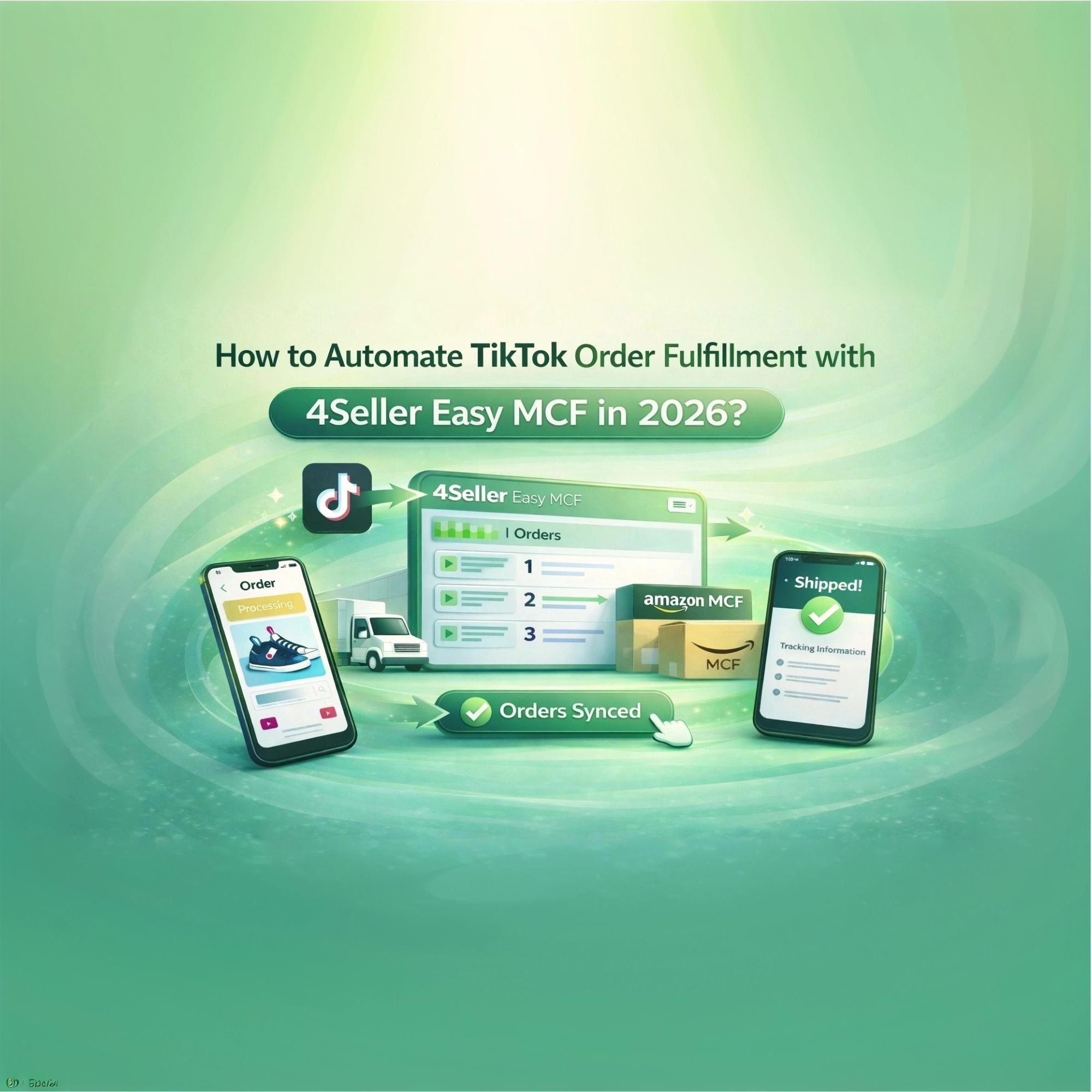
 Joline - 30 Mar,2026
 Joline - 19 Mar,2026
 Joline - 12 Mar,2026
 Joline - 10 Mar,2026
 Joline - 09 Mar,2026
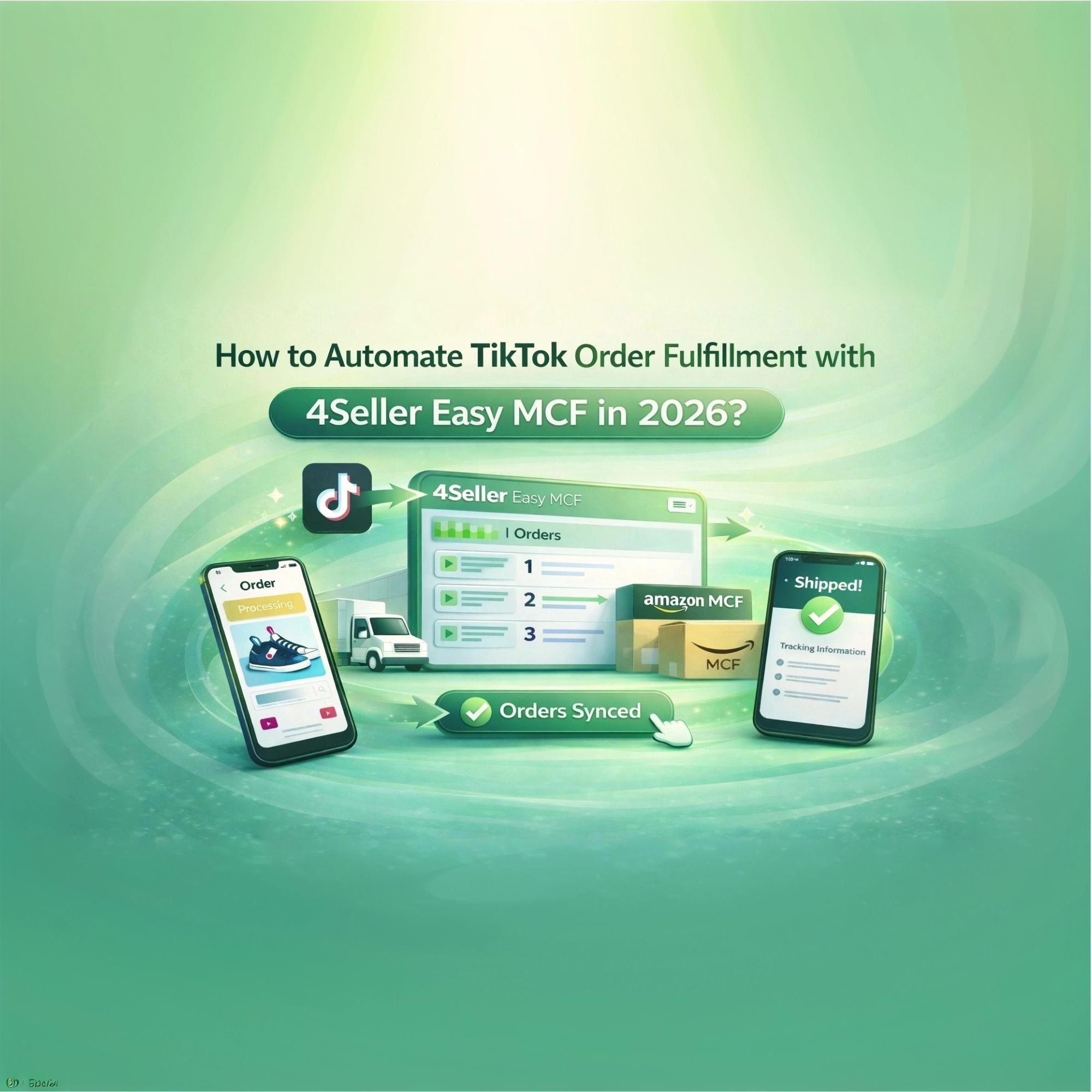 Joline - 04 Mar,2026
 Joline - 03 Mar,2026
 Joline - 11 Feb,2026
 Joline - 11 Feb,2026
 Joline - 11 Feb,2026
 Joline - 11 Feb,2026
 Joline - 11 Feb,2026
 Joline - 11 Feb,2026
 Joline - 11 Feb,2026
 Joline - 06 Feb,2026
 Joline - 26 Jan,2026
 Joline - 21 Jan,2026
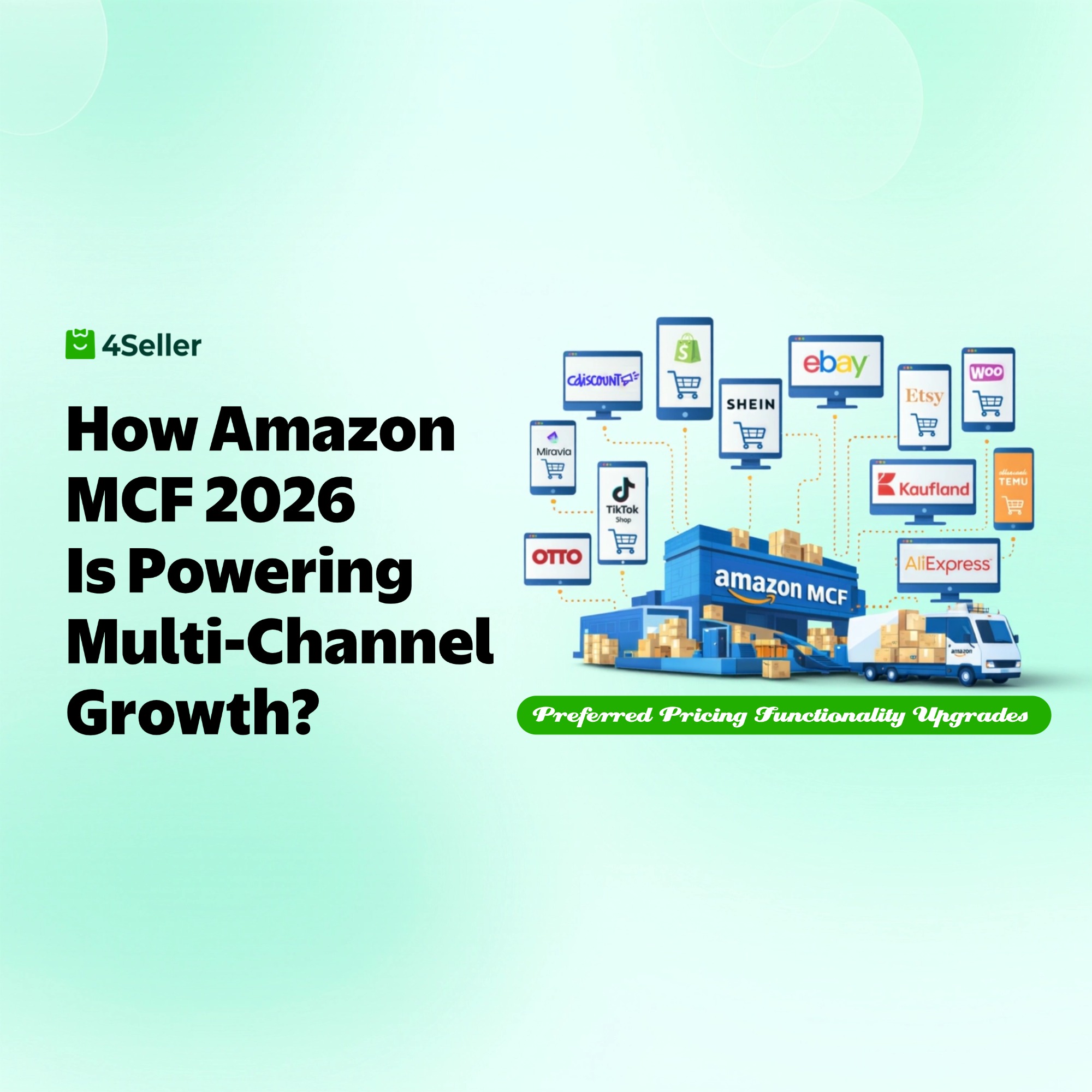 Joline - 20 Jan,2026
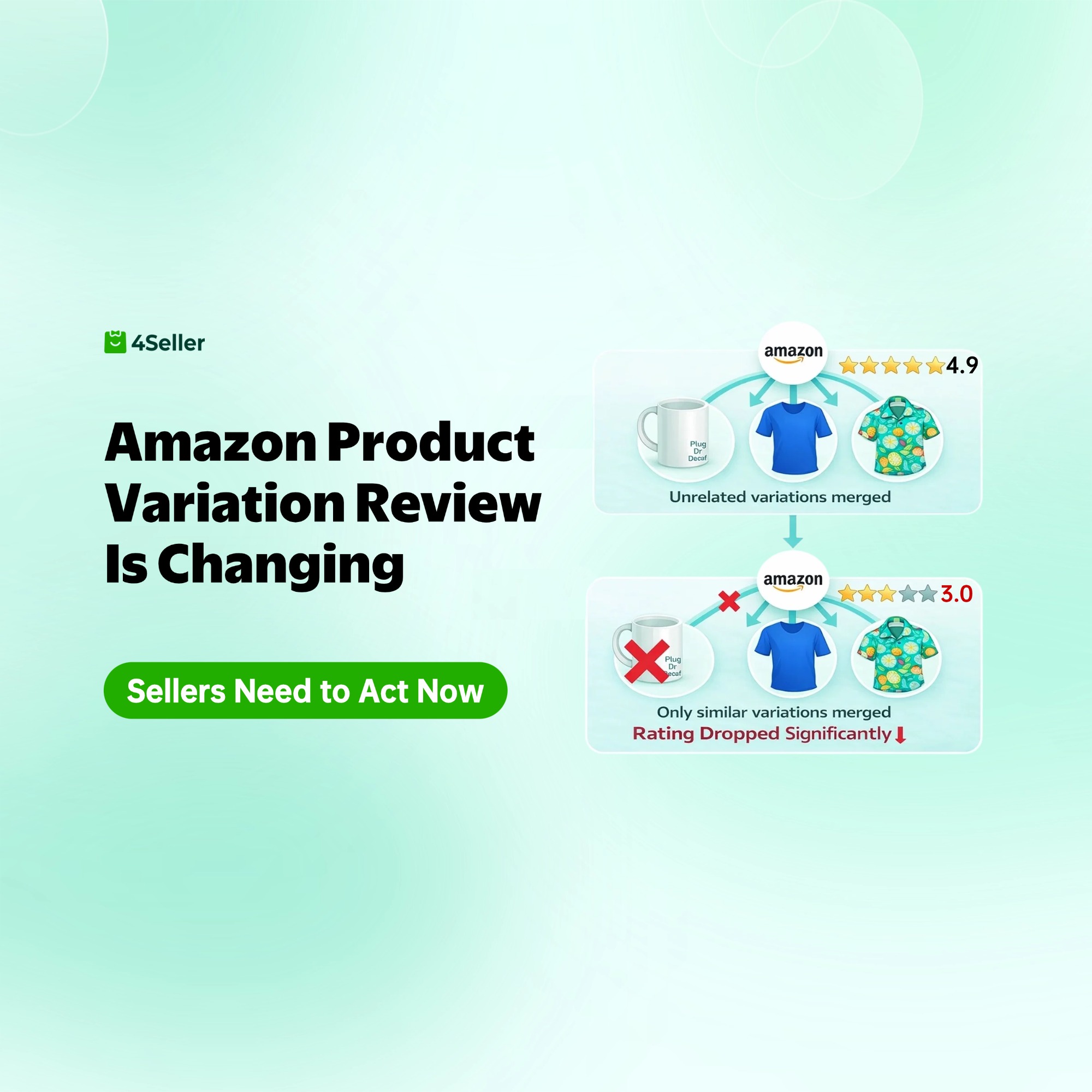 Joline - 09 Jan,2026
 Joline - 07 Jan,2026
 17 Dec,2024